A Mem Mcp
by DiaaAjcommunityv0.2.1
33
3
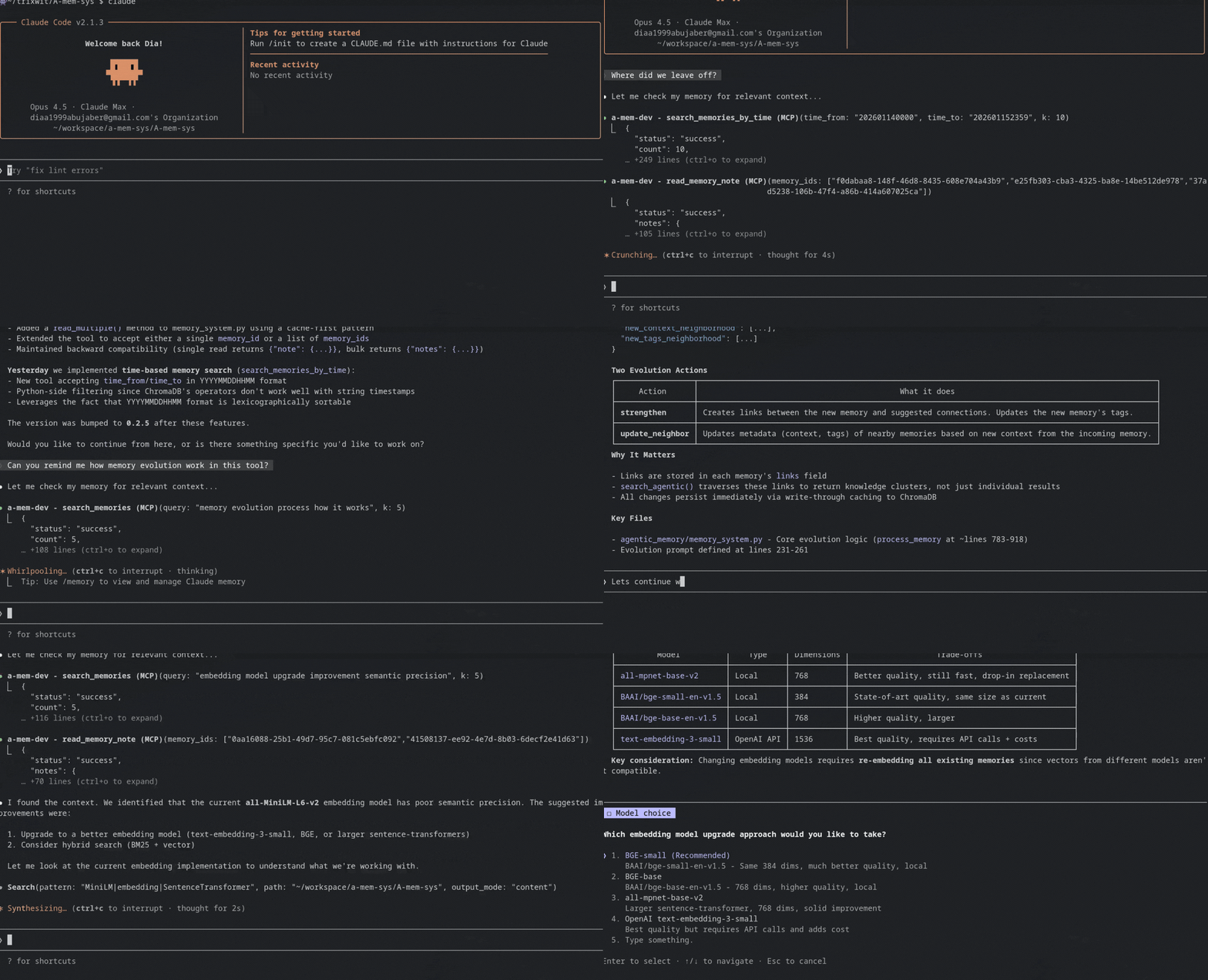
A-MEM is a self-evolving memory system for coding agents that organizes knowledge into a Zettelkasten-style graph with dynamic relationships, allowing memories to evolve and connect over time.
From the registry: Self-evolving memory system for AI agents



Install & configure
Prerequisites
- required
- requiredInstall the a-mem packageInstalls the a-mem-mcp CLI used as the MCP server command.
https://pypi.org/project/a-mem/$ pip install a-mem - requiredObtain an LLM backend API keyOpenAI key by default; OpenRouter or a local Ollama install can be used instead.https://platform.openai.com/api-keys
Install in your client
Paste into the AI you're chatting with — it will figure out the rest
Please install the `a-mem-mcp` MCP server into my current AI client (that's you).

Required prerequisites (do these first if not already done):
- **Install Python and pip** — The a-mem package is distributed on PyPI. (https://www.python.org/)
- **Install the a-mem package** — Installs the a-mem-mcp CLI used as the MCP server command. Run: `pip install a-mem` (https://pypi.org/project/a-mem/)
- **Obtain an LLM backend API key** — OpenAI key by default; OpenRouter or a local Ollama install can be used instead. (https://platform.openai.com/api-keys)

Canonical MCP server config (stdio transport):
- command: `a-mem-mcp`
- args: []
- optional environment variables:
  - `LLM_BACKEND`: LLM backend to use: openai, ollama, sglang, or openrouter. (example: `openai`)
  - `LLM_MODEL`: Model name for the chosen backend. (example: `gpt-4o-mini`)
  - `OPENAI_API_KEY`: OpenAI API key (required when LLM_BACKEND=openai). (example: `<your-openai-api-key>`)
  - `OPENROUTER_API_KEY`: OpenRouter API key (required when LLM_BACKEND=openrouter). (example: `<your-openrouter-api-key>`)
  - `EMBEDDING_MODEL`: Sentence-transformer embedding model. (example: `all-MiniLM-L6-v2`)
  - `CHROMA_DB_PATH`: Directory for ChromaDB storage. Set to ~/.local/share/a-mem/chroma_db for global memory. (example: `./chroma_db`)
  - `EVO_THRESHOLD`: Number of memories that triggers evolution processing. (example: `100`)

Note: A session-start hook for Claude Code is installed automatically. Memory defaults to per-project storage in ./chroma_db; set CHROMA_DB_PATH for shared global memory.

Add this MCP server to my current client's config in the correct format for you. If you need secrets or credentials I haven't provided, ASK me — do not invent values or leave raw placeholders. After adding it, tell me how to verify the server is connected.
Note: A session-start hook for Claude Code is installed automatically. Memory defaults to per-project storage in ./chroma_db; set CHROMA_DB_PATH for shared global memory.
Tools (8)
add_memory_note
Store new knowledge (async, returns immediately)
search_memories
Semantic search across all memories
search_memories_agentic
Search + follow graph connections
search_memories_by_time
Search within a time range
read_memory_note
Get full details (supports bulk reads)
update_memory_note
Modify existing memory
delete_memory_note
Remove a memory
check_task_status
Check async task completion
Environment variables
OPENAI_API_KEYrequiredOpenAI API keyPackages
a-mem
pypiv0.2.1transport: stdio
Details
- Language
- Python
- License
- MIT
- Released
- Jan 9, 2026
- Last commit
- Jan 17, 2026
- Registry name
- io.github.DiaaAj/a-mem-mcp