Agentbridge
by SeanFDZcommunityv1.0.2
23
1
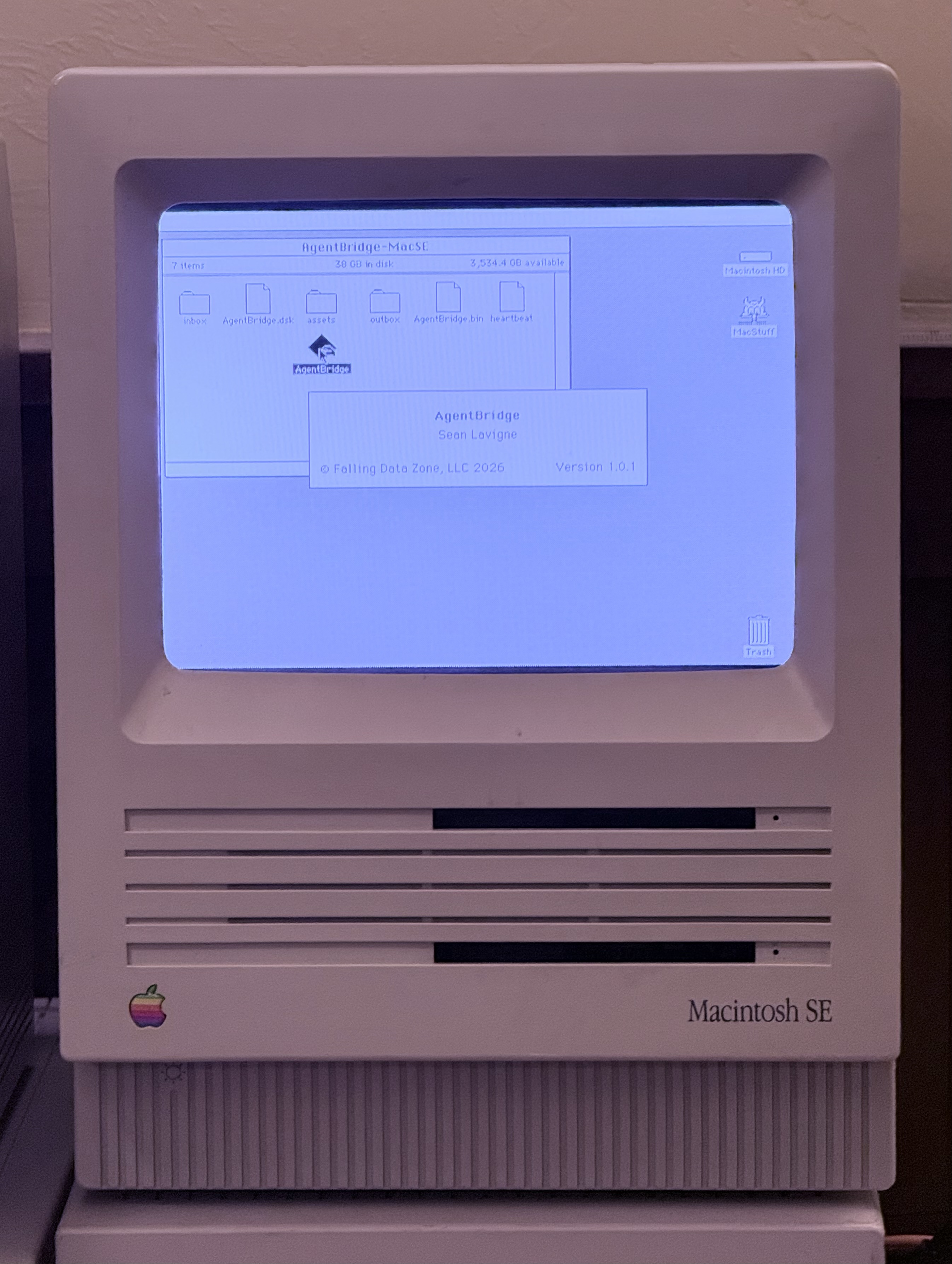
AgentBridge is a Classic Mac OS 7–9 application plus an MCP server that lets AI agents control a Classic Mac through a shared-folder text protocol. It can list windows, launch and quit apps, type text, use the clipboard, browse files, and send keyboard and mouse actions on real hardware or emulators.
From the registry: Control Classic Mac OS (System 7-9) from AI agents via shared folder protocol.


Install & configure
Prerequisites
- requiredInstall Node.js 20+Node.js 20 or later is required to run the MCP server.
- requiredSet up a shared folder accessible to both your modern computer and the Classic MacCreate a shared filesystem location that both sides can read and write, such as a NAS share, emulator shared folder, or other shared volume.
- requiredCreate the AgentBridge folder structureInside the shared folder, create a per-Mac directory containing inbox, outbox, and assets subdirectories.
- requiredDownload and launch AgentBridge on the Classic MacDownload the appropriate pre-built AgentBridge binary from the project's Releases page, copy it into the per-Mac shared folder, and launch it on the Classic Mac so it can process commands.../../releases
- requiredCreate a fleet.json configuration fileCreate a fleet configuration file listing one or more Classic Mac targets and their shared_folder paths.
Install in your client
Paste into the AI you're chatting with — it will figure out the rest
Please install the `agentbridge` MCP server into my current AI client (that's you).

Required prerequisites (do these first if not already done):
- **Install Node.js 20+** — Node.js 20 or later is required to run the MCP server.
- **Set up a shared folder accessible to both your modern computer and the Classic Mac** — Create a shared filesystem location that both sides can read and write, such as a NAS share, emulator shared folder, or other shared volume.
- **Create the AgentBridge folder structure** — Inside the shared folder, create a per-Mac directory containing inbox, outbox, and assets subdirectories.
- **Download and launch AgentBridge on the Classic Mac** — Download the appropriate pre-built AgentBridge binary from the project's Releases page, copy it into the per-Mac shared folder, and launch it on the Classic Mac so it can process commands. (../../releases)
- **Create a fleet.json configuration file** — Create a fleet configuration file listing one or more Classic Mac targets and their shared_folder paths.

Canonical MCP server config (stdio transport):
- command: `npx`
- args: ["-y","classic-mac-mcp","--config","<path-to-fleet.json>"]

Note: Preferred install path is running the MCP server via npx. The fleet.json file should contain a top-level "fleet" array with entries such as id, alias, arch, os_version, and shared_folder. Example shared_folder values should point to the per-Mac AgentBridge directory that contains inbox/, outbox/, and assets/.

Add this MCP server to my current client's config in the correct format for you. If you need secrets or credentials I haven't provided, ASK me — do not invent values or leave raw placeholders. After adding it, tell me how to verify the server is connected.
Note: Preferred install path is running the MCP server via npx. The fleet.json file should contain a top-level "fleet" array with entries such as id, alias, arch, os_version, and shared_folder. Example shared_folder values should point to the per-Mac AgentBridge directory that contains inbox/, outbox/, and assets/.
Tools (23)
classic_mac_list_targets
List all configured Classic Mac targets and their heartbeat status.
classic_mac_ping
Check whether AgentBridge is responding and return pong.
classic_mac_heartbeat
Read the heartbeat file for uptime, front app, free memory, and timestamp.
classic_mac_get_about
Return system information such as OS version, machine type, RAM, free memory, and uptime.
classic_mac_list_windows
Enumerate visible windows across all applications.
classic_mac_get_front_window
Get details about the frontmost window.
classic_mac_list_processes
List running applications with name, creator code, PID, and memory partition.
classic_mac_list_menus
List the menu bar entries for the frontmost application.
classic_mac_get_menu_items
Get items within a specific menu by name.
classic_mac_menu_select
Activate a menu item by name.
classic_mac_click
Click at screen coordinates.
classic_mac_mouse_move
Move the cursor without clicking.
classic_mac_mouse_drag
Prerequisites
- • Node.js 20+
Packages
classic-mac-mcp
npmv1.0.2transport: stdio
Details
- Language
- C
- License
- GPL-3.0
- Released
- Apr 12, 2026
- Last commit
- Apr 20, 2026
- Registry name
- io.github.SeanFDZ/agentbridge