Ai Cli Mcp
by mkxultracommunityv2.17.0
16
7
This MCP server allows running various AI CLI tools in background processes with automatic permission handling. It supports multiple AI models and enables efficient coding task management.
From the registry: MCP server for AI CLI tools (Claude, Codex, Gemini, and Forge) with background process management


Install & configure
Prerequisites
- requiredNode.js 20+ESM support required.
- optionalClaude CLI first-time setupRun Claude CLI manually once with --dangerously-skip-permissions to accept terms.
$ claude --dangerously-skip-permissions
Install in your client
Paste into the AI you're chatting with — it will figure out the rest
Please install the `ai-cli-mcp` MCP server into my current AI client (that's you).

Required prerequisites (do these first if not already done):
- **Node.js 20+** — ESM support required.

Optional prerequisites:
- Claude CLI first-time setup — Run Claude CLI manually once with --dangerously-skip-permissions to accept terms. Run: `claude --dangerously-skip-permissions`

Canonical MCP server config (stdio transport):
- command: `npx`
- args: ["-y","ai-cli-mcp@latest"]
- optional environment variables:
  - `CLAUDE_CLI_NAME`: Override Claude CLI binary name or absolute path. (example: `claude`)
  - `CODEX_CLI_NAME`: Override Codex CLI binary name or absolute path. (example: `codex`)
  - `GEMINI_CLI_NAME`: Override Gemini CLI binary name or absolute path. (example: `gemini`)
  - `FORGE_CLI_NAME`: Override Forge CLI binary name or absolute path. (example: `forge`)
  - `OPENCODE_CLI_NAME`: Override OpenCode CLI binary name or absolute path. (example: `opencode`)
  - `MCP_CLAUDE_DEBUG`: Enable debug logging to stderr. (example: `false`)

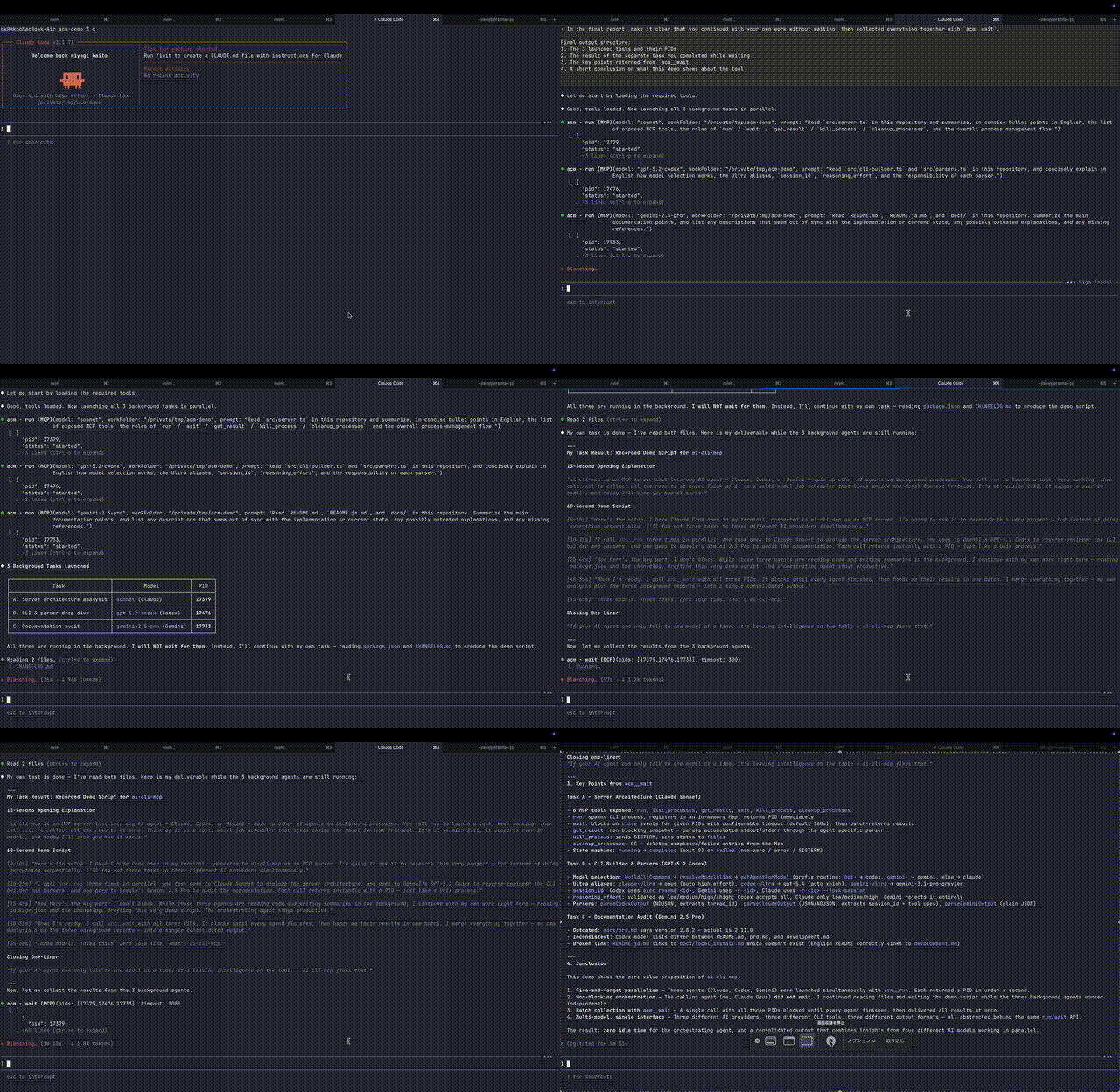
Note: Runs Claude/Codex/Gemini/Forge/OpenCode CLIs as background processes with PID tracking.

Add this MCP server to my current client's config in the correct format for you. If you need secrets or credentials I haven't provided, ASK me — do not invent values or leave raw placeholders. After adding it, tell me how to verify the server is connected.
Note: Runs Claude/Codex/Gemini/Forge/OpenCode CLIs as background processes with PID tracking.
Tools (2)
run
Executes a prompt using various AI CLI tools like Claude, Codex, Gemini, Forge, or OpenCode.
wait
Waits for multiple AI agent processes to complete and returns their combined results.
Prerequisites
- • Node.js v20
Packages
ai-cli-mcp
npmv2.17.0transport: stdio
Details
- Language
- TypeScript
- License
- MIT
- Released
- Apr 11, 2026
- Last commit
- May 17, 2026
- Registry name
- io.github.mkXultra/ai-cli-mcp