Apify Mcp Server
by apifyofficialv0.9.17
3.9k
225
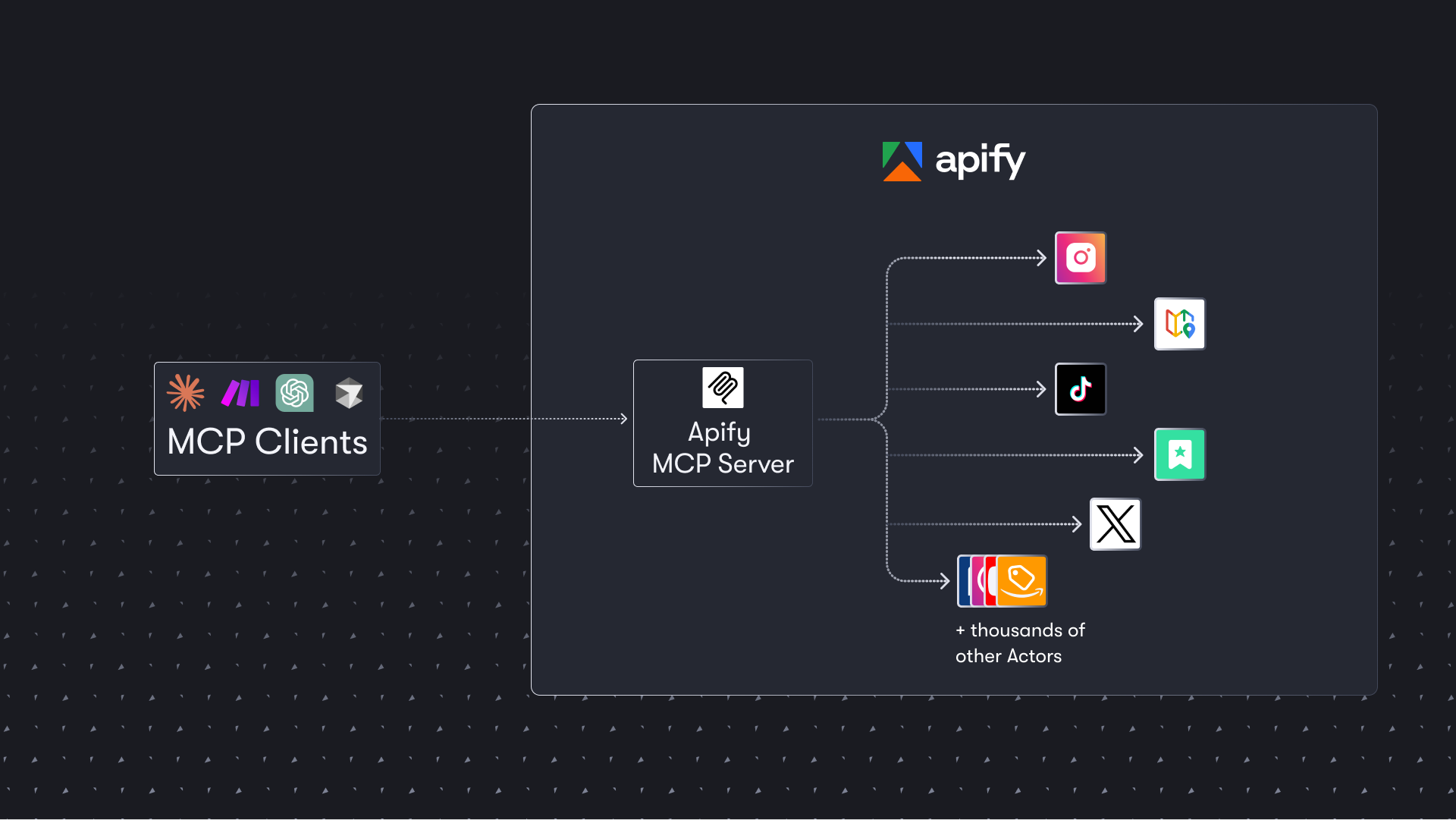
The Apify MCP server enables AI agents to extract data from various websites using ready-made scrapers and automation tools. It supports OAuth for client connections and allows for agentic payments without requiring an API token.
From the registry: Extract data from any website with thousands of scrapers, crawlers, and automations on Apify Store ⚡



Install & configure
Prerequisites
- optionalGet Apify API tokenGet an Apify API token from apify.com (required for paid tools; unauthenticated access is limited to a few discovery tools)https://console.apify.com/settings/integrations
Install in your client
Paste into the AI you're chatting with — it will figure out the rest
Please install the `apify-mcp-server` MCP server into my current AI client (that's you).

Optional prerequisites:
- Get Apify API token — Get an Apify API token from apify.com (required for paid tools; unauthenticated access is limited to a few discovery tools) (https://console.apify.com/settings/integrations)

Canonical MCP server config (stdio transport):
- command: `npx`
- args: ["-y","@apify/actors-mcp-server"]
- required environment variables:
  - `APIFY_TOKEN`: Your Apify API token (example: `<your-apify-token>`)
- optional environment variables:
  - `TELEMETRY_ENABLED`: Set to false to disable telemetry (example: `false`)
  - `UI_MODE`: Enable MCP Apps widget rendering (example: `false`)

Note: Hosted HTTPS endpoint at mcp.apify.com supports OAuth (recommended). Local stdio variant via @apify/actors-mcp-server. SSE transport deprecated April 1, 2026; use Streamable HTTP.

Add this MCP server to my current client's config in the correct format for you. If you need secrets or credentials I haven't provided, ASK me — do not invent values or leave raw placeholders. After adding it, tell me how to verify the server is connected.
Note: Hosted HTTPS endpoint at mcp.apify.com supports OAuth (recommended). Local stdio variant via @apify/actors-mcp-server. SSE transport deprecated April 1, 2026; use Streamable HTTP.
Tools (5)
Facebook Posts Scraper
Extracts data from Facebook posts from multiple pages/profiles.
Google Maps Email Extractor
Extracts contact details from Google Maps.
Google Search Results Scraper
Scrapes Google Search Engine Results Pages (SERPs).
Instagram Scraper
Scrapes Instagram posts, profiles, places, photos, and comments.
RAG Web Browser
Searches the web, scrapes the top N URLs, and returns their content.
Environment variables
APIFY_TOKENrequiredUsed for authorization when connecting to the MCP server.Remote Endpoints
https://mcp.apify.com/
type: streamable-http
Details
- Language
- TypeScript
- License
- MIT
- Released
- Apr 8, 2026
- Last commit
- Aug 16, 2026
- Registry name
- com.apify/apify-mcp-server