Argon
by argon-labcommunityv2.0.1
170
18
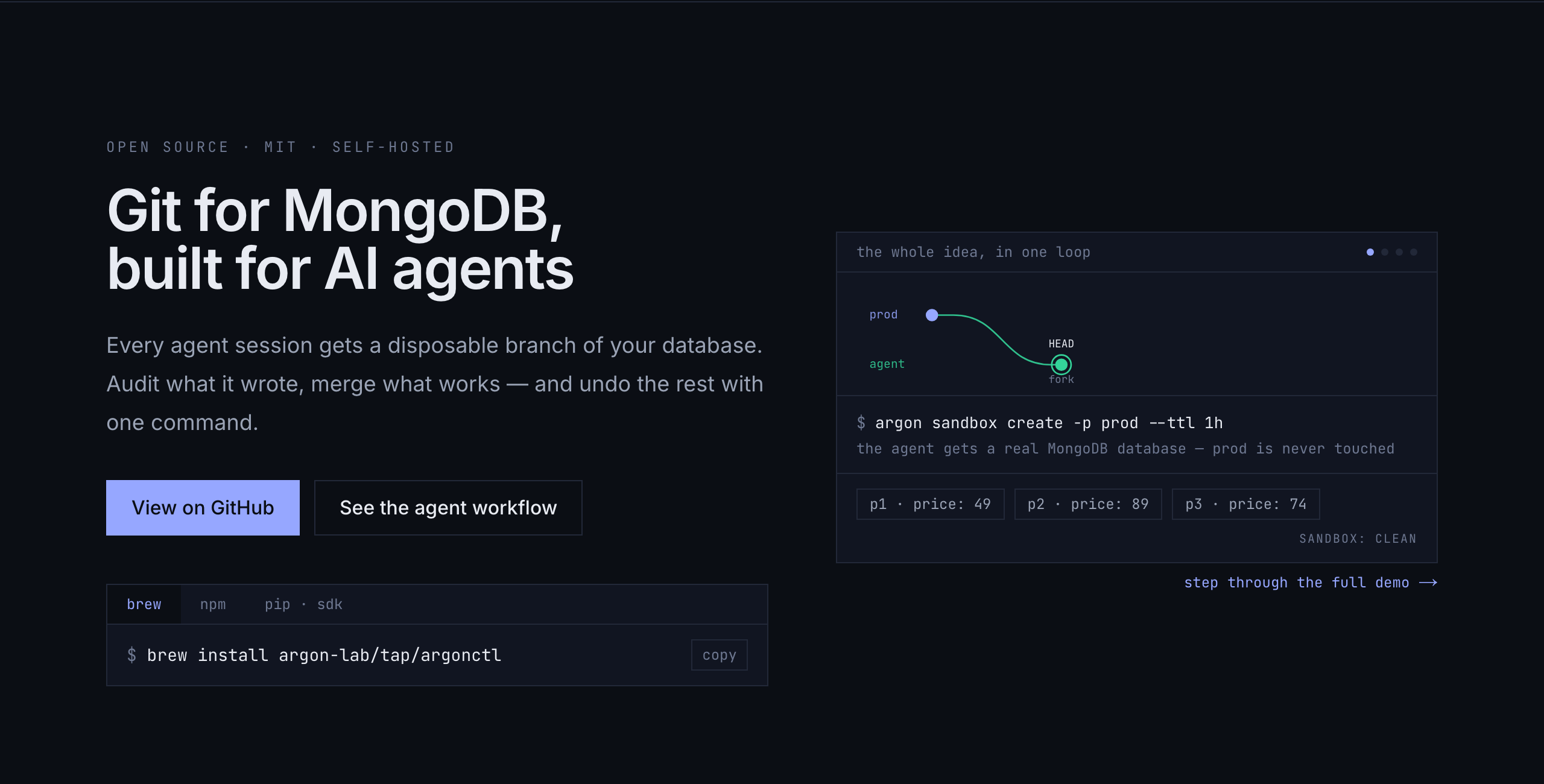
Argon provides Git-like branching, time-travel, merge, undo, and restore workflows for MongoDB databases while capturing writes into versioned history. It can expose real MongoDB databases for branches, serve a local web console, and offers an MCP interface for AI-agent workflows.
From the registry: Versioned MongoDB sandboxes for AI agents: branch, time-travel, merge, and undo over MCP.





Install & configure
Prerequisites
- requiredInstall argonctlInstall the Argon CLI, which provides the MCP server via the `argon mcp` command. The README shows Homebrew for macOS and npm for cross-platform; prefer npm as the simplest portable path.
https://www.npmjs.com/package/argonctl/$ npm install -g argonctl - requiredRun MongoDB as a replica setArgon requires MongoDB to run as a replica set; a one-node replica set is sufficient.
$ docker run -d --name argon-mongo -p 27017:27017 mongo:7 --replSet rs0 && docker exec argon-mongo mongosh --quiet --eval 'rs.initiate()'
Install in your client
Paste into the AI you're chatting with — it will figure out the rest
Please install the `argon` MCP server into my current AI client (that's you).

Required prerequisites (do these first if not already done):
- **Install argonctl** — Install the Argon CLI, which provides the MCP server via the `argon mcp` command. The README shows Homebrew for macOS and npm for cross-platform; prefer npm as the simplest portable path. Run: `npm install -g argonctl` (https://www.npmjs.com/package/argonctl/)
- **Run MongoDB as a replica set** — Argon requires MongoDB to run as a replica set; a one-node replica set is sufficient. Run: `docker run -d --name argon-mongo -p 27017:27017 mongo:7 --replSet rs0 && docker exec argon-mongo mongosh --quiet --eval 'rs.initiate()'`

Canonical MCP server config (stdio transport):
- command: `argon`
- args: ["mcp"]

Note: The README's MCP setup command is `claude mcp add argon -- argon mcp`, which implies a stdio server launched as `argon mcp`. No MCP-specific environment variables are documented in the provided README.

Add this MCP server to my current client's config in the correct format for you. If you need secrets or credentials I haven't provided, ASK me — do not invent values or leave raw placeholders. After adding it, tell me how to verify the server is connected.
Note: The README's MCP setup command is `claude mcp add argon -- argon mcp`, which implies a stdio server launched as `argon mcp`. No MCP-specific environment variables are documented in the provided README.
Tools (7)
sandbox create
Creates a disposable branch-and-checkout workspace with a TTL.
diff
Shows differences for a branch or historical state.
merge preview
Produces a reviewable merge plan for bringing branch changes back.
merge apply
Applies a previously generated merge plan.
undo
Reverts a range of changes or a specific actor's changes.
pin create
Creates an immutable named dataset state that survives garbage collection and resets.
pin sandbox
Creates a sandbox from a pinned dataset state.
Packages
argonctl
npmv2.0.1transport: stdio
Details
- Language
- Go
- License
- MIT
- Released
- Jul 9, 2026
- Last commit
- Jul 9, 2026
- Registry name
- io.github.argon-lab/argon