Buywhere Mcp
by BuyWherecommunityv1.0.5
5
An MCP server that lets AI agents search, compare, and retrieve product catalog data across Singapore, Southeast Asia, and US markets. It provides live pricing, product details, affiliate links, and category taxonomy through Model Context Protocol.
From the registry: Product search, price comparison, and deal discovery for AI agents across Singapore, SEA, and US.





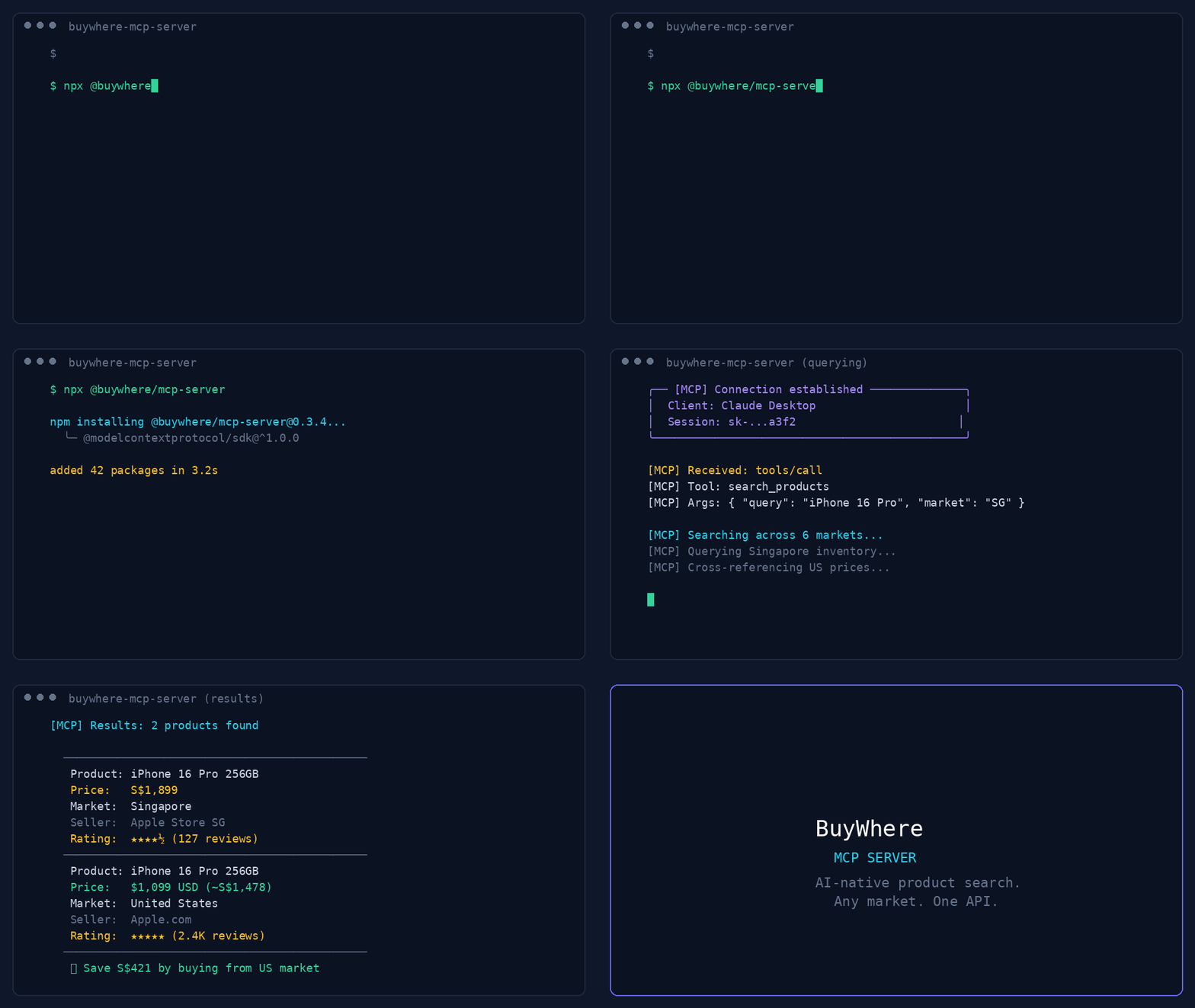
Install & configure
Prerequisites
- requiredObtain a BuyWhere API keyCreate or retrieve a BuyWhere API key required to use the MCP server.https://buywhere.ai/api-keys
- requiredNode.js and npx availableThe recommended install path runs the server with npx, so Node.js/npm must be installed on the system.
Install in your client
Paste into the AI you're chatting with — it will figure out the rest
Please install the `buywhere-mcp` MCP server into my current AI client (that's you).

Required prerequisites (do these first if not already done):
- **Obtain a BuyWhere API key** — Create or retrieve a BuyWhere API key required to use the MCP server. (https://buywhere.ai/api-keys)
- **Node.js and npx available** — The recommended install path runs the server with npx, so Node.js/npm must be installed on the system.

Canonical MCP server config (stdio transport):
- command: `npx`
- args: ["-y","@buywhere/mcp-server"]
- required environment variables:
  - `BUYWHERE_API_KEY`: API key from BuyWhere used to authenticate requests. (example: `<your-buywhere-api-key>`)
- optional environment variables:
  - `BUYWHERE_API_URL`: Custom API base URL for the BuyWhere MCP endpoint. Only set this if you need to override the default service URL. (example: `<your-buywhere-api-url>`)

Note: Preferred portable install path is running the package directly via npx. The README also mentions a default API URL of https://api.buywhere.ai/mcp, but per extraction rules the canonical config should not invent or embed real service defaults as user-supplied values.

Add this MCP server to my current client's config in the correct format for you. If you need secrets or credentials I haven't provided, ASK me — do not invent values or leave raw placeholders. After adding it, tell me how to verify the server is connected.
Note: Preferred portable install path is running the package directly via npx. The README also mentions a default API URL of https://api.buywhere.ai/mcp, but per extraction rules the canonical config should not invent or embed real service defaults as user-supplied values.
Tools (6)
search_products
Search the product catalog by keyword, category, price, and region.
get_product
Fetch full product details by ID, including prices, specs, and images.
compare_prices
Compare 2–5 products side by side.
get_price
Get current prices across all merchants for a single product.
get_affiliate_link
Generate a click-tracked affiliate URL for a product.
get_catalog
Return the available product category taxonomy.
Environment variables
BUYWHERE_API_KEYrequiredAPI key required to access the BuyWhere MCP API.Packages
@buywhere/mcp-server
npmv0.3.10transport: stdio
Remote Endpoints
https://api.buywhere.ai/mcp
type: streamable-http
Details
- Language
- JavaScript
- License
- MIT
- Released
- Jun 14, 2026
- Last commit
- Jun 25, 2026
- Registry name
- io.github.BuyWhere/buywhere-mcp