Caid Mcp
by dreliq9communityv0.5.0
2
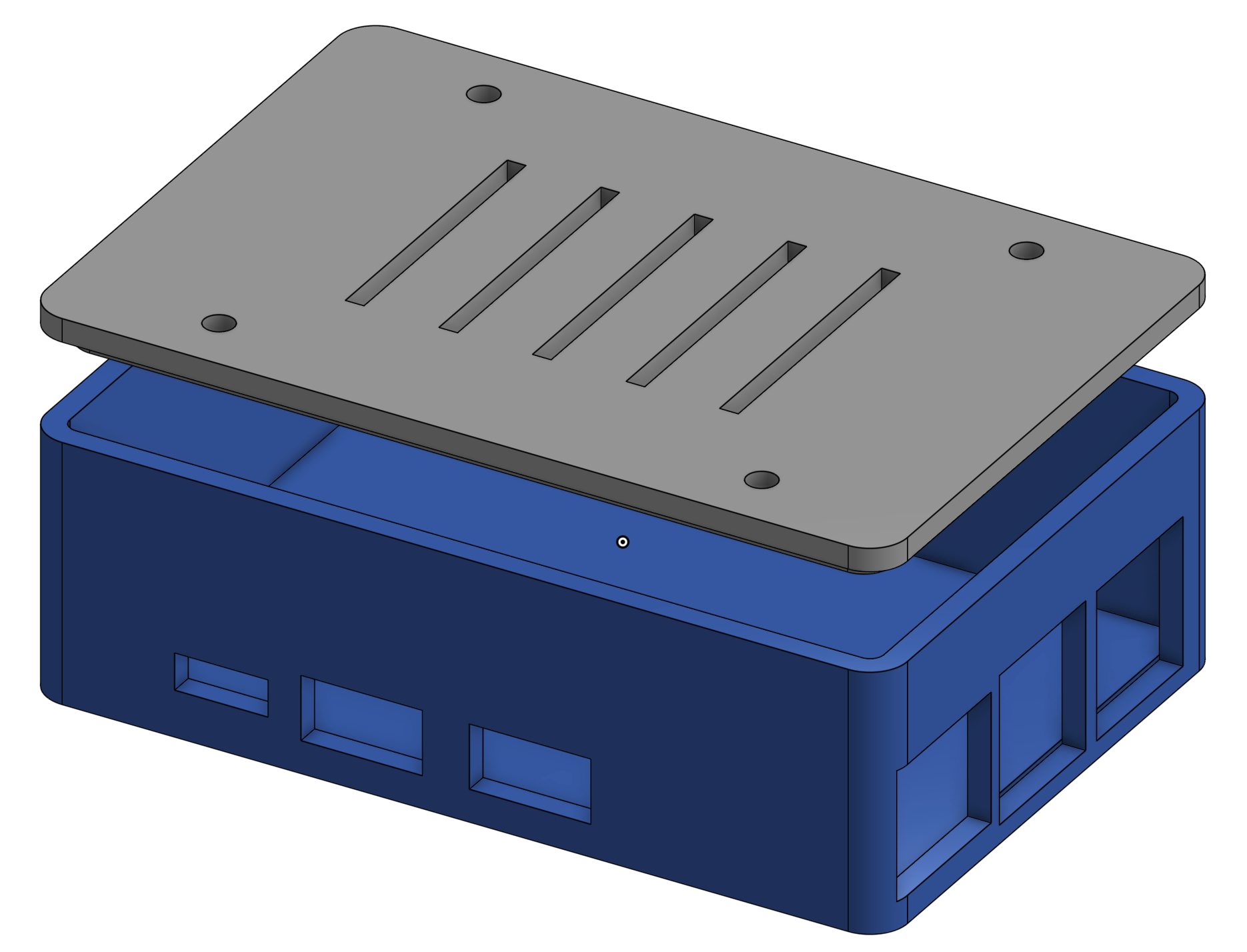
The CAiD MCP Server provides validated 3D CAD modeling for AI agents using CAiD and OpenCASCADE, functioning as a server without a GUI. It ensures geometry operations are validated to prevent silent failures common in CAD operations.
From the registry: Validated 3D CAD modeling for AI agents via CAiD + OCCT. 107 tools across 22 modules.
Install & configure
Prerequisites
- requiredCreate a Python venv with CAiD installedCreate a Python venv and install caid (it pulls in OCP), then clone caid-mcp and pip install -e .
https://github.com/dreliq9/caid-mcp$ pip install caid && git clone https://github.com/dreliq9/caid-mcp && cd caid-mcp && pip install -e .
Install in your client
Paste into the AI you're chatting with — it will figure out the rest
Please install the `caid-mcp` MCP server into my current AI client (that's you).

Required prerequisites (do these first if not already done):
- **Create a Python venv with CAiD installed** — Create a Python venv and install caid (it pulls in OCP), then clone caid-mcp and pip install -e . Run: `pip install caid && git clone https://github.com/dreliq9/caid-mcp && cd caid-mcp && pip install -e .` (https://github.com/dreliq9/caid-mcp)

Canonical MCP server config (stdio transport):
- command: `<path-to-venv>/bin/python`
- args: ["<path-to-caid-mcp>/server.py"]
- optional environment variables:
  - `CAID_OUTPUT_DIR`: Directory where generated STL output files are written (example: `<your-output-dir>`)

Add this MCP server to my current client's config in the correct format for you. If you need secrets or credentials I haven't provided, ASK me — do not invent values or leave raw placeholders. After adding it, tell me how to verify the server is connected.
Tools (13)
primitives
Creates basic shapes like box, cylinder, sphere, cone, torus, extruded polygon, and revolved profile.
modify
Allows for modifications such as holes, fillets, chamfers, and shell operations.
transforms
Enables transformations including translate, rotate, scale, and mirror.
booleans
Performs boolean operations like union, cut, intersect, and multi-combine.
query
Facilitates geometry inspection and measurement.
view
Provides section cuts and exploded assembly views.
scene
Manages the workspace with tools to list, info, delete, duplicate, and clear.
export
Exports models in formats like SVG preview, STL, and STEP.
heal
Checks validity, repairs shapes, and simplifies faces.
io
Handles BREP export and STEP/BREP import.
assembly
Manages multi-part assemblies.
compound
Creates complex systems like belt wires and pulley assemblies.
advanced
Supports CAiD scripting, linear patterns, and tool discovery.
Environment variables
CAID_OUTPUT_DIROverrides the default output directory for exported files.Prerequisites
- • Python 3.11+
Packages
caid-mcp
pypiv0.5.0transport: stdio
Details
- Language
- Python
- License
- MIT
- Released
- Mar 30, 2026
- Last commit
- Jul 17, 2026
- Registry name
- io.github.dreliq9/caid-mcp