ClaudeR - RStudio MCP Server
by imnmvcommunityv0.2.1
246
29
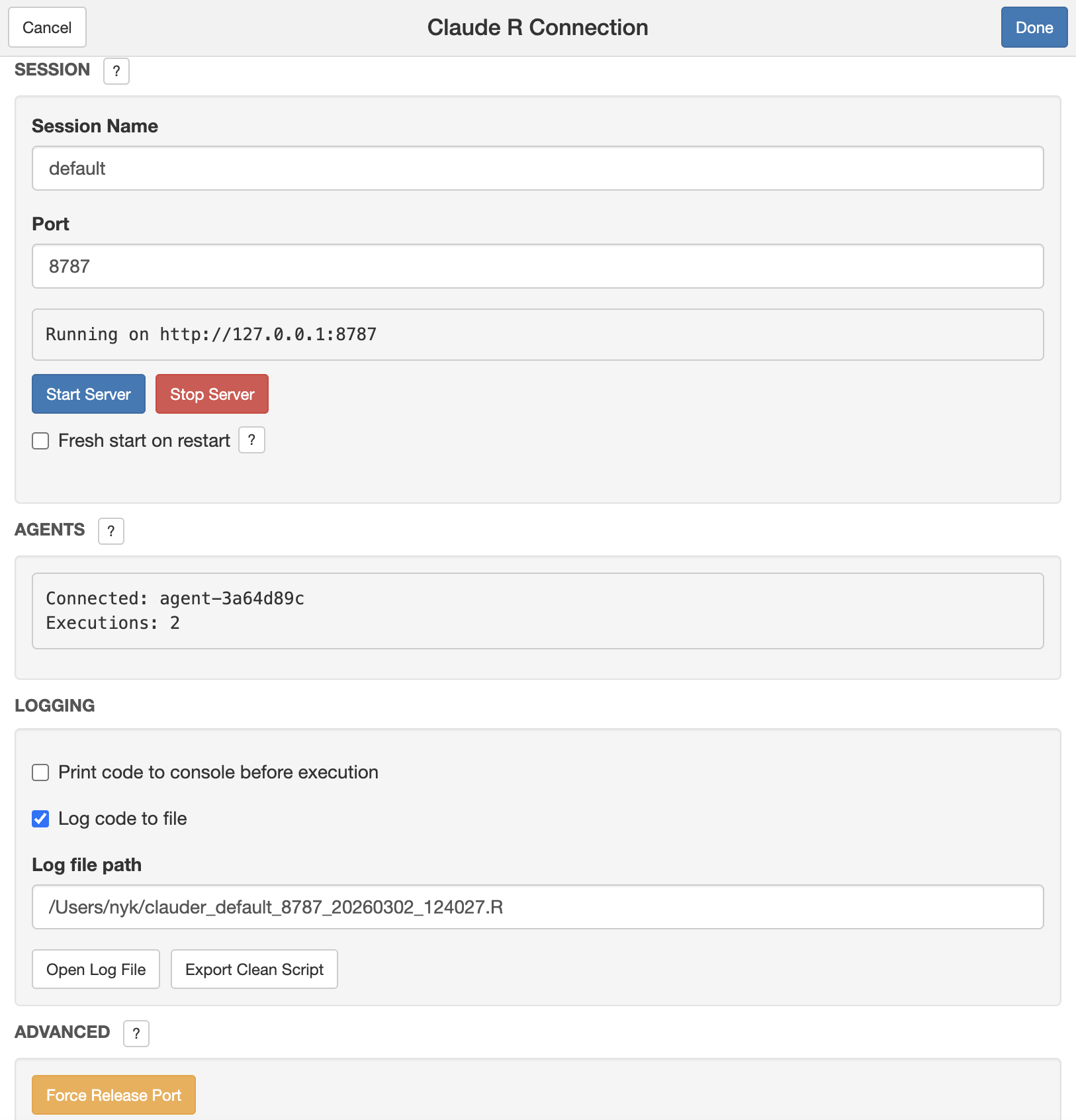
ClaudeR is an R package that connects RStudio to MCP configured LLM agents, enabling interactive coding sessions and multi-agent orchestration for tasks like automated manuscript auditing and data annotation.
From the registry: Connect RStudio to AI assistants for interactive R coding and data analysis.






Install & configure
Prerequisites
- requiredR 4.0+R 4.0 or higher
- requiredInstall ClaudeR R packageInstall from GitHub via devtools
https://github.com/IMNMV/ClaudeR$ R -e "if (!require('devtools')) install.packages('devtools'); devtools::install_github('IMNMV/ClaudeR')" - requiredStart RStudio serverIn RStudio, run library(ClaudeR); claudeAddin() to start the bridge on localhost
Install in your client
Paste into the AI you're chatting with — it will figure out the rest
Please install the `clauder` MCP server into my current AI client (that's you).

Required prerequisites (do these first if not already done):
- **R 4.0+** — R 4.0 or higher
- **Install ClaudeR R package** — Install from GitHub via devtools Run: `R -e "if (!require('devtools')) install.packages('devtools'); devtools::install_github('IMNMV/ClaudeR')"` (https://github.com/IMNMV/ClaudeR)
- **Start RStudio server** — In RStudio, run library(ClaudeR); claudeAddin() to start the bridge on localhost

Canonical MCP server config (stdio transport):
- command: `uvx`
- args: ["clauder-mcp"]

Note: R package + Python MCP bridge connecting RStudio to Claude Code/Codex/Gemini. Allows agents to execute R code, see plots, and audit manuscripts. Start RStudio side first via claudeAddin().

Add this MCP server to my current client's config in the correct format for you. If you need secrets or credentials I haven't provided, ASK me — do not invent values or leave raw placeholders. After adding it, tell me how to verify the server is connected.
Note: R package + Python MCP bridge connecting RStudio to Claude Code/Codex/Gemini. Allows agents to execute R code, see plots, and audit manuscripts. Start RStudio side first via claudeAddin().
Tools (8)
load_annotation_data
Allows an agent to label a CSV dataset row by row without writing any code.
annotate
Facilitates the annotation of data by the agent.
verify_references
Extracts DOIs from a manuscript's bibliography and queries the CrossRef API for metadata.
clean_error_log
Parses session logs to find and clean error blocks, producing a clean log with only working code.
get_viewer_content
Reads HTML from interactive widgets for agent inspection.
insert_text
Inserts text at the cursor position or a specific line/column in the active document.
export_log_as_script
Exports a clean script from the session log, preserving error blocks as comments.
read_file
Allows agents to read any text file from disk without it being open in RStudio.
Packages
clauder-mcp
pypiv0.2.1transport: stdio
Details
- Language
- Python
- License
- MIT
- Released
- Feb 23, 2026
- Last commit
- May 17, 2026
- Registry name
- io.github.IMNMV/clauder
Categories
Related Servers
Netdata
Real-time infrastructure monitoring with metrics, logs, alerts, and ML-based anomaly detection.
79.0k
Oh My Posh Validator
Validate oh-my-posh configurations and segment snippets against the official schema.
22.7k
Mcp
Real-time Kubernetes network traffic visibility and API analysis for HTTP, gRPC, Redis, Kafka, DNS.
11.9k