Context Book Mcp
by aditya201551communityv1.0.2
6
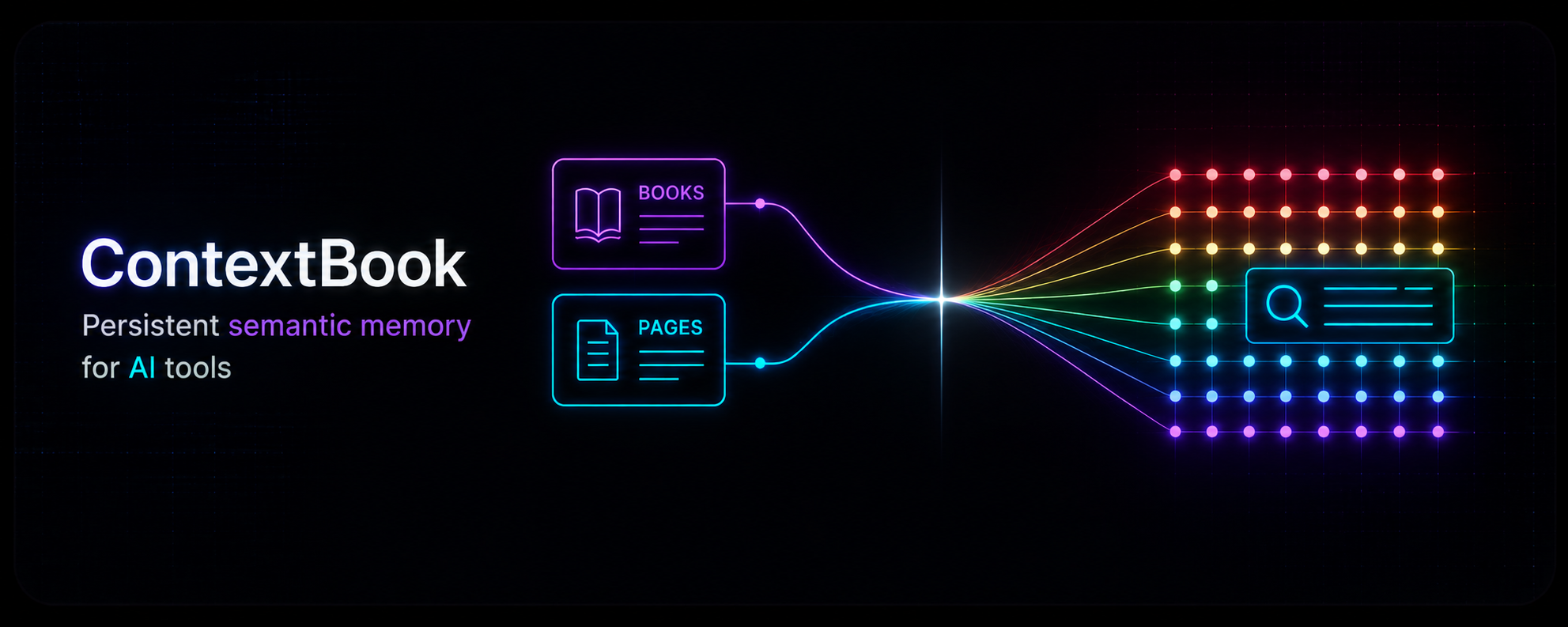
ContextBook is an MCP server and companion API for storing, organizing, and semantically searching user-authored books and pages in a PostgreSQL database. The MCP server exposes authenticated tools for creating, listing, reading, editing, deleting, and searching this context content for AI clients.
From the registry: Stop re-explaining yourself to Agents. Give it the right context, right when needed.

Install & configure
Prerequisites
- requiredInstall GoGo 1.26 or newer is required to run the backend API and MCP server from source.
- optionalInstall Node.jsNode.js 22 or newer is listed as a prerequisite. It is only needed for the optional frontend/dashboard development setup, not for running the MCP server itself.
- requiredSet up PostgreSQL with extensionsInstall PostgreSQL 16 or newer and enable the pgvector and pg_trgm extensions in a database for ContextBook.
https://github.com/pgvector/pgvector$ CREATE DATABASE contextbook_db; \c contextbook_db CREATE EXTENSION IF NOT EXISTS vector; CREATE EXTENSION IF NOT EXISTS pg_trgm; - requiredObtain a Voyage AI API keyA Voyage AI API key is required for embeddings used by the service.https://www.voyageai.com/
- requiredCreate backend environment fileCopy the example environment file and set the required values before starting the API and MCP services.
$ cp .env.example backend/.env - requiredRun the API server alongside the MCP serverThe MCP server depends on the separately run API/backend stack and shared database. Start the API server before connecting an MCP client.
$ cd backend && go run ./cmd/api/main.go - requiredRun the MCP serverStart the MCP server from the backend directory. The README indicates it serves MCP on port 8081.
$ cd backend && go run ./cmd/mcp/main.go
Install in your client
Paste into the AI you're chatting with — it will figure out the rest
Please install the `context-book-mcp` MCP server into my current AI client (that's you).

Required prerequisites (do these first if not already done):
- **Install Go** — Go 1.26 or newer is required to run the backend API and MCP server from source.
- **Set up PostgreSQL with extensions** — Install PostgreSQL 16 or newer and enable the pgvector and pg_trgm extensions in a database for ContextBook. Run: `CREATE DATABASE contextbook_db;
\c contextbook_db
CREATE EXTENSION IF NOT EXISTS vector;
CREATE EXTENSION IF NOT EXISTS pg_trgm;` (https://github.com/pgvector/pgvector)
- **Obtain a Voyage AI API key** — A Voyage AI API key is required for embeddings used by the service. (https://www.voyageai.com/)
- **Create backend environment file** — Copy the example environment file and set the required values before starting the API and MCP services. Run: `cp .env.example backend/.env`
- **Run the API server alongside the MCP server** — The MCP server depends on the separately run API/backend stack and shared database. Start the API server before connecting an MCP client. Run: `cd backend && go run ./cmd/api/main.go`
- **Run the MCP server** — Start the MCP server from the backend directory. The README indicates it serves MCP on port 8081. Run: `cd backend && go run ./cmd/mcp/main.go`

Optional prerequisites:
- Install Node.js — Node.js 22 or newer is listed as a prerequisite. It is only needed for the optional frontend/dashboard development setup, not for running the MCP server itself.

Canonical MCP server config (HTTP transport):
- url: `http://<your-host>:8081/mcp`

Note: The README documents an HTTP MCP endpoint, not a stdio command. The MCP server is run locally from source as a Go program and exposed at /mcp on port 8081. The backend environment file must include DATABASE_URL, API_KEY_SALT, and VOYAGE_API_KEY. The README also states all MCP tools require a valid Bearer token, but it does not provide a concrete client config example for supplying an Authorization header, so no canonical header entry is included here.

Add this MCP server to my current client's config in the correct format for you. If you need secrets or credentials I haven't provided, ASK me — do not invent values or leave raw placeholders. After adding it, tell me how to verify the server is connected.
Note: The README documents an HTTP MCP endpoint, not a stdio command. The MCP server is run locally from source as a Go program and exposed at /mcp on port 8081. The backend environment file must include DATABASE_URL, API_KEY_SALT, and VOYAGE_API_KEY. The README also states all MCP tools require a valid Bearer token, but it does not provide a concrete client config example for supplying an Authorization header, so no canonical header entry is included here.
Tools (8)
book_create_or_update
Create a Book or update its metadata
book_list
Paginated list of Book metadata
book_get
Retrieve all pages of a Book
page_insert
Push an atomic page into a Book; embeds immediately
page_update
Replace a page's content; re-embeds
page_delete
Remove a page (indices not re-numbered)
page_search
Semantic search across all Books
readme
Returns the usage guide (call once per session)
Environment variables
DATABASE_URLrequiredConnection string for the PostgreSQL database used by the backendAPI_KEY_SALTrequiredUsed for API/auth key handling in the backendVOYAGE_API_KEYrequiredVoyage AI API key for generating embeddingsPrerequisites
- • Node.js 22+
Remote Endpoints
https://context-book-mcp-production.up.railway.app
type: streamable-http
Details
- Language
- TypeScript
- License
- MIT
- Released
- May 17, 2026
- Last commit
- Jun 6, 2026
- Registry name
- io.github.aditya201551/context-book-mcp