Django Telescope
by raisiqueiracommunityv0.1.2
89
2
Django AI Boost is an MCP server designed for developing Django applications, providing tools for project introspection and interaction with AI assistants.
From the registry: A Model Context Protocol (MCP) server for Django applications, inspired by Laravel Boost
Install & configure
Prerequisites
- requiredPython 3.12+Python 3.12 or higher is required.
- requiredDjango 4.2+Existing Django project with settings module accessible.
- requiredInstall django-ai-boostInstall the package (via uv or pip).
$ pip install django-ai-boost
Install in your client
Paste into the AI you're chatting with — it will figure out the rest
Please install the `django-telescope` MCP server into my current AI client (that's you).

Required prerequisites (do these first if not already done):
- **Python 3.12+** — Python 3.12 or higher is required.
- **Django 4.2+** — Existing Django project with settings module accessible.
- **Install django-ai-boost** — Install the package (via uv or pip). Run: `pip install django-ai-boost`

Canonical MCP server config (stdio transport):
- command: `django-ai-boost`
- args: ["--settings","myproject.settings"]
- required environment variables:
  - `DJANGO_SETTINGS_MODULE`: Python path of your Django settings module. (example: `myproject.settings`)
- optional environment variables:
  - `PYTHONPATH`: Path to your Django project root so imports resolve. (example: `/path/to/your/django/project`)
  - `DJANGO_MCP_AUTH_TOKEN`: Bearer token for SSE transport auth (required in production DEBUG=False). (example: `<your-secret-token>`)
  - `DJANGO_MCP_MAX_LOG_LINES`: Default number of log lines returned by read_recent_logs. (example: `100`)

Note: Supports both stdio (default) and SSE transports. SSE requires DJANGO_MCP_AUTH_TOKEN when Django DEBUG=False. Published on PyPI as django-ai-boost.

Add this MCP server to my current client's config in the correct format for you. If you need secrets or credentials I haven't provided, ASK me — do not invent values or leave raw placeholders. After adding it, tell me how to verify the server is connected.
Note: Supports both stdio (default) and SSE transports. SSE requires DJANGO_MCP_AUTH_TOKEN when Django DEBUG=False. Published on PyPI as django-ai-boost.
Tools (3)
application_info
Get Django and Python versions, installed apps, middleware, database engine, and debug mode status.
get_setting
Retrieve any Django setting using dot notation (e.g., DATABASES.default.ENGINE).
list_models
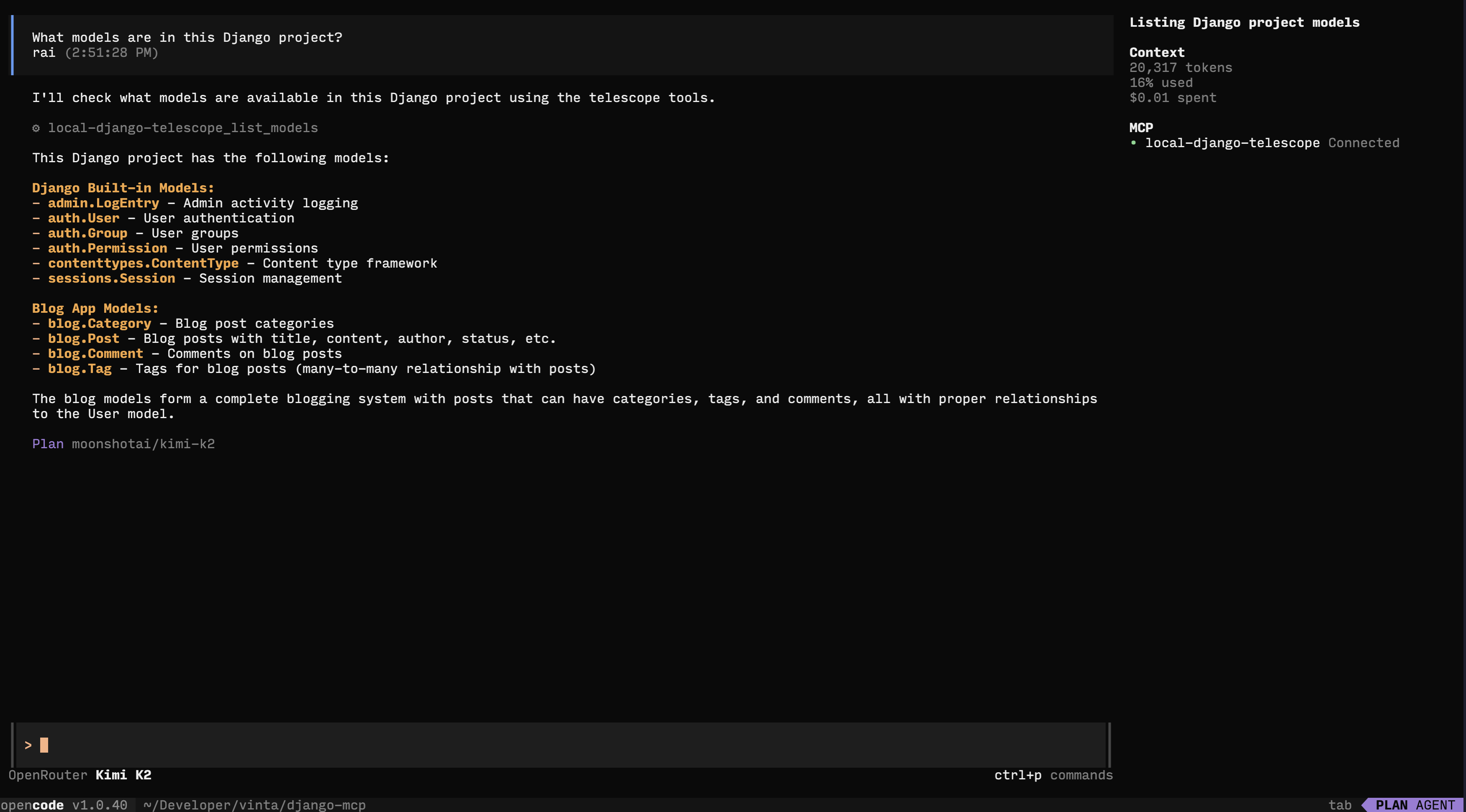
List all Django models with fields, types, max_length, null/blank status, and relations.
Environment variables
DJANGO_SETTINGS_MODULErequiredSpecifies the Django settings module to use.DJANGO_MCP_AUTH_TOKENrequiredAuthentication token for secure production deployments.Prerequisites
- • Python 3.12+
Packages
django-telescope
pypiv0.1.2transport: stdio
Details
- Language
- Python
- License
- MIT
- Released
- Nov 7, 2025
- Last commit
- Mar 10, 2026
- Registry name
- io.github.raisiqueira/django-telescope