Dotnet Mcp Orchestrator
by Byggarepopcommunityv0.5.0
2
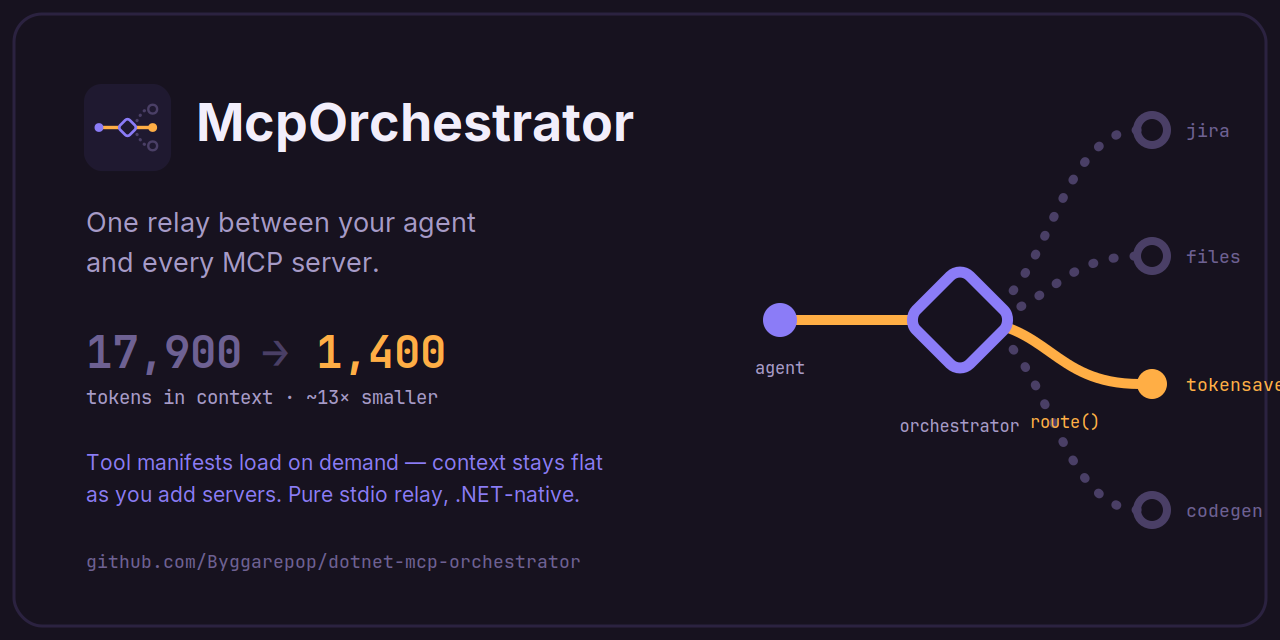
A .NET-native MCP orchestrator that sits between an agent and multiple MCP servers, loading downstream tool manifests on demand to reduce always-on context usage. It can also serve agent skills from configured sources and hot-reload configuration changes.
From the registry: Route one agent through one MCP server to many, with progressive tool discovery to shrink context.



Install & configure
Prerequisites
- requiredInstall .NET SDKThe README states the profiling and tool execution commands require the .NET SDK.https://dotnet.microsoft.com/
Install in your client
Paste into the AI you're chatting with — it will figure out the rest
Please install the `dotnet-mcp-orchestrator` MCP server into my current AI client (that's you).

Required prerequisites (do these first if not already done):
- **Install .NET SDK** — The README states the profiling and tool execution commands require the .NET SDK. (https://dotnet.microsoft.com/)

Canonical MCP server config (stdio transport):
- command: `dotnet`
- args: ["tool","execute","McpOrchestrator"]

Note: The simplest portable launch path shown is via the .NET tool executor: `dotnet tool execute McpOrchestrator`. The README's `init` command rewrites an existing MCP host config to use only the orchestrator, but the canonical MCP server command shape is the server launch itself. No required environment variables are shown in this README excerpt. The orchestrator depends on a separate `orchestrator.config.json` for downstream server/skill definitions, generated by `init` or created manually.

Add this MCP server to my current client's config in the correct format for you. If you need secrets or credentials I haven't provided, ASK me — do not invent values or leave raw placeholders. After adding it, tell me how to verify the server is connected.
Note: The simplest portable launch path shown is via the .NET tool executor: `dotnet tool execute McpOrchestrator`. The README's `init` command rewrites an existing MCP host config to use only the orchestrator, but the canonical MCP server command shape is the server launch itself. No required environment variables are shown in this README excerpt. The orchestrator depends on a separate `orchestrator.config.json` for downstream server/skill definitions, generated by `init` or created manually.
Tools (4)
list_capabilities
Lists available downstream capabilities so the agent can discover what the orchestrator can route to.
discover_tools
Loads the tool manifests for a selected downstream capability on demand.
route
Forwards the agent's request to the chosen downstream MCP server without interpreting it.
list_skills
Lists available agent skills with their names and one-line descriptions.
Packages
McpOrchestrator
nugetv0.5.0transport: stdio
Details
- Language
- C#
- License
- MIT
- Released
- Jul 31, 2026
- Last commit
- Aug 1, 2026
- Registry name
- io.github.Byggarepop/dotnet-mcp-orchestrator