Flowstudio Mcp
by ninihen1communityv1.0.0
13
7
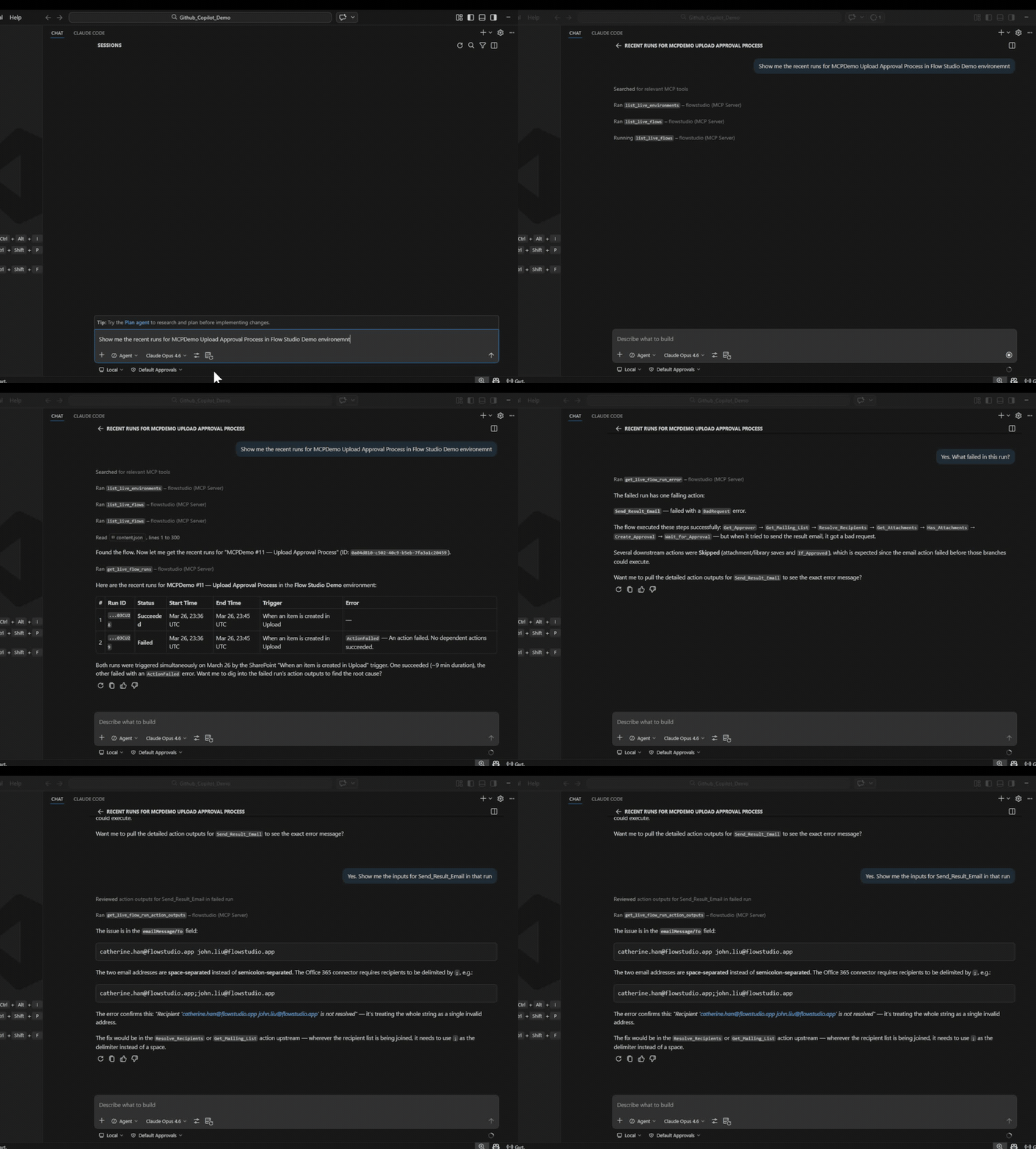
FlowStudio MCP provides AI agents with detailed visibility into Power Automate flows, including action-level inputs, outputs, and error details, which are not accessible through the Graph API.
From the registry: Debug, build, and manage Power Automate cloud flows with AI agents
Install & configure
Prerequisites
- requiredFlowStudio subscriptionA FlowStudio MCP subscription is required for live tools; monitoring/governance tools need FlowStudio for Teams or MCP Pro+https://mcp.flowstudio.app
- required
Install in your client
Paste into the AI you're chatting with — it will figure out the rest
Please install the `flowstudio-mcp` MCP server into my current AI client (that's you).

Required prerequisites (do these first if not already done):
- **FlowStudio subscription** — A FlowStudio MCP subscription is required for live tools; monitoring/governance tools need FlowStudio for Teams or MCP Pro+ (https://mcp.flowstudio.app)
- **Get API key / JWT token** — Get your token at mcp.flowstudio.app (https://mcp.flowstudio.app)

Canonical MCP server config (HTTP transport):
- url: `https://mcp.flowstudio.app/mcp`
- headers:
  - `x-api-key`: `<your-flowstudio-api-key>`

Note: Power Automate Skills for AI Agents — gives agents visibility into flow runs, action inputs/outputs, and governance metadata.

Add this MCP server to my current client's config in the correct format for you. If you need secrets or credentials I haven't provided, ASK me — do not invent values or leave raw placeholders. After adding it, tell me how to verify the server is connected.
Note: Power Automate Skills for AI Agents — gives agents visibility into flow runs, action inputs/outputs, and governance metadata.
Tools (5)
power-automate-mcp
Connect to and operate Power Automate cloud flows — list flows, read definitions, check runs, resubmit, cancel.
power-automate-debug
Step-by-step diagnostic process for investigating failing flows.
power-automate-build
Build, scaffold, and deploy Power Automate flow definitions from scratch.
power-automate-monitoring
Flow health, failure rates, maker inventory, Power Apps, environment and connection counts.
power-automate-governance
Classify flows by impact, detect orphans, audit connectors, manage notifications, compute archive scores.
Environment variables
x-api-keyrequiredAPI key required to connect to the MCP server.Remote Endpoints
https://mcp.flowstudio.app/mcp
type: streamable-http
Details
- Language
- JavaScript
- License
- MIT
- Released
- Apr 3, 2026
- Last commit
- May 10, 2026
- Registry name
- io.github.ninihen1/flowstudio-mcp
Categories
Related Servers
Netdata
Real-time infrastructure monitoring with metrics, logs, alerts, and ML-based anomaly detection.
79.0k
Oh My Posh Validator
Validate oh-my-posh configurations and segment snippets against the official schema.
22.7k
Mcp
Real-time Kubernetes network traffic visibility and API analysis for HTTP, gRPC, Redis, Kafka, DNS.
11.9k