Gadschain
by SnipMCPcommunityv0.1.1
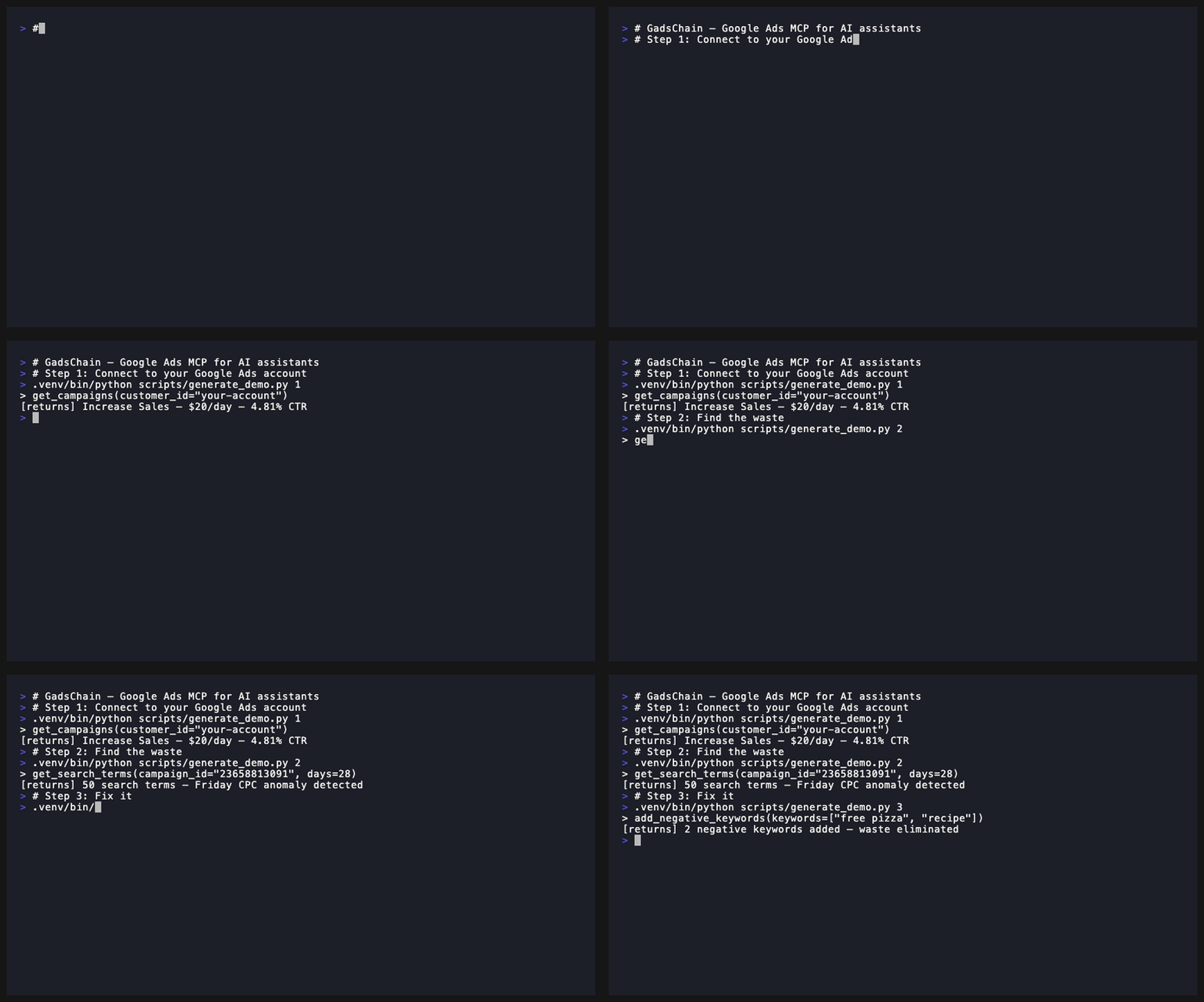
MCP server for Google Ads account operations that fetches, transforms, and mutates campaign data through safe, structured tools. It supports campaign listing, search-term review, budget updates, pausing/enabling campaigns, and adding negative keywords.
From the registry: Google Ads MCP server. Read campaigns, manage budgets, pause/enable, add negative keywords.
Install & configure
Prerequisites
- requiredInstall PythonPython is required to run the server locally.
- requiredClone the repositoryDownload the GadsChain source code locally.
https://github.com/SnipMCP/gadschain$ git clone https://github.com/SnipMCP/gadschain.git - requiredInstall the packageInstall GadsChain and its development dependencies from the cloned repository.
$ cd gadschain && pip install -e ".[dev]" - requiredCreate Google Ads API credentialsObtain the Google Ads developer token, OAuth client ID, OAuth client secret, refresh token, manager account ID, and default customer account ID required by the server.
Install in your client
Paste into the AI you're chatting with — it will figure out the rest
Please install the `gadschain` MCP server into my current AI client (that's you).

Required prerequisites (do these first if not already done):
- **Install Python** — Python is required to run the server locally.
- **Clone the repository** — Download the GadsChain source code locally. Run: `git clone https://github.com/SnipMCP/gadschain.git` (https://github.com/SnipMCP/gadschain)
- **Install the package** — Install GadsChain and its development dependencies from the cloned repository. Run: `cd gadschain && pip install -e ".[dev]"`
- **Create Google Ads API credentials** — Obtain the Google Ads developer token, OAuth client ID, OAuth client secret, refresh token, manager account ID, and default customer account ID required by the server.

Canonical MCP server config (stdio transport):
- command: `python`
- args: ["-m","gadschain.server"]
- required environment variables:
  - `GOOGLE_ADS_DEVELOPER_TOKEN`: Google Ads API developer token. (example: `<your-google-ads-developer-token>`)
  - `GOOGLE_ADS_CLIENT_ID`: Google OAuth client ID. (example: `<your-google-oauth-client-id>`)
  - `GOOGLE_ADS_CLIENT_SECRET`: Google OAuth client secret. (example: `<your-google-oauth-client-secret>`)
  - `GOOGLE_ADS_REFRESH_TOKEN`: Google OAuth refresh token for the Google Ads account. (example: `<your-google-ads-refresh-token>`)
  - `GOOGLE_ADS_LOGIN_CUSTOMER_ID`: Google Ads manager account (MCC) login customer ID, digits only. (example: `<your-google-ads-login-customer-id>`)
  - `GOOGLE_ADS_CUSTOMER_ID`: Default Google Ads operating customer account ID. (example: `<your-google-ads-customer-id>`)
- optional environment variables:
  - `GOOGLE_ADS_API_VERSION`: Google Ads API version to use. (example: `<google-ads-api-version>`)
  - `LOG_LEVEL`: Logging verbosity level. (example: `<log-level>`)

Note: README provides only a local Python stdio launch path. Docker is mentioned as an alternative setup path, but no MCP client config shape is given for Docker, so the canonical config uses the direct Python module command.

Add this MCP server to my current client's config in the correct format for you. If you need secrets or credentials I haven't provided, ASK me — do not invent values or leave raw placeholders. After adding it, tell me how to verify the server is connected.
Note: README provides only a local Python stdio launch path. Docker is mentioned as an alternative setup path, but no MCP client config shape is given for Docker, so the canonical config uses the direct Python module command.
Tools (6)
get_campaigns
List campaigns for a Google Ads customer account.
get_search_terms
Review search terms/queries for a customer account, optionally filtered by days and campaign.
update_budget
Update a campaign's budget in dollars.
pause_campaign
Pause a campaign.
enable_campaign
Enable a campaign.
add_negative_keywords
Add negative keywords to a campaign with a specified match type.
Environment variables
GOOGLE_ADS_DEVELOPER_TOKENrequiredGoogle Ads API developer token used to authenticate API access.GOOGLE_ADS_CLIENT_IDrequiredOAuth client ID for Google Ads authentication.GOOGLE_ADS_CLIENT_SECRETrequiredOAuth client secret for Google Ads authentication.GOOGLE_ADS_REFRESH_TOKENrequiredOAuth refresh token used to obtain access tokens for Google Ads.Packages
gadschain
pypiv0.1.1transport: stdio
Details
- Language
- Python
- License
- MIT
- Released
- May 23, 2026
- Last commit
- May 23, 2026
- Registry name
- io.github.SnipMCP/gadschain