Gemini
by houtini-aicommunityv1.4.2
23
4
This MCP server integrates Gemini's capabilities into Claude Desktop, enabling features like grounded search, image generation, SVG diagrams, and video creation.
From the registry: Model Context Protocol server for Google Gemini AI with chat, research, and grounding



Install & configure
Prerequisites
- required
- requiredNode.js 18+Requires Node.js 18 or later
Install in your client
Paste into the AI you're chatting with — it will figure out the rest
Please install the `gemini-houtiniai` MCP server into my current AI client (that's you).

Required prerequisites (do these first if not already done):
- **Gemini API key** — Create one at Google AI Studio (https://aistudio.google.com/apikey)
- **Node.js 18+** — Requires Node.js 18 or later

Canonical MCP server config (stdio transport):
- command: `npx`
- args: ["@houtini/gemini-mcp"]
- required environment variables:
  - `GEMINI_API_KEY`: Google AI Studio API key (example: `<your-gemini-api-key>`)
- optional environment variables:
  - `GEMINI_DEFAULT_MODEL`: Default Gemini model (example: `gemini-3.1-pro-preview`)
  - `GEMINI_DEFAULT_GROUNDING`: Enable Google Search grounding by default (example: `true`)
  - `GEMINI_IMAGE_OUTPUT_DIR`: Auto-save directory for generated images/videos (example: `<your-output-dir>`)

Note: 13 Gemini tools including chat, deep research, image gen, video (Veo 3.1), SVG generation, landing page gen.

Add this MCP server to my current client's config in the correct format for you. If you need secrets or credentials I haven't provided, ASK me — do not invent values or leave raw placeholders. After adding it, tell me how to verify the server is connected.
Note: 13 Gemini tools including chat, deep research, image gen, video (Veo 3.1), SVG generation, landing page gen.
Tools (11)
gemini_chat
Chat with Gemini 3.1 Pro, with Google Search grounding enabled by default.
gemini_deep_research
Conduct multi-step iterative research with Google Search and synthesize comprehensive reports.
gemini_generate_image
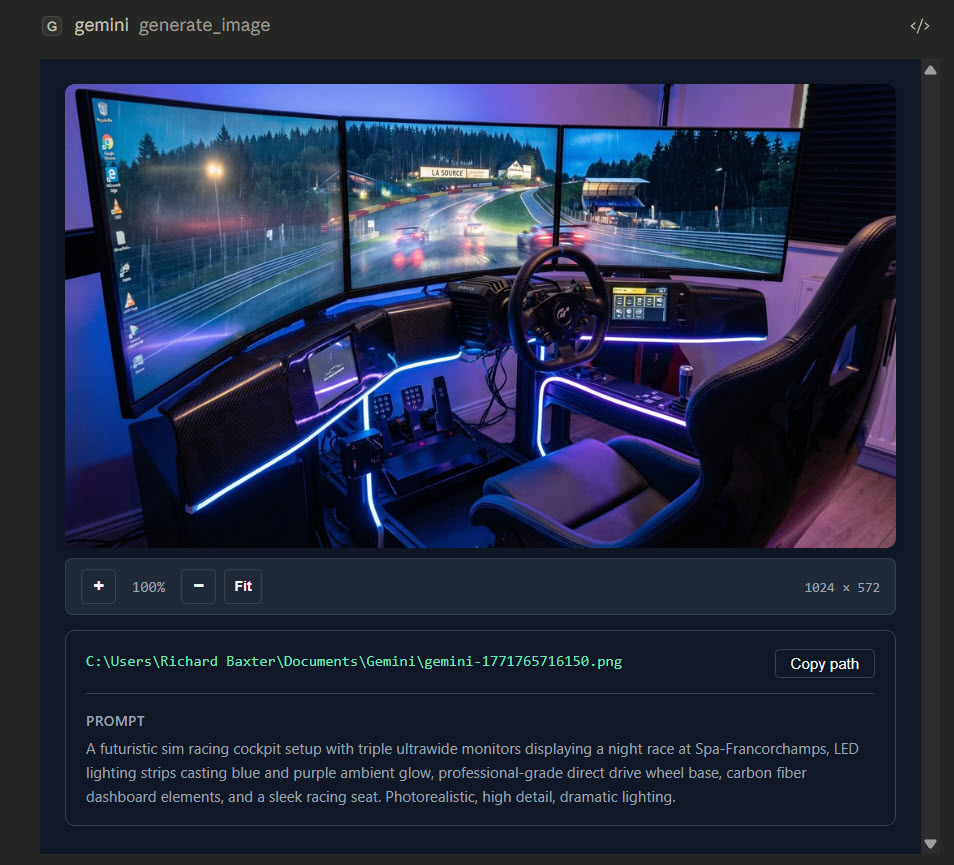
Generate images based on prompts, with optional Google search for current data.
gemini_generate_video
Create videos based on prompts using Google's Veo 3.1 model.
gemini_generate_svg
Produce production-ready SVG graphics based on prompts.
gemini_edit_image
Edit images while maintaining context across editing turns.
gemini_analyze_image
Perform structured extraction and detailed reasoning on images.
gemini_load_image_from_path
Load local image files for processing.
gemini_generate_landing_page
Generate self-contained HTML landing pages based on provided details.
gemini_prompt_assistant
Includes professional chart design systems for various presentation needs.
gemini_help
Access full documentation on various topics without leaving Claude.
Environment variables
GEMINI_API_KEYrequiredGoogle AI API key from AI Studio.Prerequisites
- • Node.js 18+
Packages
@houtini/gemini-mcp
npmv1.4.2transport: stdio
Details
- Language
- TypeScript
- License
- Apache-2.0
- Released
- Jan 29, 2026
- Last commit
- Apr 16, 2026
- Registry name
- io.github.houtini-ai/gemini