Hashloom
by davet47communityv0.5.0
2
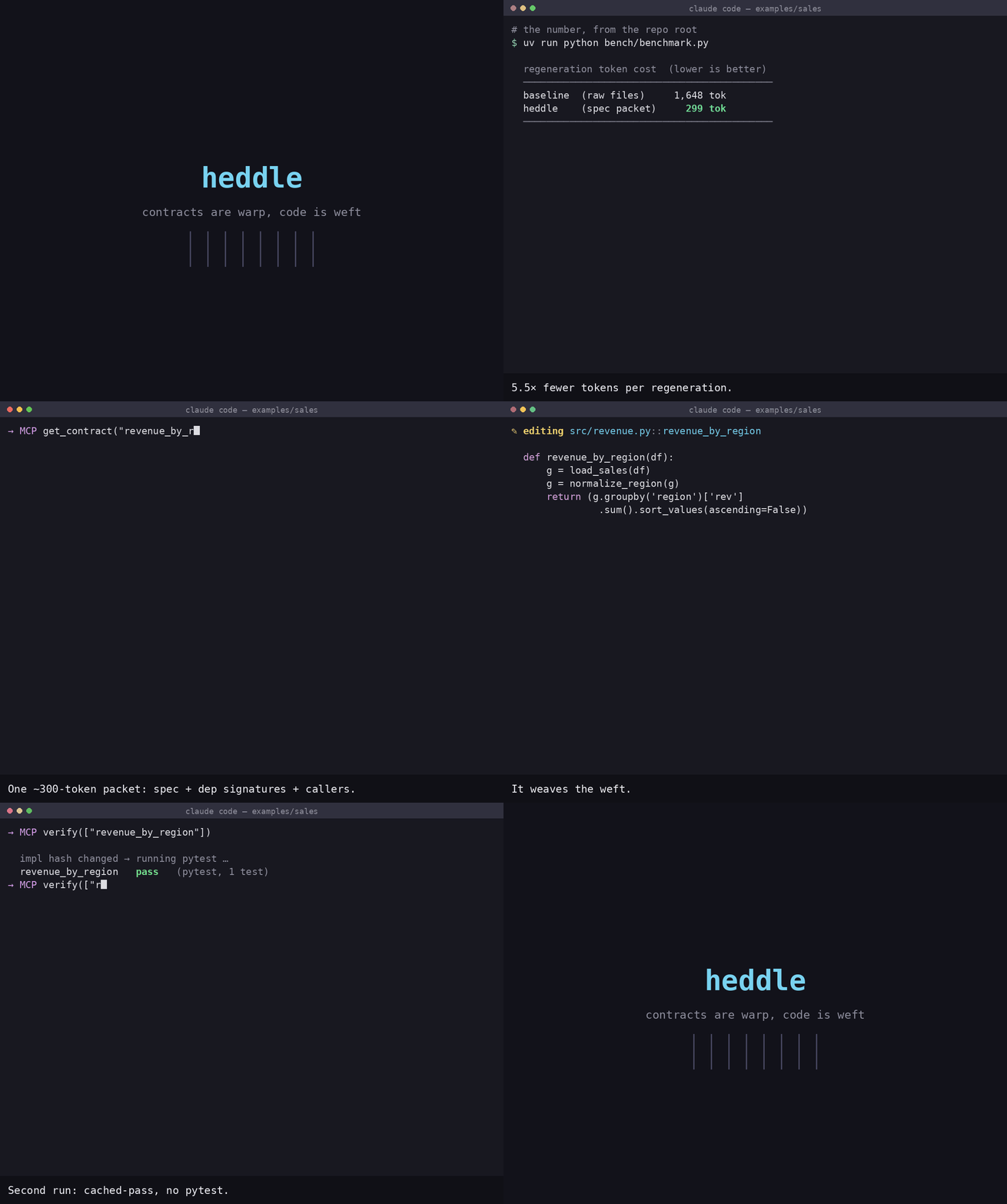
Hashloom is an MCP server that treats software units as content-addressed YAML contracts with explicit dependencies, so agents can fetch compact context packets, compute blast radius, and reuse cached verification results. It indexes contracts under a project-local `.hashloom/` store and can verify units by running the project’s tests only on cache misses.
From the registry: Content-addressed contracts and a verification cache that cut agent context by skipping proven code.

Install & configure
Prerequisites
- requiredInstall hashloomInstall the Hashloom Python package so the `hashloom` command is available.
$ pip install hashloom - requiredInitialize a Hashloom projectIn your project directory, create Hashloom state and contracts folders, then build the store before running the MCP server.
$ hashloom init
hashloom index
Install in your client
Paste into the AI you're chatting with — it will figure out the rest
Please install the `hashloom` MCP server into my current AI client (that's you).

Required prerequisites (do these first if not already done):
- **Install hashloom** — Install the Hashloom Python package so the `hashloom` command is available. Run: `pip install hashloom`
- **Initialize a Hashloom project** — In your project directory, create Hashloom state and contracts folders, then build the store before running the MCP server. Run: `hashloom init
hashloom index`

Canonical MCP server config (stdio transport):
- command: `hashloom`
- args: ["serve"]

Note: The server uses stdio transport. It resolves the target project by walking up from its working directory to the nearest `.hashloom/`. The README also notes language-specific verification prerequisites for project use: Python is default; Go projects need Go, TypeScript projects need Node >= 22.6 and the project's own `typescript`, Java projects need JDK >= 11 plus Maven or Gradle, and C# projects need .NET SDK >= 8. No MCP-specific environment variables are required.

Add this MCP server to my current client's config in the correct format for you. If you need secrets or credentials I haven't provided, ASK me — do not invent values or leave raw placeholders. After adding it, tell me how to verify the server is connected.
Note: The server uses stdio transport. It resolves the target project by walking up from its working directory to the nearest `.hashloom/`. The README also notes language-specific verification prerequisites for project use: Python is default; Go projects need Go, TypeScript projects need Node >= 22.6 and the project's own `typescript`, Java projects need JDK >= 11 plus Maven or Gradle, and C# projects need .NET SDK >= 8. No MCP-specific environment variables are required.
Tools (5)
get_contract
returns a compact context packet for a contract: the contract, its hash, one-line dependency signatures, and caller list
put_contract
validates and writes a contract file, then returns the new hash, semantic diff, and invalidated dependents
get_dependents
returns direct or transitive blast-radius dependents with names and hashes, flagging inferred contracts
verify
verifies units with cached-pass/pass/fail results and an overall ok gate, running tests only on cache misses
status
shows dirty contracts, stale verifications, cache hit rate, resolved verify interpreter, and token counters
Prerequisites
- • python 3.11
- • Node >= 22.6
Packages
hashloom
pypiv0.5.0transport: stdio
Details
- Language
- Python
- License
- Apache-2.0
- Released
- Jul 26, 2026
- Last commit
- Jul 26, 2026
- Registry name
- io.github.davet47/hashloom