Herald
by btouchardcommunityv1.0.0
46
4
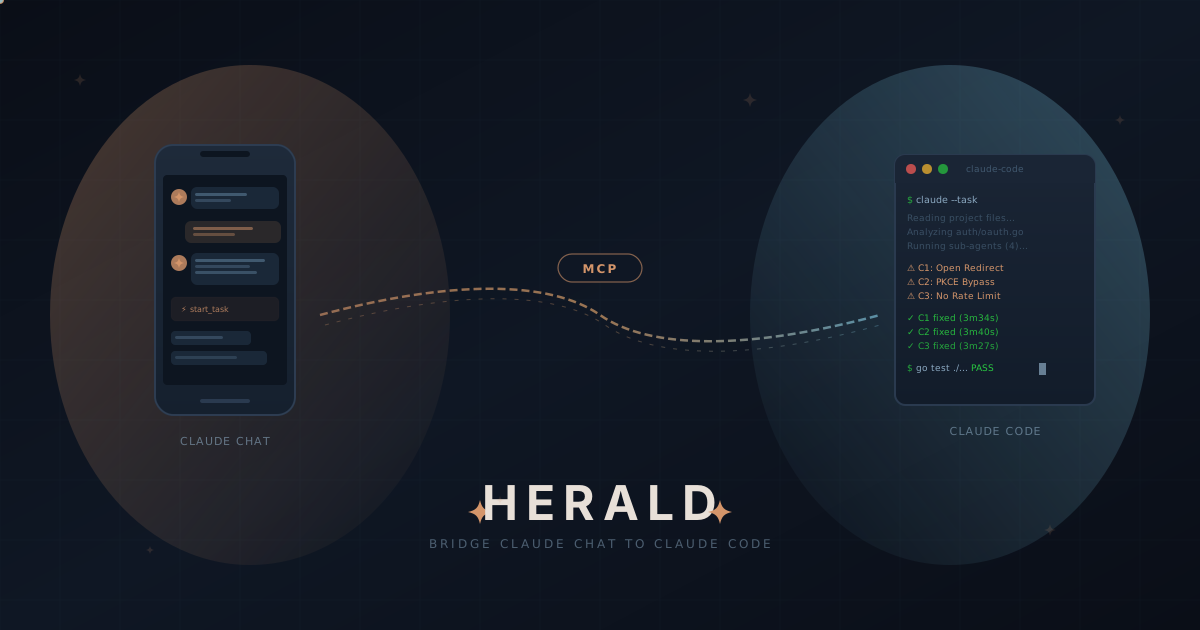
Herald is a self-hosted MCP server that bridges Claude Chat and Claude Code, allowing users to manage code tasks from their mobile devices. It facilitates bidirectional communication between the two tools, enabling code execution and monitoring remotely.
From the registry: Stop copy-pasting between Claude Chat and Claude Code.



Install & configure
Prerequisites
- requiredClaude Code CLIInstall the Claude Code CLI (Herald spawns it)https://docs.anthropic.com/en/docs/claude-code
- requiredInstall HeraldInstall the self-hosted Herald server
$ curl -fsSL https://raw.githubusercontent.com/btouchard/herald/main/install.sh | sh - requiredConfig fileCopy and edit ~/.config/herald/herald.yaml with projects and public_url
- requiredRun herald serveStart the Herald server
$ herald serve
Install in your client
Paste into the AI you're chatting with — it will figure out the rest
Please install the `herald` MCP server into my current AI client (that's you).

Required prerequisites (do these first if not already done):
- **Claude Code CLI** — Install the Claude Code CLI (Herald spawns it) (https://docs.anthropic.com/en/docs/claude-code)
- **Install Herald** — Install the self-hosted Herald server Run: `curl -fsSL https://raw.githubusercontent.com/btouchard/herald/main/install.sh | sh`
- **Config file** — Copy and edit ~/.config/herald/herald.yaml with projects and public_url
- **Run herald serve** — Start the Herald server Run: `herald serve`

Canonical MCP server config (HTTP transport):
- url: `https://<your-herald-host>/mcp`

Note: Herald is a self-hosted MCP bridge connecting Claude Chat to Claude Code. Clients connect to the public_url/mcp endpoint via OAuth 2.1 Custom Connectors. Built-in ngrok tunnel available.

Add this MCP server to my current client's config in the correct format for you. If you need secrets or credentials I haven't provided, ASK me — do not invent values or leave raw placeholders. After adding it, tell me how to verify the server is connected.
Note: Herald is a self-hosted MCP bridge connecting Claude Chat to Claude Code. Clients connect to the public_url/mcp endpoint via OAuth 2.1 Custom Connectors. Built-in ngrok tunnel available.
Tools (10)
start_task
Launch a Claude Code task. Returns an ID immediately. Supports priority, timeout, session resumption, and Git branch options.
check_task
Check status and progress. Optionally include recent output.
get_result
Get the full result of a completed task (summary, full, or json).
list_tasks
List tasks with filters — status, project, time range.
cancel_task
Cancel a running or queued task. Optionally revert Git changes.
get_diff
Git diff for a task's branch or uncommitted changes.
list_projects
List configured projects with Git status.
read_file
Read a file from a project (path-safe — cannot escape project root).
herald_push
Push a Claude Code session to Herald for remote monitoring and continuation from another device.
get_logs
View logs and activity history.
Environment variables
HERALD_NGROK_AUTHTOKENrequiredAuth token for ngrok tunnel.HERALD_CLIENT_SECRETClient secret for OAuth authentication, auto-generated on first start.Remote Endpoints
https://your-herald-instance.example.com/mcp
type: streamable-http
Details
- Language
- Go
- License
- AGPL-3.0
- Released
- Feb 14, 2026
- Last commit
- Jun 9, 2026
- Registry name
- io.github.btouchard/herald
Categories
Related Servers
Claude Flow
AI orchestration with hive-mind swarms, neural networks, and 87 MCP tools for enterprise dev.
68.0k
Codebase Memory Mcp
Persistent codebase knowledge graph. Survives session restarts and context compaction.
39.2k
Serena
A powerful toolkit for coding, providing semantic retrieval and editing capabilities.
28.1k