Iwantmymtg Mcp
by matthewdtowlescommunityv0.6.9
1
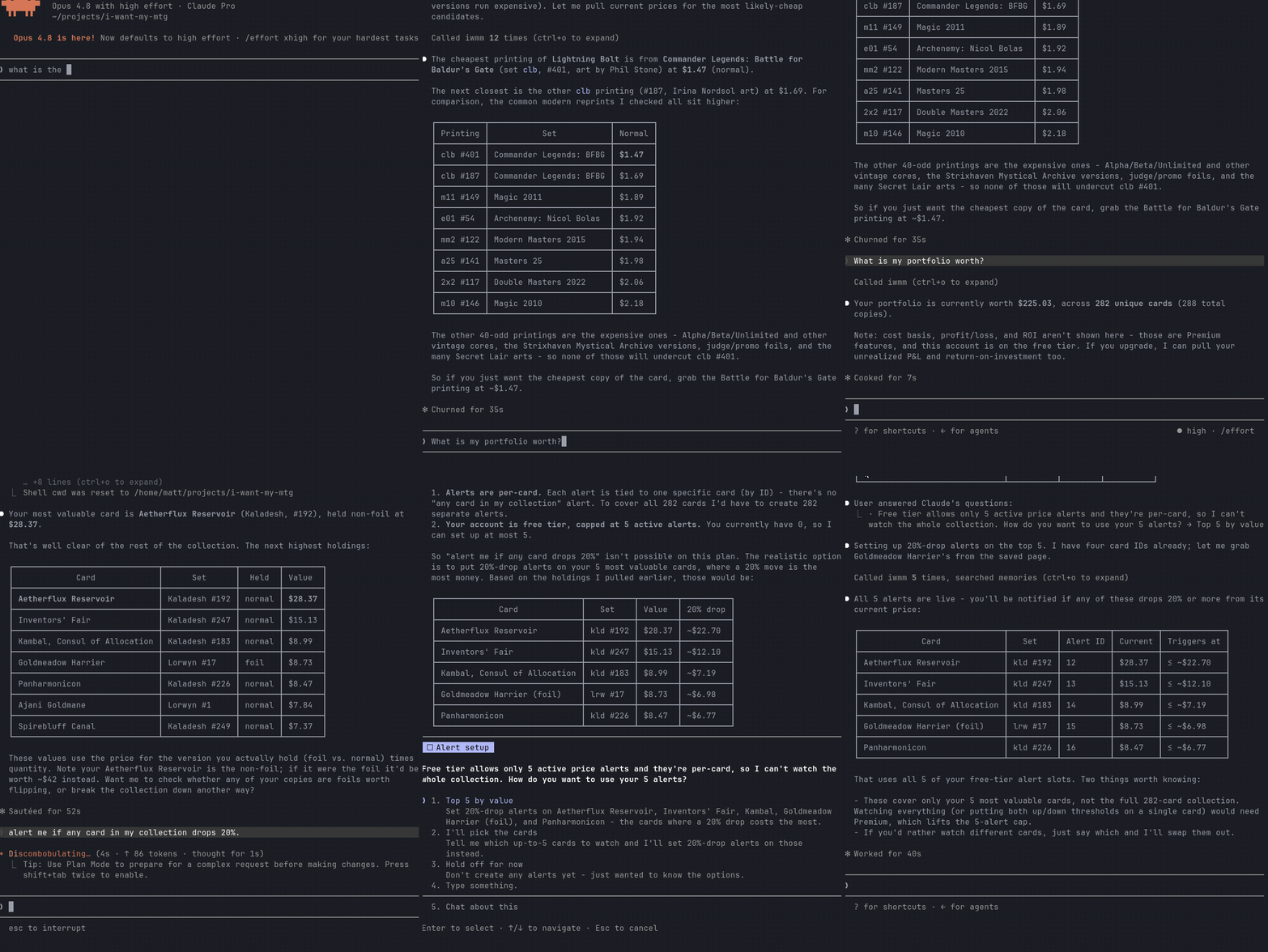
An MCP server for I Want My MTG that exposes the service’s API to MCP clients for searching Magic: The Gathering cards and sets, checking prices and price history, and managing a collection. Read-only search and pricing tools work without authentication; inventory management requires an IWMM API key.
From the registry: Query Magic: The Gathering cards, sets, and prices and manage your I Want My MTG collection.


Install & configure
Prerequisites
- requiredInstall Node.js 20+Node.js version 20 or newer is required to run the MCP server via npx.
- optionalCreate an I Want My MTG API keyOptional for authenticated tools like listing and updating your inventory. Read-only tools work without it.https://iwantmymtg.net/user/api-keys
Install in your client
Paste into the AI you're chatting with — it will figure out the rest
Please install the `iwantmymtg-mcp` MCP server into my current AI client (that's you).

Required prerequisites (do these first if not already done):
- **Install Node.js 20+** — Node.js version 20 or newer is required to run the MCP server via npx.

Optional prerequisites:
- Create an I Want My MTG API key — Optional for authenticated tools like listing and updating your inventory. Read-only tools work without it. (https://iwantmymtg.net/user/api-keys)

Canonical MCP server config (stdio transport):
- command: `npx`
- args: ["-y","iwantmymtg-mcp"]
- optional environment variables:
  - `IWMM_API_KEY`: Personal I Want My MTG API key. Needed only for authenticated tools; read-only tools work without it. (example: `<your-iwmm-api-key>`)
  - `IWMM_BASE_URL`: Override base URL for self-hosted or local development I Want My MTG instances. (example: `<your-iwmm-base-url>`)

Note: Preferred install path is npx. The server supports anonymous read-only usage without an API key; authenticated collection-management features require IWMM_API_KEY.

Add this MCP server to my current client's config in the correct format for you. If you need secrets or credentials I haven't provided, ASK me — do not invent values or leave raw placeholders. After adding it, tell me how to verify the server is connected.
Note: Preferred install path is npx. The server supports anonymous read-only usage without an API key; authenticated collection-management features require IWMM_API_KEY.
Tools (8)
search cards
Search Magic: The Gathering cards
look up a card by set+number
Find a specific card using its set and collector number
get current prices
Retrieve current card prices
get 30-day price history
Retrieve a card’s 30-day price history
list sets and their cards
List available sets and the cards in them
list sealed products
List sealed products
list inventory
List the authenticated user's inventory
update inventory
Modify the authenticated user's inventory
Environment variables
IWMM_API_KEYPersonal API key used for authenticated tools such as inventory managementIWMM_BASE_URLOverride the default IWMM API base URL for self-hosted or local development instancesPrerequisites
- • Node 20+
Packages
iwantmymtg-mcp
npmv0.6.9transport: stdio
Details
- Language
- TypeScript
- License
- MIT
- Released
- Jul 23, 2026
- Last commit
- Jul 23, 2026
- Registry name
- io.github.matthewdtowles/iwantmymtg-mcp