Jitapi
by nk3750communityv0.1.1
7
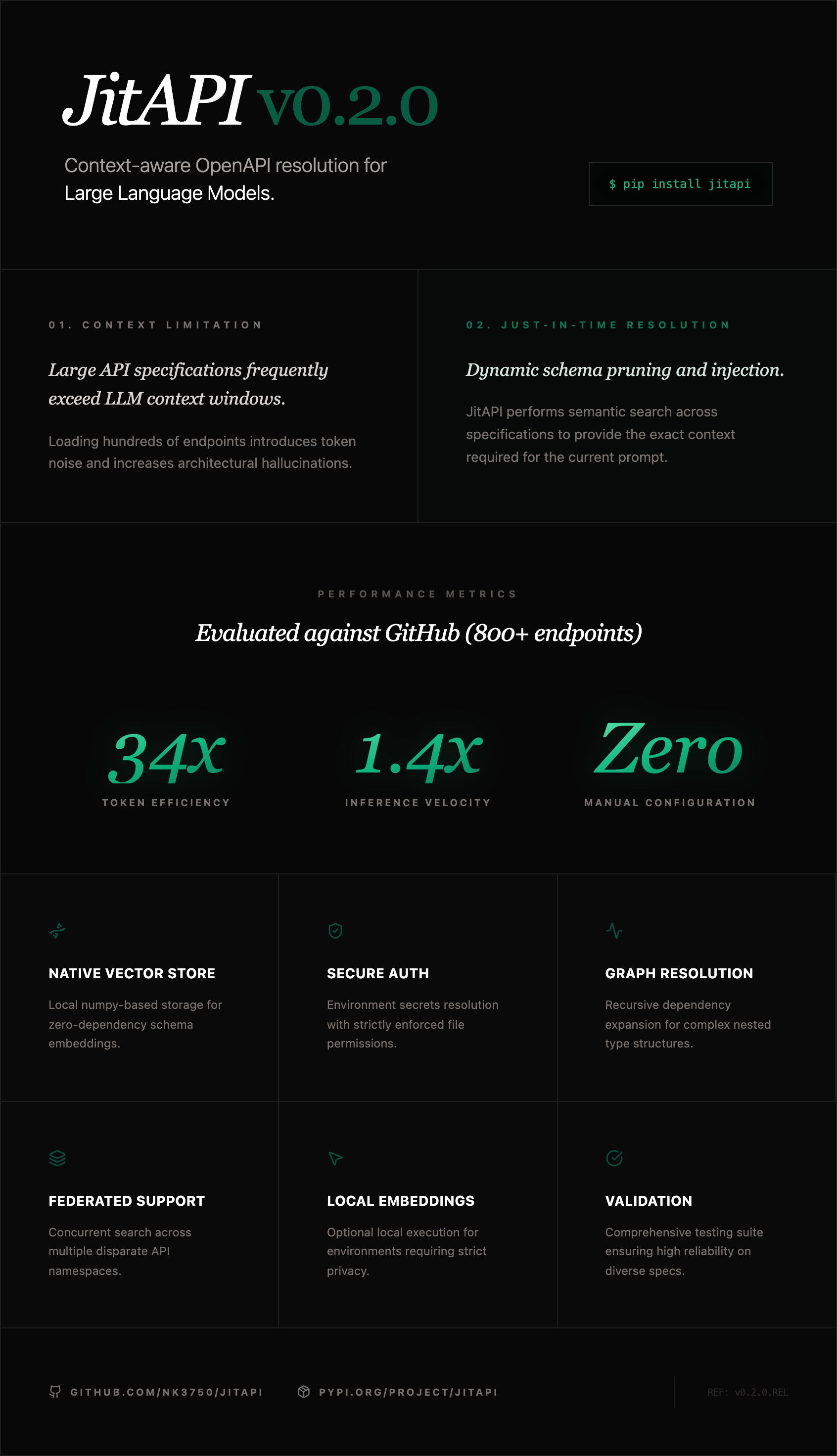
JitAPI is an MCP server that enables Claude to interact with any API based on its OpenAPI specification by automatically determining the necessary endpoints and their execution order.
From the registry: Turn any OpenAPI spec into an executable agent interface using graphs and semantic search.




Install & configure
Prerequisites
- required
Install in your client
Paste into the AI you're chatting with — it will figure out the rest
Please install the `jitapi` MCP server into my current AI client (that's you).

Required prerequisites (do these first if not already done):
- **Install uv (for uvx)** — Install uv toolchain to use uvx. (https://github.com/astral-sh/uv)

Canonical MCP server config (stdio transport):
- command: `uvx`
- args: ["jitapi"]

Note: No API keys required; JitAPI uses local embeddings by default.

Add this MCP server to my current client's config in the correct format for you. If you need secrets or credentials I haven't provided, ASK me — do not invent values or leave raw placeholders. After adding it, tell me how to verify the server is connected.
Note: No API keys required; JitAPI uses local embeddings by default.
Tools (8)
register_api
Register an API from an OpenAPI spec URL
list_apis
List all registered APIs and their endpoint counts
search_endpoints
Semantic search across endpoints using natural language
get_workflow
Find relevant endpoints with dependency resolution and full schemas
get_endpoint_schema
Get the complete schema for a specific endpoint
call_api
Execute a single API call with auth, path params, query params, and body
set_api_auth
Configure authentication (API key, bearer token, basic auth)
delete_api
Remove a registered API and all its data
Environment variables
GITHUB_TOKENrequiredGitHub API token for authenticationOPENWEATHER_API_KEYrequiredOpenWeather API key for authenticationPrerequisites
- • Python 3.10+
Packages
jitapi
pypiv0.1.1transport: stdio
Details
- Language
- Python
- License
- MIT
- Released
- Jan 19, 2026
- Last commit
- Jun 15, 2026
- Registry name
- io.github.nk3750/jitapi