MarkView
by paulhkang94communityv1.2.11
29
3
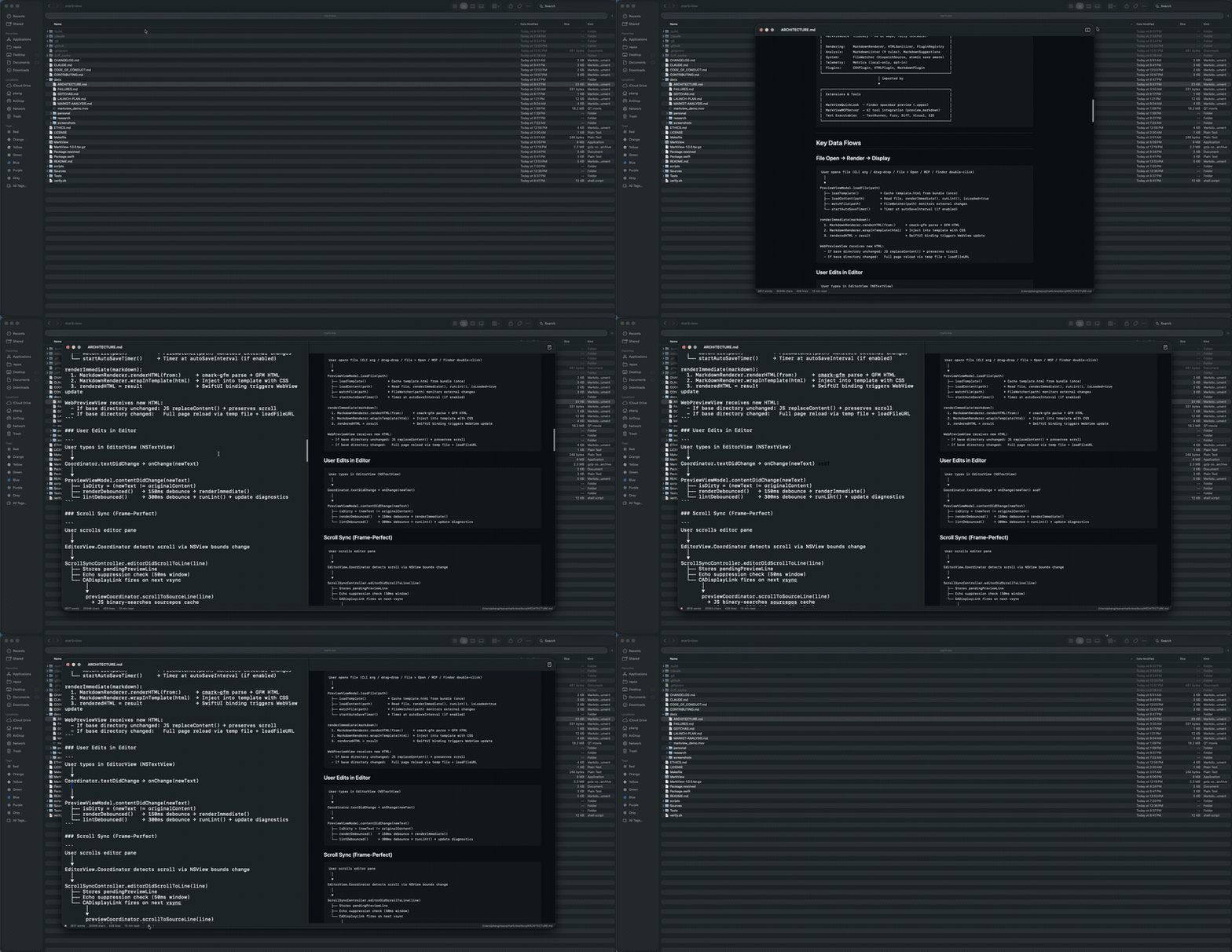
MarkView is a native macOS markdown preview application that integrates with Claude Code, allowing users to render markdown content live in a native window.
From the registry: Native macOS markdown preview with MCP server for Claude Code. Swift/SwiftUI, no Electron.



Install & configure
Prerequisites
- requiredmacOSNative macOS app required (macOS 14+)
- requiredInstall MarkView appInstall via Homebrew cask for GUI component
$ brew install --cask paulhkang94/markview/markview
Install in your client
Paste into the AI you're chatting with — it will figure out the rest
Please install the `markview` MCP server into my current AI client (that's you).

Required prerequisites (do these first if not already done):
- **macOS** — Native macOS app required (macOS 14+)
- **Install MarkView app** — Install via Homebrew cask for GUI component Run: `brew install --cask paulhkang94/markview/markview`

Canonical MCP server config (stdio transport):
- command: `npx`
- args: ["mcp-server-markview"]

Note: macOS-only. MCP wrapper launches the native MarkView app. Use `claude mcp add --transport stdio --scope user markview -- npx mcp-server-markview` for Claude Code.

Add this MCP server to my current client's config in the correct format for you. If you need secrets or credentials I haven't provided, ASK me — do not invent values or leave raw placeholders. After adding it, tell me how to verify the server is connected.
Note: macOS-only. MCP wrapper launches the native MarkView app. Use `claude mcp add --transport stdio --scope user markview -- npx mcp-server-markview` for Claude Code.
Tools (2)
preview_markdown
Render markdown content in a live-reloading MarkView window
open_file
Open an existing .md file in MarkView
Packages
mcp-server-markview
npmv1.2.11transport: stdio
Details
- Language
- HTML
- License
- MIT
- Released
- Apr 3, 2026
- Last commit
- May 8, 2026
- Registry name
- io.github.paulhkang94/markview