Marsnme
by Marsmanleocommunityv0.2.1
6
MarsNMe is an MCP-compatible memory backend that stores short-term and long-term memories in a Supabase database and supports semantic recall via Jina embeddings. It lets multiple AI clients share continuity across sessions using isolated profiles selected by `MCP_PROFILE`.
From the registry: Agent-agnostic memory backend that preserves continuity between humans and AI over time.





Install & configure
Prerequisites
- requiredInstall MarsNMe gatewayInstall the MarsNMe gateway using the recommended one-line installer.
https://marsnme.com/install.sh/$ curl -fsSL https://marsnme.com/install.sh | bash - requiredCreate a Supabase projectCreate a Supabase project and collect the project URL for SUPABASE_BASE_URL and the service_role key for SUPABASE_SERVICE_ROLE_KEY. Keep the service role key private.https://supabase.com/dashboard/new
- required
- requiredRun Supabase migrationsBefore first start, apply the required database migrations to your Supabase Postgres database. The recommended method is Supabase CLI with a DDL-capable database role.
$ npx supabase db push --db-url "<your-supabase-db-connection-string>"
Install in your client
Paste into the AI you're chatting with — it will figure out the rest
Please install the `marsnme` MCP server into my current AI client (that's you).

Required prerequisites (do these first if not already done):
- **Install MarsNMe gateway** — Install the MarsNMe gateway using the recommended one-line installer. Run: `curl -fsSL https://marsnme.com/install.sh | bash` (https://marsnme.com/install.sh/)
- **Create a Supabase project** — Create a Supabase project and collect the project URL for SUPABASE_BASE_URL and the service_role key for SUPABASE_SERVICE_ROLE_KEY. Keep the service role key private. (https://supabase.com/dashboard/new)
- **Create a Jina API key** — Create a Jina API key for semantic search embeddings. (https://jina.ai/api-key/)
- **Run Supabase migrations** — Before first start, apply the required database migrations to your Supabase Postgres database. The recommended method is Supabase CLI with a DDL-capable database role. Run: `npx supabase db push --db-url "<your-supabase-db-connection-string>"`

Canonical MCP server config (HTTP transport):
- url: `http://127.0.0.1:<your-port>/mcp`
- headers:
  - `Authorization`: `Bearer <your-token>`

Note: MarsNMe exposes an HTTP MCP endpoint, not stdio. Start the gateway with: MCP_PROFILE=<your-profile> PORT=<your-port> npx @marsnme/mcp-gateway. Required runtime environment variables: MCP_PROFILE, SUPABASE_BASE_URL, SUPABASE_SERVICE_ROLE_KEY, JINA_API_KEY. PORT is optional; if omitted, a deterministic profile-based port is used. Optional auth/security variables: MCP_REQUIRE_BEARER, MCP_CLIENT_ID, MCP_CLIENT_SECRET. Optional headers are only needed when bearer auth is enabled (MCP_REQUIRE_BEARER=true).

Add this MCP server to my current client's config in the correct format for you. If you need secrets or credentials I haven't provided, ASK me — do not invent values or leave raw placeholders. After adding it, tell me how to verify the server is connected.
Note: MarsNMe exposes an HTTP MCP endpoint, not stdio. Start the gateway with: MCP_PROFILE=<your-profile> PORT=<your-port> npx @marsnme/mcp-gateway. Required runtime environment variables: MCP_PROFILE, SUPABASE_BASE_URL, SUPABASE_SERVICE_ROLE_KEY, JINA_API_KEY. PORT is optional; if omitted, a deterministic profile-based port is used. Optional auth/security variables: MCP_REQUIRE_BEARER, MCP_CLIENT_ID, MCP_CLIENT_SECRET. Optional headers are only needed when bearer auth is enabled (MCP_REQUIRE_BEARER=true).
Tools (13)
insert_memory
Store short-term memory
list_memories
List recent memories
search_memories
Semantic search via Jina embeddings
recall
Long-term chunk recall from profile schema
memory_ingest
Ingest long-term insight chunks
dream_ingest
Dream-mode long-term ingestion
session_boot
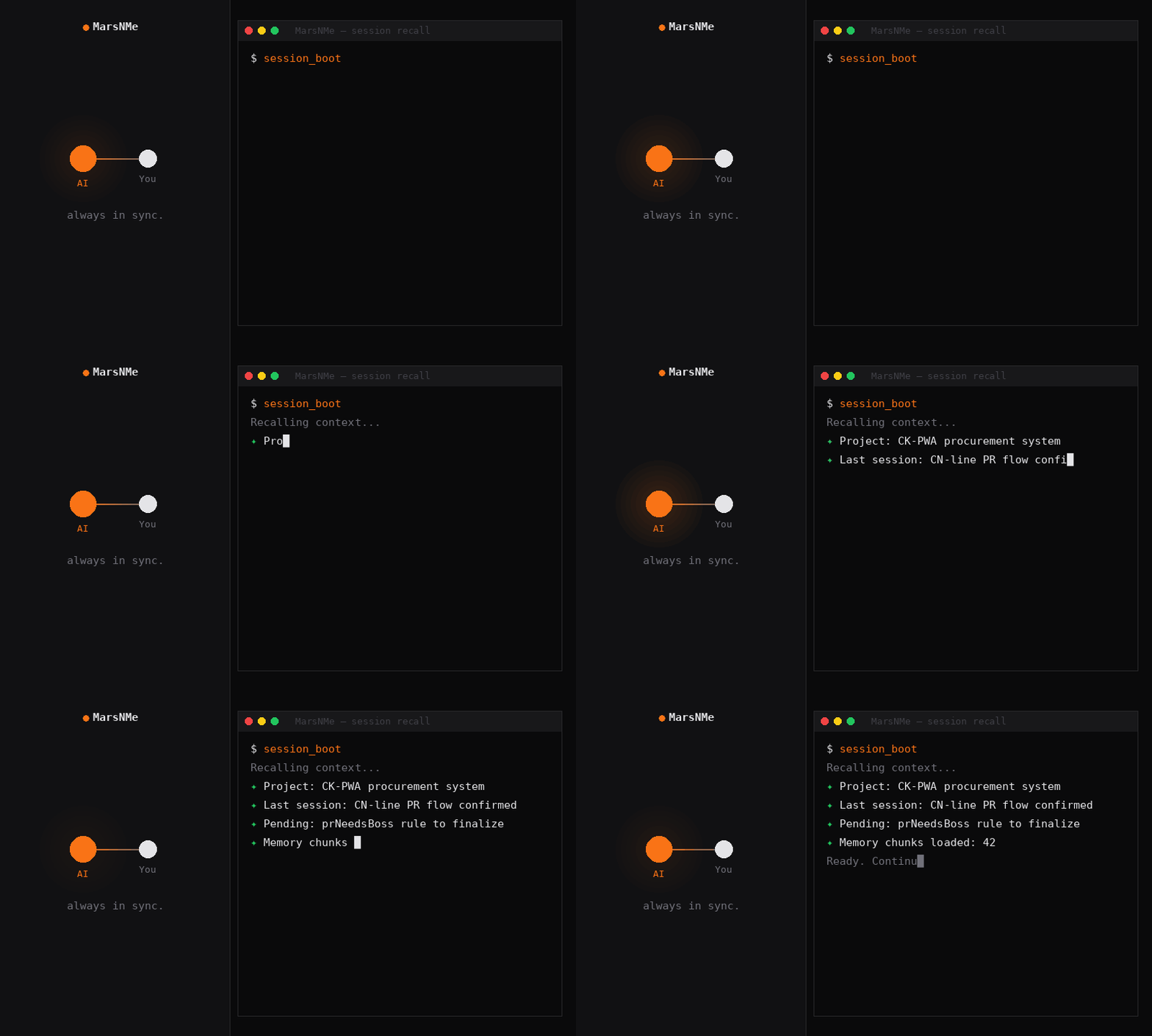
Start a session with context pre-load
session_close
Close session and summarize
health_check
Coverage, expiry, conflict diagnostics
reload_source_registry
Refresh source whitelist at runtime
demote_memory
Demote a memory to lower priority
soft_forget
Soft-delete a memory
explain_memory
Explain a memory's provenance
Environment variables
SUPABASE_BASE_URLrequiredSupabase project URL used to connect to the database/APISUPABASE_SERVICE_ROLE_KEYrequiredSupabase service role key used for database access and migrationsJINA_API_KEYrequiredAPI key for Jina semantic embeddings/searchMCP_PROFILESelects the memory profile/namespace for a given agent or use casePrerequisites
- • python3
Packages
@marsnme/mcp-gateway
npmv0.2.1transport: streamable-http
Details
- Language
- JavaScript
- License
- Apache-2.0
- Released
- Jun 10, 2026
- Last commit
- Jul 15, 2026
- Registry name
- io.github.Marsmanleo/marsnme