Mcp
by florentine-aicommunityv0.2.1
6
2
The Florentine.ai MCP Server enables natural language querying for MongoDB and MySQL data, allowing integration into custom AI agents or desktop applications.
From the registry: MCP server for Florentine.ai - Natural language to MongoDB aggregations
Install & configure
Prerequisites
- requiredFlorentine.ai account and API keyCreate a free account at app.florentine.ai/signup, connect a database, activate at least one collection/table, and copy the API key from the dashboard.https://app.florentine.ai/dashboard
Install in your client
Paste into the AI you're chatting with — it will figure out the rest
Please install the `mcp-florentineai` MCP server into my current AI client (that's you).

Required prerequisites (do these first if not already done):
- **Florentine.ai account and API key** — Create a free account at app.florentine.ai/signup, connect a database, activate at least one collection/table, and copy the API key from the dashboard. (https://app.florentine.ai/dashboard)

Canonical MCP server config (stdio transport):
- command: `npx`
- args: ["-y","@florentine-ai/mcp","--mode","static"]
- required environment variables:
  - `FLORENTINE_TOKEN`: Your Florentine.ai API key (example: `<your-api-key>`)
- optional environment variables:
  - `LLM_SERVICE`: LLM provider: openai, google, anthropic, or deepseek (only needed if not stored in Florentine.ai account) (example: `openai`)
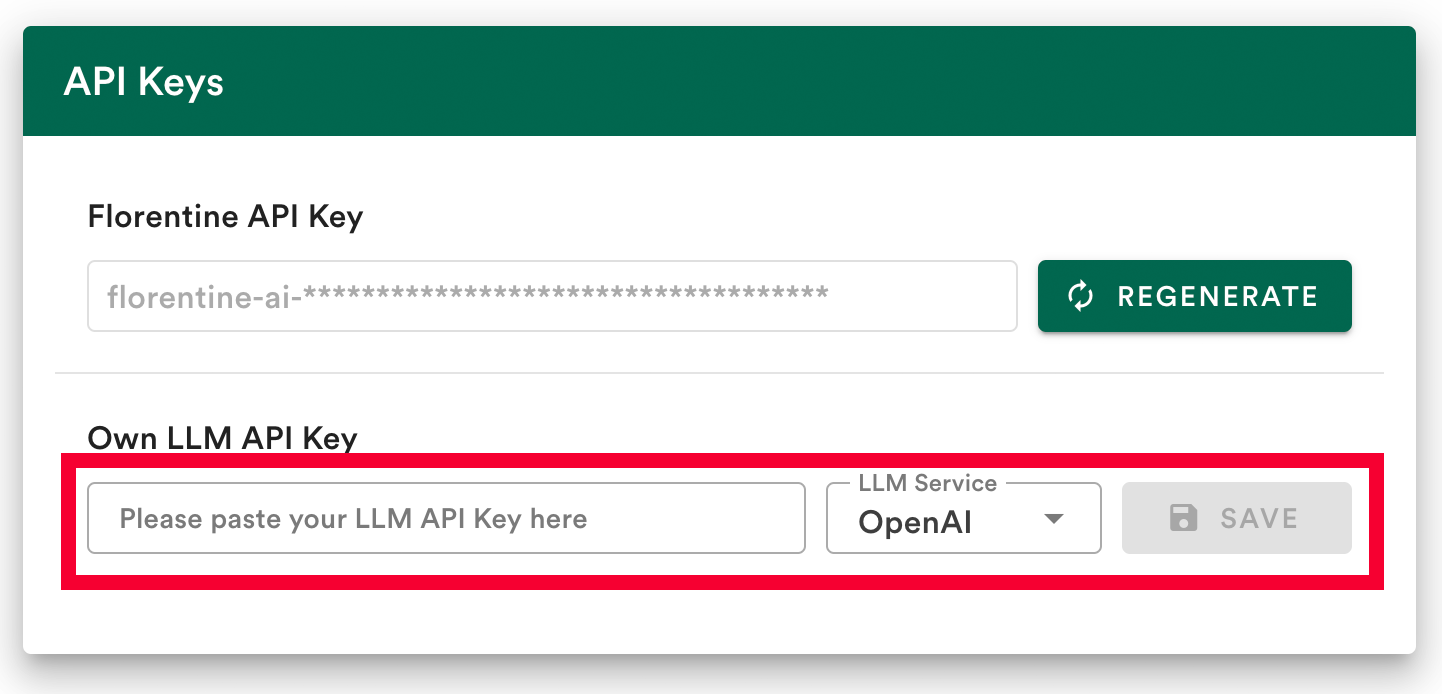
  - `LLM_KEY`: API key for your LLM provider (only needed if not stored in Florentine.ai account) (example: `<your-llm-api-key>`)
  - `SESSION_ID`: Session ID for server-side chat history (example: `<uuid>`)
  - `RETURN_TYPES`: Stringified JSON array of return types (query, result, answer) (example: `["result"]`)
  - `REQUIRED_INPUTS`: Stringified JSON for multi-tenant data filtering

Note: Natural language querying for MongoDB and MySQL via Florentine.ai. Bring your own LLM key (OpenAI/Google/Anthropic/Deepseek). Use --mode static for Claude Desktop.

Add this MCP server to my current client's config in the correct format for you. If you need secrets or credentials I haven't provided, ASK me — do not invent values or leave raw placeholders. After adding it, tell me how to verify the server is connected.
Note: Natural language querying for MongoDB and MySQL via Florentine.ai. Bring your own LLM key (OpenAI/Google/Anthropic/Deepseek). Use --mode static for Claude Desktop.
Tools (2)
florentine_list_collections
Lists all currently active collections/tables that can be queried.
florentine_ask
Receives a question and returns a query, query result or answer.
Environment variables
FLORENTINE_TOKENrequiredYour Florentine.ai API key.Prerequisites
- • Node.js >= v18.0
Packages
@florentine-ai/mcp
npmv0.2.1transport: stdio
Details
- Language
- TypeScript
- License
- MIT
- Released
- Oct 7, 2025
- Last commit
- Mar 9, 2026
- Registry name
- io.github.florentine-ai/mcp