Mcp Local Rag
by shinprcommunityv0.14.2
286
54
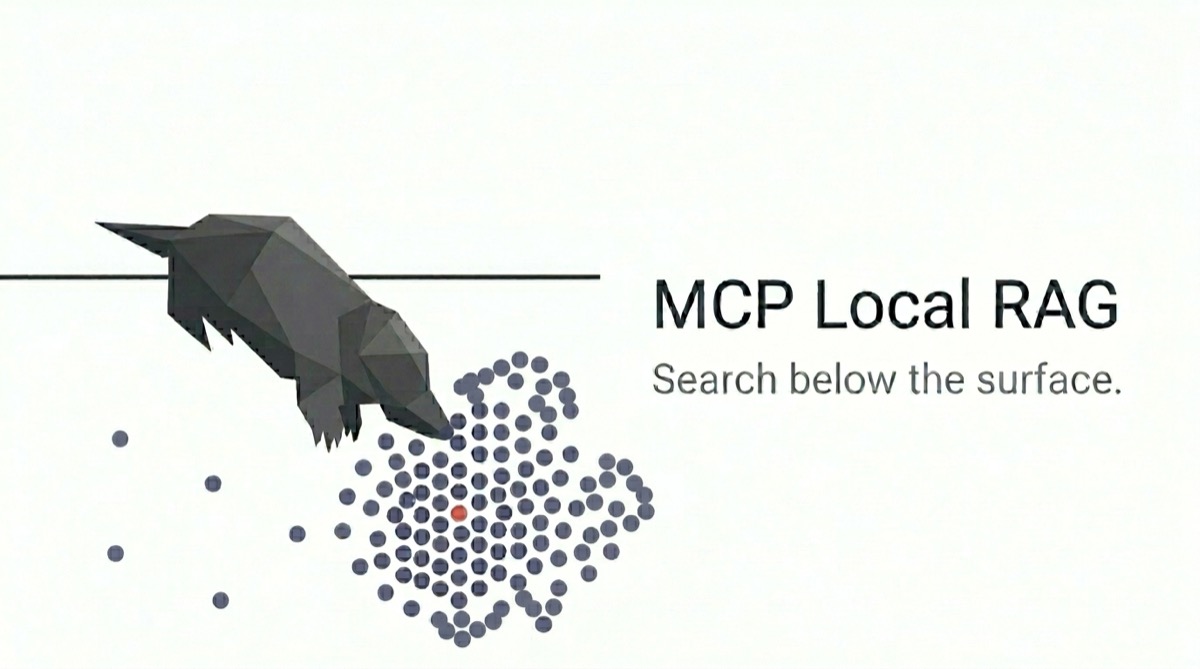
MCP Local RAG is a local semantic search tool for developers that allows searching through documents without sending data to external APIs. It supports keyword boosting for exact technical terms and operates entirely offline after initial setup.
From the registry: Easy-to-setup local RAG server with minimal configuration




Install & configure
Install in your client
Paste into the AI you're chatting with — it will figure out the rest
Please install the `mcp-local-rag` MCP server into my current AI client (that's you).

Canonical MCP server config (stdio transport):
- command: `npx`
- args: ["-y","mcp-local-rag"]
- required environment variables:
  - `BASE_DIR`: Document root directory (security boundary) (example: `/path/to/your/documents`)
- optional environment variables:
  - `DB_PATH`: Vector database location (example: `./lancedb/`)
  - `CACHE_DIR`: Model cache directory (example: `./models/`)
  - `MODEL_NAME`: HuggingFace embedding model ID (example: `Xenova/all-MiniLM-L6-v2`)
  - `MAX_FILE_SIZE`: Maximum file size in bytes (example: `104857600`)
  - `RAG_HYBRID_WEIGHT`: Keyword boost factor (0=semantic only) (example: `0.6`)

Note: Fully local RAG with Transformers.js and LanceDB. First run downloads ~90MB model.

Add this MCP server to my current client's config in the correct format for you. If you need secrets or credentials I haven't provided, ASK me — do not invent values or leave raw placeholders. After adding it, tell me how to verify the server is connected.
Note: Fully local RAG with Transformers.js and LanceDB. First run downloads ~90MB model.
Tools (6)
ingest_file
Ingests a document file into the local database.
ingest_data
Ingests HTML content into the local database.
query_documents
Searches through ingested documents.
list_files
Lists all ingested files and their statuses.
delete_file
Deletes a specified file from the local database.
status
Checks the health and status of the local database.
Environment variables
BASE_DIRrequiredThe folder where documents to be searched are located.Prerequisites
- • Node.js 22
Packages
mcp-local-rag
npmv0.14.2transport: stdio
Details
- Language
- TypeScript
- License
- MIT
- Released
- May 23, 2026
- Last commit
- May 23, 2026
- Registry name
- io.github.shinpr/mcp-local-rag