Mcp Mux
by com.mcpmuxcommunityv0.1.1
18
9
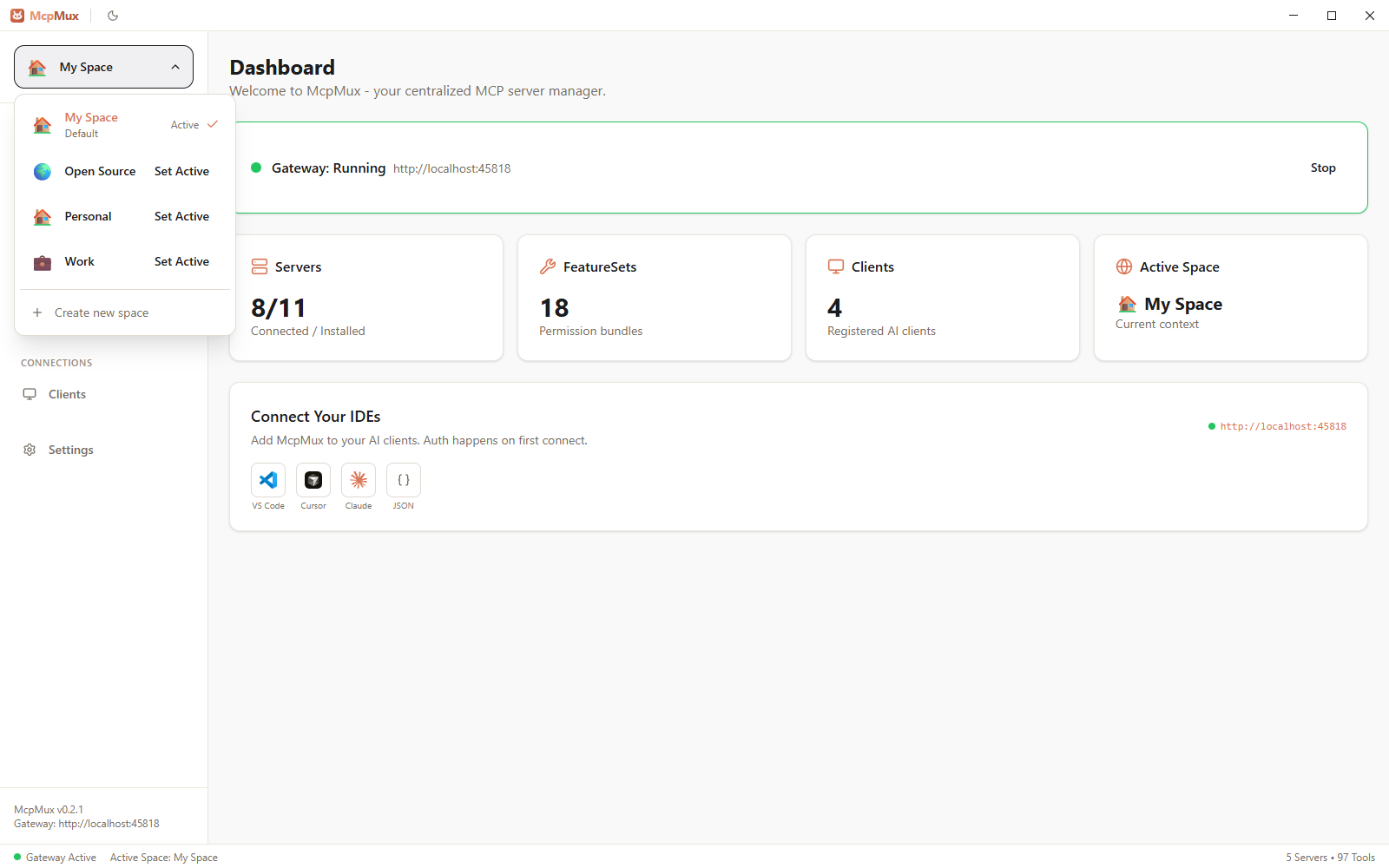
McpMux is a desktop application that manages multiple MCP servers through a single local gateway, allowing various AI clients to connect without the need for separate configuration files.
From the registry: McpMux — configure MCP servers once, connect every AI client through one local gateway.


Install & configure
Prerequisites
- requiredInstall McpMux desktop appDownload and install McpMux from mcpmux.com/download (Windows, macOS, Linux)https://mcpmux.com/download
Install in your client
Paste into the AI you're chatting with — it will figure out the rest
Please install the `mcp-mux` MCP server into my current AI client (that's you).

Required prerequisites (do these first if not already done):
- **Install McpMux desktop app** — Download and install McpMux from mcpmux.com/download (Windows, macOS, Linux) (https://mcpmux.com/download)

Canonical MCP server config (HTTP transport):
- url: `http://localhost:45818/mcp`

Note: McpMux is a local desktop app that runs a unified MCP gateway on localhost:45818. Install servers via its GUI; all AI clients connect through one URL. Credentials stored in OS keychain.

Add this MCP server to my current client's config in the correct format for you. If you need secrets or credentials I haven't provided, ASK me — do not invent values or leave raw placeholders. After adding it, tell me how to verify the server is connected.
Note: McpMux is a local desktop app that runs a unified MCP gateway on localhost:45818. Install servers via its GUI; all AI clients connect through one URL. Credentials stored in OS keychain.
Prerequisites
- • Node.js 18+
Details
- Language
- Rust
- License
- GPL-3.0
- Released
- Feb 18, 2026
- Last commit
- Aug 1, 2026
- Registry name
- com.mcpmux/mcp-mux
Categories
Related Servers
Claude Flow
AI orchestration with hive-mind swarms, neural networks, and 87 MCP tools for enterprise dev.
68.0k
Codebase Memory Mcp
Persistent codebase knowledge graph. Survives session restarts and context compaction.
39.2k
Serena
A powerful toolkit for coding, providing semantic retrieval and editing capabilities.
28.1k