McpMux
by mcpmuxcommunityv0.1.1
18
9
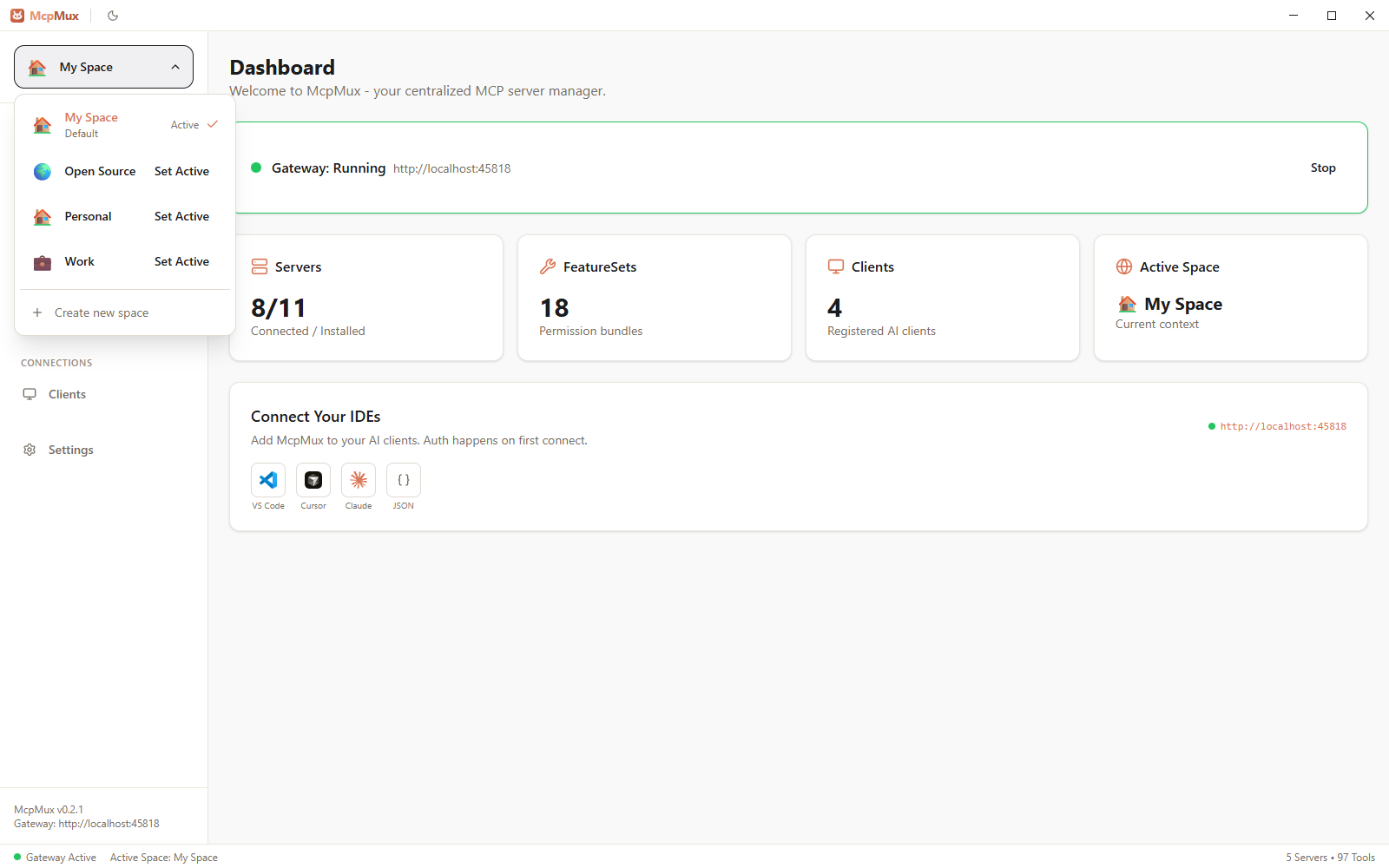
McpMux is a desktop application that manages multiple MCP servers for various AI clients through a single local gateway, allowing for centralized configuration and secure credential management.
From the registry: McpMux — configure MCP servers once, connect every AI client through one local gateway.


Install & configure
Prerequisites
- requiredInstall McpMux desktop appDownload and install McpMux from mcpmux.com/download (Windows, macOS, Linux)https://mcpmux.com/download
Install in your client
Paste into the AI you're chatting with — it will figure out the rest
Please install the `mcp-mux-mcpmux` MCP server into my current AI client (that's you).

Required prerequisites (do these first if not already done):
- **Install McpMux desktop app** — Download and install McpMux from mcpmux.com/download (Windows, macOS, Linux) (https://mcpmux.com/download)

Canonical MCP server config (HTTP transport):
- url: `http://localhost:45818/mcp`

Note: Duplicate entry — same as mcp-mux. McpMux is a local desktop app that unifies MCP servers across clients on localhost:45818.

Add this MCP server to my current client's config in the correct format for you. If you need secrets or credentials I haven't provided, ASK me — do not invent values or leave raw placeholders. After adding it, tell me how to verify the server is connected.
Note: Duplicate entry — same as mcp-mux. McpMux is a local desktop app that unifies MCP servers across clients on localhost:45818.
Prerequisites
- • Node.js 18+
Details
- Language
- Rust
- License
- GPL-3.0
- Released
- Feb 18, 2026
- Last commit
- Aug 1, 2026
- Registry name
- io.github.mcpmux/mcp-mux
Categories
Related Servers
Claude Flow
AI orchestration with hive-mind swarms, neural networks, and 87 MCP tools for enterprise dev.
68.0k
Codebase Memory Mcp
Persistent codebase knowledge graph. Survives session restarts and context compaction.
39.2k
Serena
A powerful toolkit for coding, providing semantic retrieval and editing capabilities.
28.1k