Myinstants Mcp
by austenstonecommunityv1.3.1
10
5
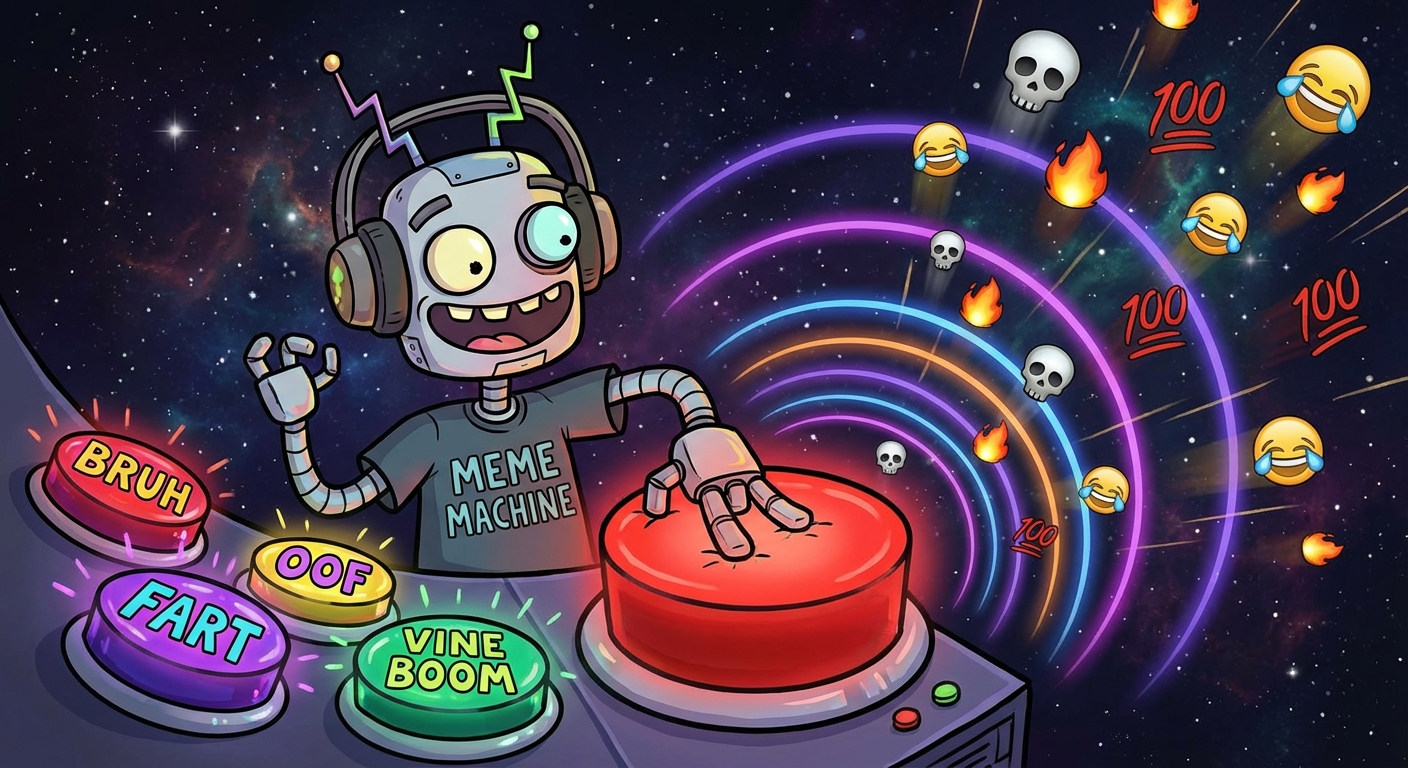
This MCP server connects AI agents to myinstants.com, allowing them to search and play a vast array of sounds from the internet's largest soundboard. It supports features like browsing categories and checking trending sounds.
From the registry: Give your AI agent a soundboard. Millions of meme sounds from myinstants.com.








Install & configure
Prerequisites
- required
- optionalAudio player (Linux/Windows)macOS works out of the box via afplay. Linux/Windows need ffmpeg or mpv installed.
$ sudo apt install ffmpeg
Install in your client
Paste into the AI you're chatting with — it will figure out the rest
Please install the `myinstants-mcp` MCP server into my current AI client (that's you).

Required prerequisites (do these first if not already done):
- **Node.js** — Node.js runtime required for npx (https://nodejs.org/)

Optional prerequisites:
- Audio player (Linux/Windows) — macOS works out of the box via afplay. Linux/Windows need ffmpeg or mpv installed. Run: `sudo apt install ffmpeg`

Canonical MCP server config (stdio transport):
- command: `npx`
- args: ["-y","myinstants-mcp@latest"]
- optional environment variables:
  - `MYINSTANTS_VOLUME`: Volume level 0-1 (example: `0.8`)
  - `MYINSTANTS_WAIT`: Block until sound finishes (example: `false`)
  - `MYINSTANTS_DEVICE`: Specific output device name (example: `Denon AVR-S760H`)
  - `MYINSTANTS_PLAYER`: Force a specific audio player (ffplay, mpv, afplay, paplay) (example: `ffplay`)
  - `MYINSTANTS_DETAILS`: Enable get_sound_details and list_devices tools (example: `true`)

Note: Soundboard MCP. Plays sounds from myinstants.com via local audio player.

Add this MCP server to my current client's config in the correct format for you. If you need secrets or credentials I haven't provided, ASK me — do not invent values or leave raw placeholders. After adding it, tell me how to verify the server is connected.
Note: Soundboard MCP. Plays sounds from myinstants.com via local audio player.
Tools (5)
search_sounds
search myinstants for sounds
browse_category
browse by category
play_sound
play a sound (by slug, url, or quick search)
get_sound_details
get details about a sound (views, uploader, duration)
list_devices
list available audio output devices
Environment variables
MYINSTANTS_DETAILSrequiredenables get_sound_details and list_devices toolsPackages
myinstants-mcp
npmv1.3.1transport: stdio
Details
- Language
- JavaScript
- Released
- Feb 18, 2026
- Last commit
- Mar 17, 2026
- Registry name
- io.github.austenstone/myinstants-mcp