Prompt To Asset
by MohamedAbdallah-14communityv0.4.2
11
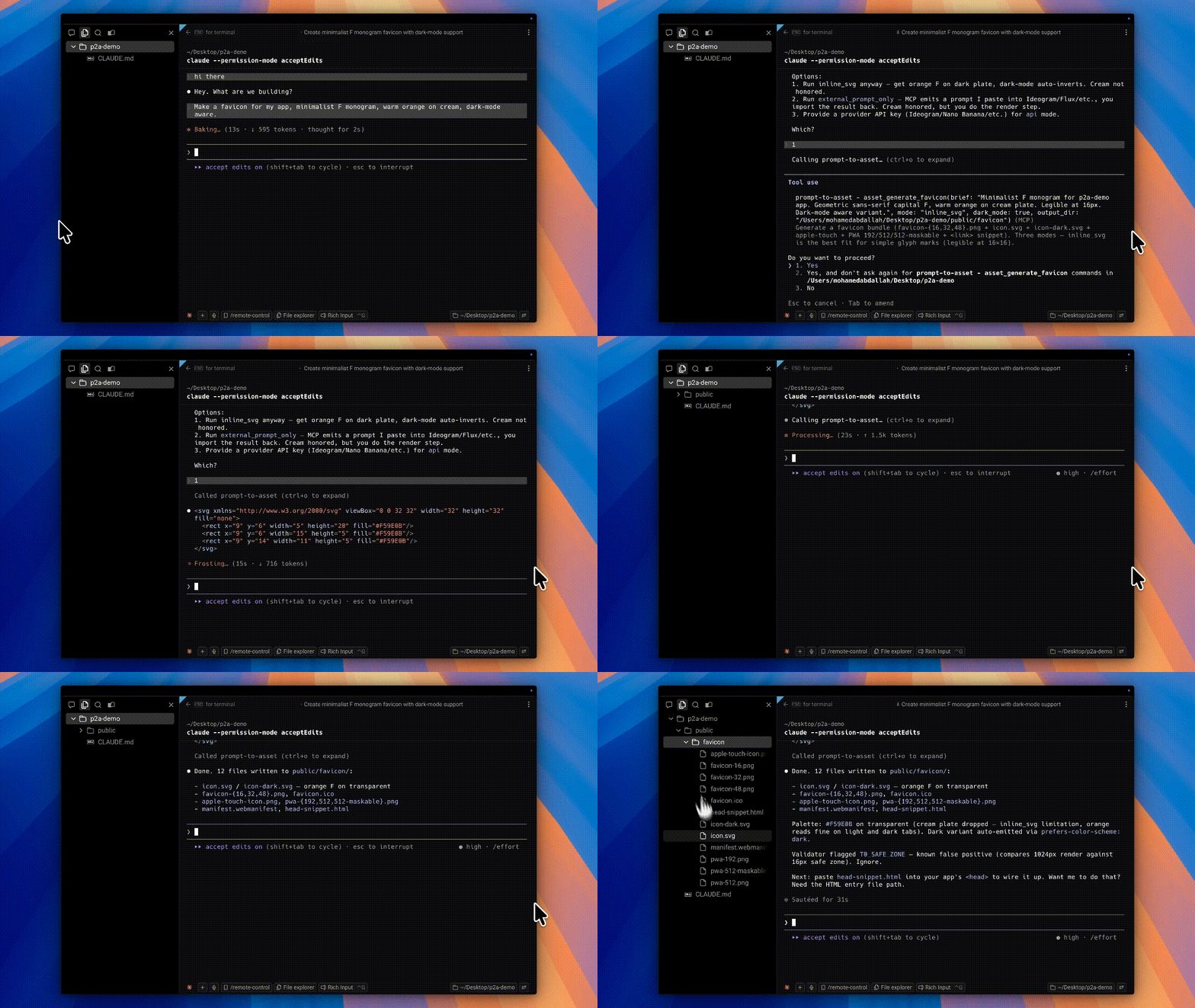
MCP server for generating and transforming developer-facing image assets such as logos, favicons, app icons, OG images, splash screens, SVGs, and platform-specific bundles. It supports routing to free or paid image providers, or having the host AI generate inline SVG, then exports and validates the resulting assets offline.
From the registry: Generate app icons, favicons, OG images, and logos by routing across 30+ image models.






-D97706?style=for-the-badge&logo=anthropic&logoColor=white)

Install & configure
Prerequisites
- required
- optionalOptional free or paid provider credentialsNo API key is required for basic use. For better API-based generation routes, you may optionally configure provider credentials such as Cloudflare Workers AI token + account ID, NVIDIA NIM token, Hugging Face token, Stable Horde access, or other supported paid-provider keys.
Install in your client
Paste into the AI you're chatting with — it will figure out the rest
Please install the `prompt-to-asset` MCP server into my current AI client (that's you).

Required prerequisites (do these first if not already done):
- **Install Node.js** — Node.js 20.11 or newer is required; Node 24 is recommended. (https://nodejs.org/)

Optional prerequisites:
- Optional free or paid provider credentials — No API key is required for basic use. For better API-based generation routes, you may optionally configure provider credentials such as Cloudflare Workers AI token + account ID, NVIDIA NIM token, Hugging Face token, Stable Horde access, or other supported paid-provider keys.

Canonical MCP server config (stdio transport):
- command: `npx`
- args: ["-y","prompt-to-asset"]

Note: The MCP server runs over stdio. The CLI surface indicates `p2a` defaults to the MCP stdio server, and the README's install buttons use `npx -y prompt-to-asset`. The README states zero API key is required; provider credentials are optional and only needed for certain API-backed routes.

Add this MCP server to my current client's config in the correct format for you. If you need secrets or credentials I haven't provided, ASK me — do not invent values or leave raw placeholders. After adding it, tell me how to verify the server is connected.
Note: The MCP server runs over stdio. The CLI surface indicates `p2a` defaults to the MCP stdio server, and the README's install buttons use `npx -y prompt-to-asset`. The README states zero API key is required; provider credentials are optional and only needed for certain API-backed routes.
Tools (6)
asset_doctor
Checks what modes, providers, and environment are available.
asset_init_brand
Creates or initializes brand settings such as app name and palette in a brand.json file.
asset_enhance_prompt
Rewrites a brief into an AssetSpec with classification, routing, available modes, and prompt guidance.
asset_save_inline_svg
Saves assistant-generated inline SVG and generates asset files from it.
asset_ingest_external
Ingests an externally generated image file for processing.
asset_export_bundle
Exports a saved master asset into platform bundles such as iOS and Android.
Packages
prompt-to-asset
npmv0.4.2transport: stdio
Details
- Language
- TypeScript
- License
- MIT
- Released
- Apr 25, 2026
- Last commit
- Jun 30, 2026
- Registry name
- io.github.MohamedAbdallah-14/prompt-to-asset