Rubber Duck
by nesquikmcommunityv1.18.0
165
24
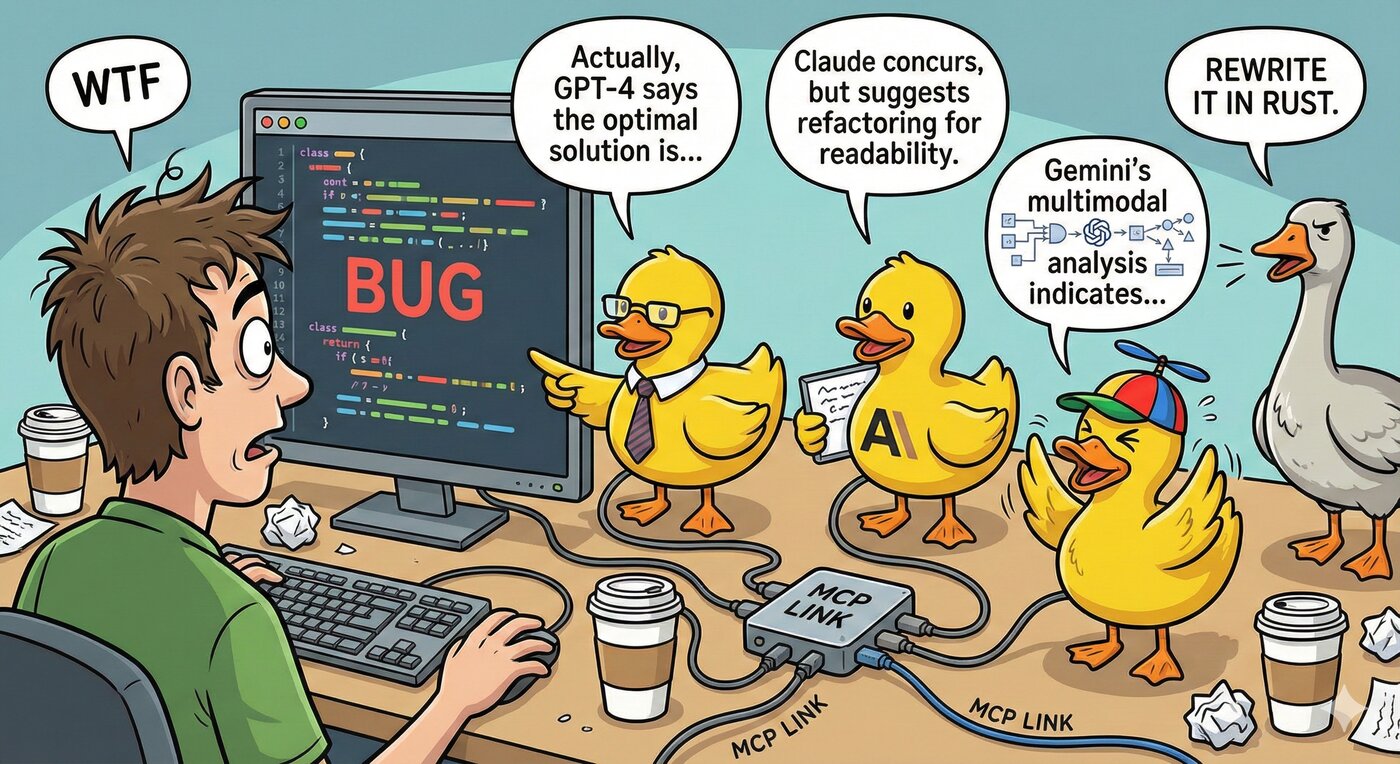
The MCP Rubber Duck server is an MCP server that facilitates querying multiple LLMs, including OpenAI-compatible APIs and CLI coding agents, to provide diverse perspectives on problems. It enables users to manage conversations and gather insights from various AI models simultaneously.
From the registry: Bridge to multiple LLMs and CLI agents: councils, debates, voting, and more


Install & configure
Prerequisites
- required
- requiredLLM Provider API KeyAt least one API key for an HTTP provider (OpenAI, Gemini, Groq, etc.) OR a CLI coding agent installed locally.https://github.com/nesquikm/mcp-rubber-duck/blob/main/docs/configuration.md
Install in your client
Paste into the AI you're chatting with — it will figure out the rest
Please install the `rubber-duck` MCP server into my current AI client (that's you).

Required prerequisites (do these first if not already done):
- **Node.js** — Node.js 20+ required. (https://nodejs.org)
- **LLM Provider API Key** — At least one API key for an HTTP provider (OpenAI, Gemini, Groq, etc.) OR a CLI coding agent installed locally. (https://github.com/nesquikm/mcp-rubber-duck/blob/main/docs/configuration.md)

Canonical MCP server config (stdio transport):
- command: `npx`
- args: ["mcp-rubber-duck"]
- optional environment variables:
  - `OPENAI_API_KEY`: OpenAI API key for GPT models. (example: `sk-...`)
  - `GEMINI_API_KEY`: Google Gemini API key. (example: `<your-gemini-key>`)
  - `GROQ_API_KEY`: Groq API key. (example: `<your-groq-key>`)
  - `DEFAULT_PROVIDER`: Default LLM provider (e.g., openai). (example: `openai`)
  - `MCP_SERVER`: Set to true for MCP server mode. (example: `true`)

Note: Multi-LLM bridge for rubber duck debugging. Supports OpenAI-compatible APIs and CLI agents (Claude Code, Codex, Gemini CLI). Features: compare ducks, vote, debate, LLM-as-judge, MCP bridge. At least one API key or CLI agent required.

Add this MCP server to my current client's config in the correct format for you. If you need secrets or credentials I haven't provided, ASK me — do not invent values or leave raw placeholders. After adding it, tell me how to verify the server is connected.
Note: Multi-LLM bridge for rubber duck debugging. Supports OpenAI-compatible APIs and CLI agents (Claude Code, Codex, Gemini CLI). Features: compare ducks, vote, debate, LLM-as-judge, MCP bridge. At least one API key or CLI agent required.
Tools (15)
ask_duck
Ask a single question to a specific LLM provider
chat_with_duck
Conversation with context maintained across messages
clear_conversations
Clear all conversation history
list_ducks
List configured providers and health status
list_models
List available models for providers
compare_ducks
Ask the same question to multiple providers simultaneously
duck_council
Get responses from all configured ducks
get_usage_stats
Usage statistics and estimated costs
duck_vote
Multi-duck voting with reasoning and confidence
duck_judge
Have one duck evaluate and rank others' responses
duck_iterate
Iteratively refine a response between two ducks
duck_debate
Structured multi-round debate between ducks
mcp_status
MCP Bridge status and connected servers
get_pending_approvals
Pending MCP tool approval requests
Environment variables
OPENAI_API_KEYrequiredOpenAI API keyGEMINI_API_KEYrequiredGoogle Gemini API keyGROQ_API_KEYrequiredGroq API keyPrerequisites
- • Node.js 20
Packages
mcp-rubber-duck
npmv1.18.0transport: stdio
Details
- Language
- TypeScript
- License
- MIT
- Released
- Apr 3, 2026
- Last commit
- May 23, 2026
- Registry name
- io.github.nesquikm/rubber-duck