Wireshark Mcp
by bx33661communityv0.6.5
200
22
Wireshark MCP is an MCP Server that transforms `tshark` into a structured analysis interface, enhancing it with optional Wireshark utilities for packet analysis.
From the registry: Professional network analysis with tshark. Security audits, deep-dives, and threat detection.




Install & configure
Prerequisites
- requiredPython 3.10+Required runtime
- requiredWireshark/tsharkRequired CLI tool. Optional: capinfos, mergecap, editcap, dumpcap, text2pcap
https://www.wireshark.org/$ pip install wireshark-mcp && wireshark-mcp install
Install in your client
Paste into the AI you're chatting with — it will figure out the rest
Please install the `wireshark-mcp` MCP server into my current AI client (that's you).

Required prerequisites (do these first if not already done):
- **Python 3.10+** — Required runtime
- **Wireshark/tshark** — Required CLI tool. Optional: capinfos, mergecap, editcap, dumpcap, text2pcap Run: `pip install wireshark-mcp && wireshark-mcp install` (https://www.wireshark.org/)

Canonical MCP server config (stdio transport):
- command: `uvx`
- args: ["wireshark-mcp"]

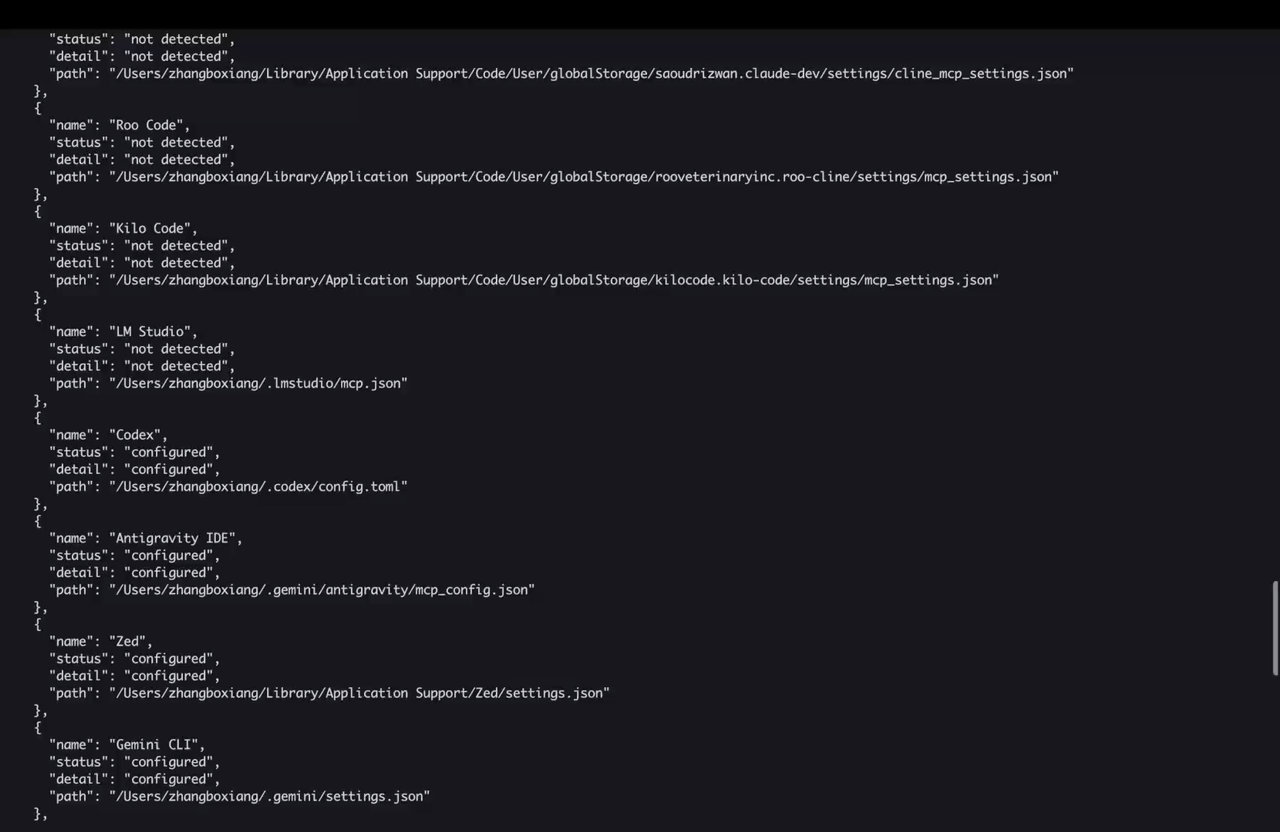
Note: Run wireshark-mcp install to auto-configure all detected MCP clients. Run wireshark-mcp doctor to verify setup.

Add this MCP server to my current client's config in the correct format for you. If you need secrets or credentials I haven't provided, ASK me — do not invent values or leave raw placeholders. After adding it, tell me how to verify the server is connected.
Note: Run wireshark-mcp install to auto-configure all detected MCP clients. Run wireshark-mcp doctor to verify setup.
Tools (6)
tshark
The primary tool for packet analysis.
capinfos
Provides information about capture files.
mergecap
Merges multiple capture files into one.
editcap
Edits capture files.
dumpcap
Captures network traffic.
text2pcap
Converts text files to pcap format.
Prerequisites
- • Python 3.10+
Packages
wireshark-mcp
pypiv0.6.5transport: stdio
Details
- Language
- Python
- License
- MIT
- Released
- Mar 16, 2026
- Last commit
- Aug 4, 2026
- Registry name
- io.github.bx33661/wireshark-mcp