Eyebrowse
by Evil-Banecommunityv0.3.10
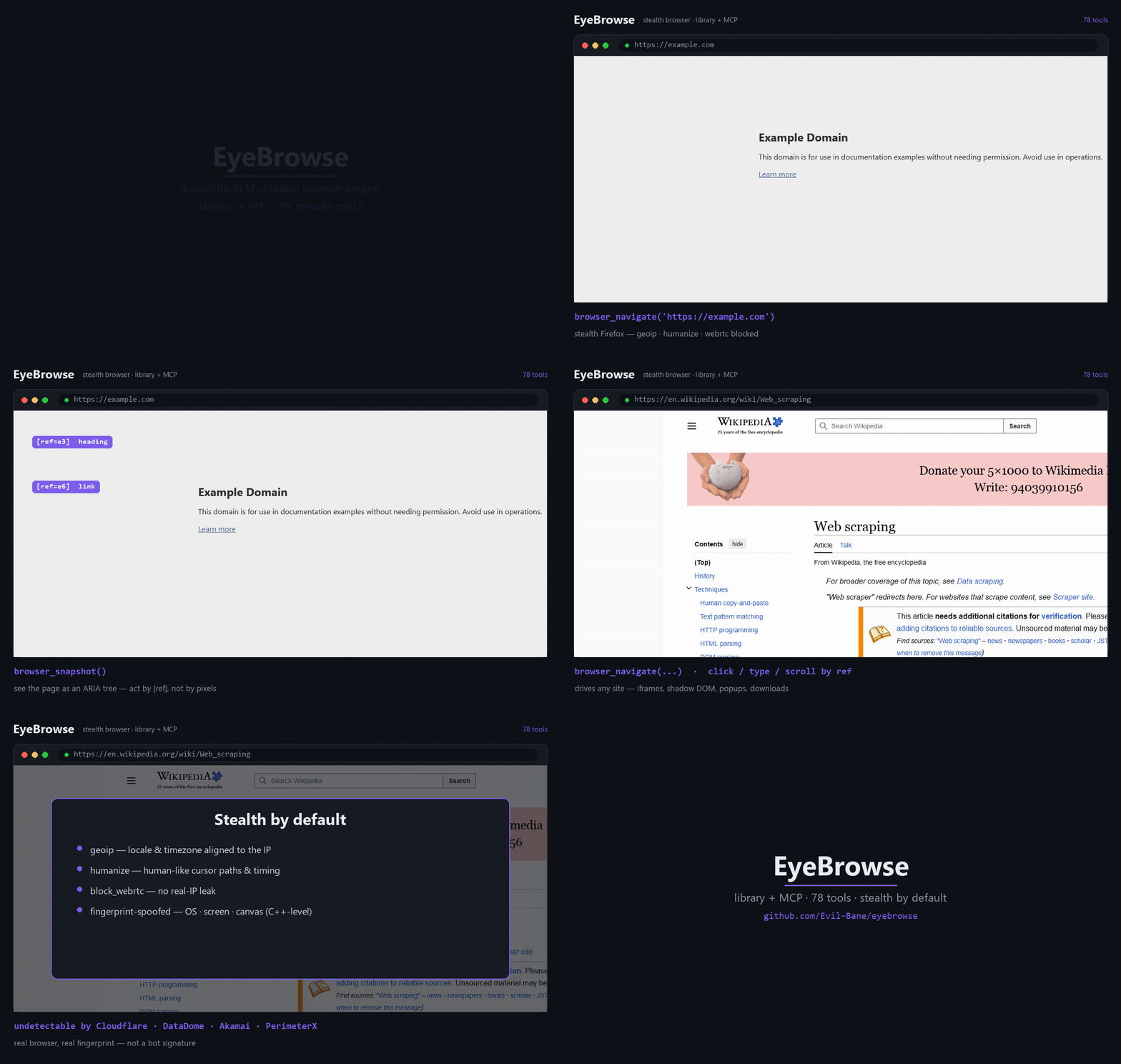
EyeBrowse provides a Python library and MCP server for controlling a stealth Chromium browser with ARIA-ref-based interaction, network inspection, screenshots, PDF/MHTML capture, and other browser automation features. It includes proxy/identity rotation, captcha solver integrations, and can extract rendered pages to markdown without using an LLM.
From the registry: Stealthy, LLM-drivable browser engine — a Python library + 85-tool MCP server on stealth Chromium.





Install & configure
Prerequisites
- requiredInstall Python 3.12EyeBrowse requires Python 3.12 and is pinned to versions below 3.13.https://www.python.org/
- requiredInstall the EyeBrowse packageInstall the MCP server from PyPI. The stealth Chromium browser binary is downloaded automatically on first launch.
https://pypi.org/project/eyebrowse/$ pip install eyebrowse
Install in your client
Paste into the AI you're chatting with — it will figure out the rest
Please install the `eyebrowse` MCP server into my current AI client (that's you).

Required prerequisites (do these first if not already done):
- **Install Python 3.12** — EyeBrowse requires Python 3.12 and is pinned to versions below 3.13. (https://www.python.org/)
- **Install the EyeBrowse package** — Install the MCP server from PyPI. The stealth Chromium browser binary is downloaded automatically on first launch. Run: `pip install eyebrowse` (https://pypi.org/project/eyebrowse/)

Canonical MCP server config (stdio transport):
- command: `eyebrowse-mcp`
- args: []

Note: EyeBrowse ships a FastMCP server over stdio. It runs proxyless by default and the README does not require any environment variables for basic MCP use. Optional proxy or captcha-related settings are mentioned, but no concrete MCP env var names beyond the EYEBROWSE_PROXY_* family are documented in the README.

Add this MCP server to my current client's config in the correct format for you. If you need secrets or credentials I haven't provided, ASK me — do not invent values or leave raw placeholders. After adding it, tell me how to verify the server is connected.
Note: EyeBrowse ships a FastMCP server over stdio. It runs proxyless by default and the README does not require any environment variables for basic MCP use. Optional proxy or captcha-related settings are mentioned, but no concrete MCP env var names beyond the EYEBROWSE_PROXY_* family are documented in the README.
Tools (4)
browser_navigate
Navigate the browser to a URL
browser_click
Click an element by reference
browser_type
Type text into an element by reference
browser_extract
Extract rendered page content as clean markdown
Environment variables
EYEBROWSE_PROXY_*Optional default proxy settings for proxy and identity rotationPrerequisites
- • Python 3.12
Packages
eyebrowse
pypiv0.3.10transport: stdio
Details
- Language
- Python
- License
- MIT
- Released
- Jun 18, 2026
- Last commit
- Jun 18, 2026
- Registry name
- io.github.Evil-Bane/eyebrowse