Imronai Mcp Server Browserbase
by ai.smitherycommunityv2.0.0
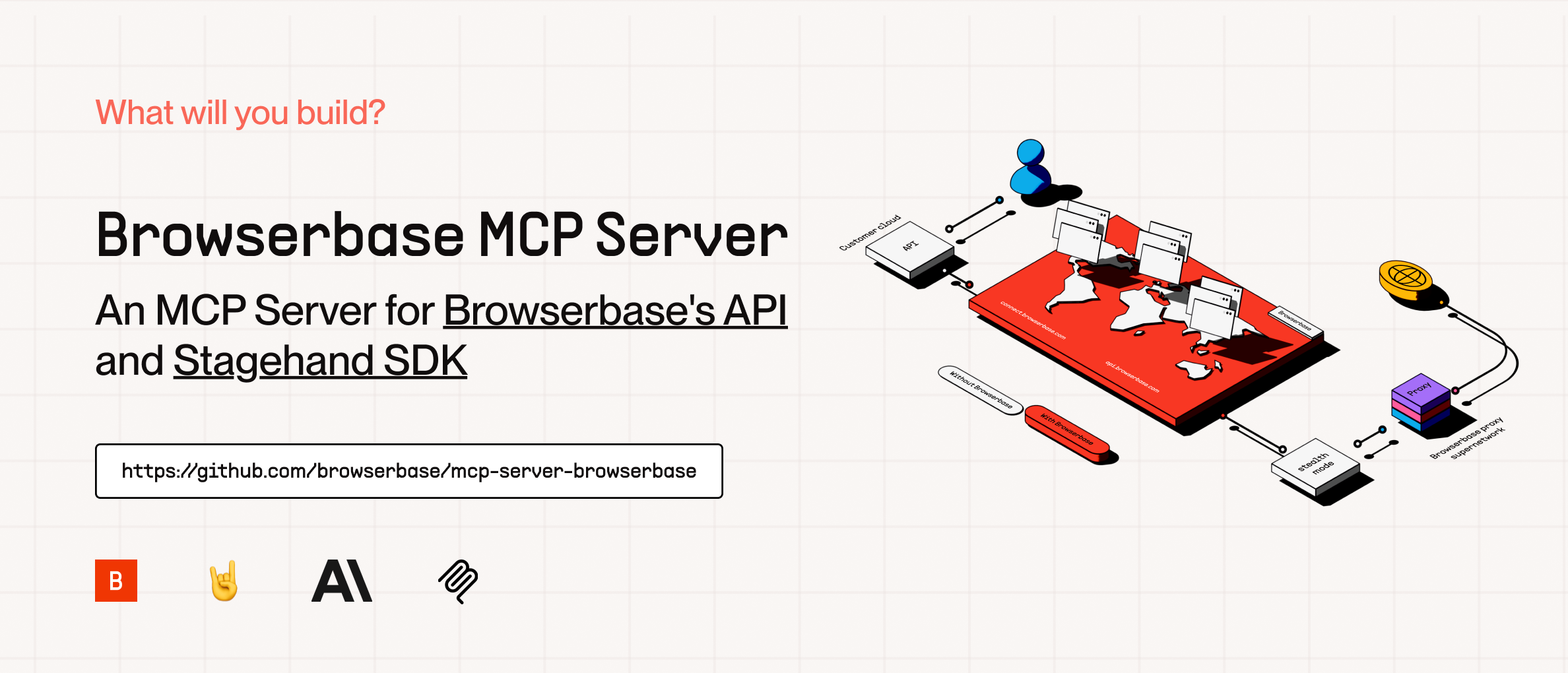
The Browserbase MCP Server provides cloud browser automation capabilities, allowing LLMs to interact with web pages, take screenshots, extract information, and perform automated actions with precision.
From the registry: Automate cloud browsers to navigate websites, interact with elements, and extract structured data.…
Install & configure
Prerequisites
- requiredBrowserbase accountSign up at browserbase.com and grab the API key and project IDhttps://www.browserbase.com/
- requiredGemini API keyGoogle Gemini API key (Stagehand defaults to gemini-2.0-flash; other models need --modelName + --modelApiKey)https://aistudio.google.com/apikey
Install in your client
Paste into the AI you're chatting with — it will figure out the rest
Please install the `imronai-mcp-server-browserbase` MCP server into my current AI client (that's you).

Required prerequisites (do these first if not already done):
- **Browserbase account** — Sign up at browserbase.com and grab the API key and project ID (https://www.browserbase.com/)
- **Gemini API key** — Google Gemini API key (Stagehand defaults to gemini-2.0-flash; other models need --modelName + --modelApiKey) (https://aistudio.google.com/apikey)

Canonical MCP server config (stdio transport):
- command: `npx`
- args: ["@browserbasehq/mcp-server-browserbase"]
- required environment variables:
  - `BROWSERBASE_API_KEY`: Browserbase API key (example: `<your-browserbase-api-key>`)
  - `BROWSERBASE_PROJECT_ID`: Browserbase project ID (example: `<your-browserbase-project-id>`)
  - `GEMINI_API_KEY`: Google Gemini API key (default Stagehand model) (example: `<your-gemini-api-key>`)

Note: Fork of the official @browserbasehq/mcp-server-browserbase. Also available as a hosted SHTTP endpoint via Smithery.

Add this MCP server to my current client's config in the correct format for you. If you need secrets or credentials I haven't provided, ASK me — do not invent values or leave raw placeholders. After adding it, tell me how to verify the server is connected.
Note: Fork of the official @browserbasehq/mcp-server-browserbase. Also available as a hosted SHTTP endpoint via Smithery.
Tools (2)
Browserbase
Enables control and orchestration of cloud browsers.
Stagehand
Facilitates interaction with multiple LLM models.
Environment variables
BROWSERBASE_API_KEYrequiredAPI key for accessing Browserbase services.BROWSERBASE_PROJECT_IDrequiredProject ID for Browserbase.GEMINI_API_KEYrequiredAPI key for the Gemini model.Remote Endpoints
https://server.smithery.ai/@ImRonAI/mcp-server-browserbase/mcp
type: streamable-http
Details
- Language
- TypeScript
- License
- Apache-2.0
- Released
- Sep 16, 2025
- Last commit
- Sep 12, 2025
- Registry name
- ai.smithery/ImRonAI-mcp-server-browserbase