Inav Mcp
by starlordz12communityv0.3.2
1
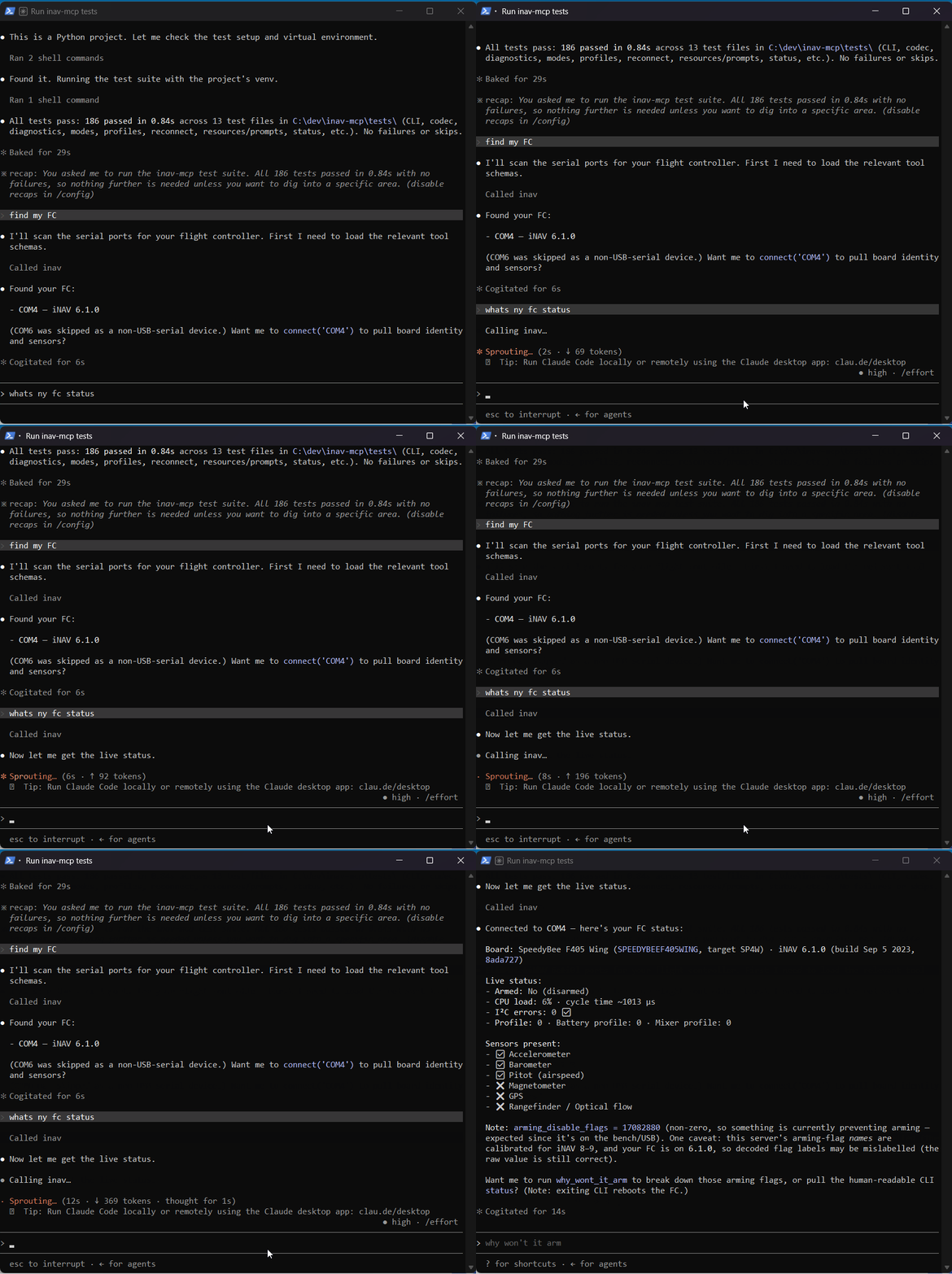
An MCP server for configuring, diagnosing, and troubleshooting iNAV flight controllers over USB, aimed mainly at fixed-wing and flying-wing aircraft. It uses MSP for live reads and the iNAV CLI for writes, with backups, dry-run confirmation, armed-state checks, and read-back verification.
From the registry: MCP server for iNAV flight-controller configuration and diagnostics


Install & configure
Prerequisites
- requiredInstall Python 3.10+Python 3.10 or newer is required to run the server.
- requiredInstall the package from PyPIInstall the MCP server package using pip.
https://pypi.org/project/inav-mcp/$ pip install inav-mcp - requiredConnect an iNAV flight controller over USBTo actually use the server, you need an iNAV flight controller connected over USB.
- requiredKnow the serial port nameYou need the serial port the flight controller enumerates as, such as COM3 on Windows or /dev/ttyACM0 on Linux.
Install in your client
Paste into the AI you're chatting with — it will figure out the rest
Please install the `inav-mcp` MCP server into my current AI client (that's you).

Required prerequisites (do these first if not already done):
- **Install Python 3.10+** — Python 3.10 or newer is required to run the server.
- **Install the package from PyPI** — Install the MCP server package using pip. Run: `pip install inav-mcp` (https://pypi.org/project/inav-mcp/)
- **Connect an iNAV flight controller over USB** — To actually use the server, you need an iNAV flight controller connected over USB.
- **Know the serial port name** — You need the serial port the flight controller enumerates as, such as COM3 on Windows or /dev/ttyACM0 on Linux.

Canonical MCP server config (stdio transport):
- command: `inav-mcp`
- args: []

Note: The README states the server speaks MCP over stdio and can be run directly with the installed entry point `inav-mcp`. The documented config examples use a local virtualenv Python command with `-m inav_mcp.server`, but the simpler portable install path is the installed entry point. No environment variables are documented.

Add this MCP server to my current client's config in the correct format for you. If you need secrets or credentials I haven't provided, ASK me — do not invent values or leave raw placeholders. After adding it, tell me how to verify the server is connected.
Note: The README states the server speaks MCP over stdio and can be run directly with the installed entry point `inav-mcp`. The documented config examples use a local virtualenv Python command with `-m inav_mcp.server`, but the simpler portable install path is the installed entry point. No environment variables are documented.
Tools (35)
list_serial_ports
List available serial ports.
find_fc
Auto-detect which serial port has an iNAV flight controller by probing for MSP identity.
connect
Open the flight controller connection and return board identity.
disconnect
Close the connection to the flight controller.
board_info
Return FC variant, firmware version, target, API version, and sensors.
define_aircraft
Create an offline aircraft profile and generate a CLI configuration plan.
get_aircraft_profile
Return the current aircraft profile and generated plan.
apply_aircraft_setup
Apply the generated aircraft setup plan with safety gating and verification.
check_config
Compare current config against the declared profile and check arming status.
suggest_mode_layout
Recommend a fixed-wing switch and mode layout.
set_flight_mode
Assign a flight mode to an AUX channel range.
assign_switch
Map a whole 2/3/6-position switch to modes in one call.
clear_flight_mode
Prerequisites
- • Python 3.10+
Packages
inav-mcp
pypiv0.3.2transport: stdio
Details
- Language
- Python
- License
- MIT
- Released
- Jun 24, 2026
- Last commit
- Jun 26, 2026
- Registry name
- io.github.starlordz12/inav-mcp