Isaacsim Mcp Server
by whats2000communityv0.4.1
30
4
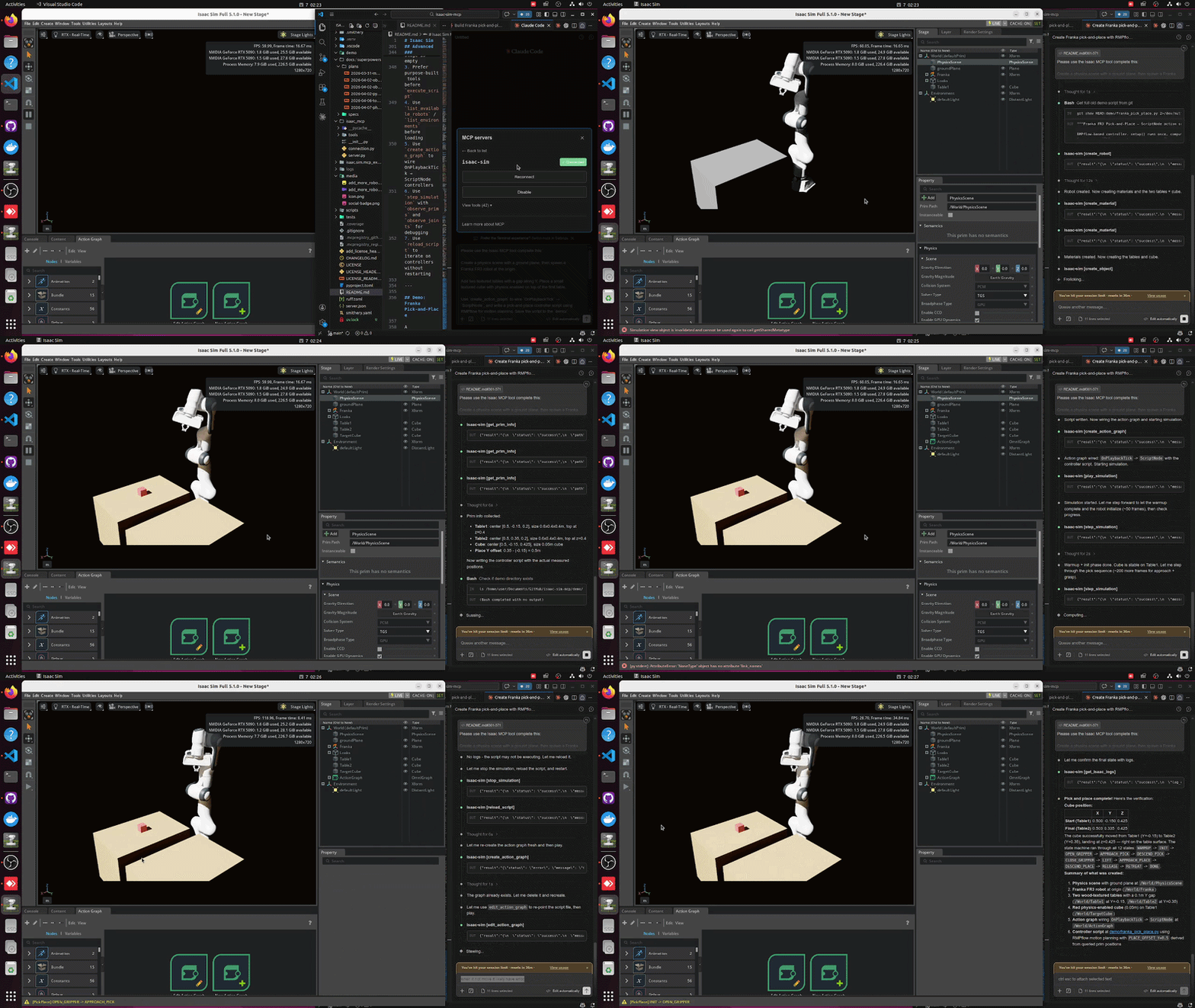
The Isaac Sim MCP Server enables natural language control of NVIDIA Isaac Sim through the Model Context Protocol (MCP), allowing users to create robots, build scenes, run simulations, and debug physics using plain-English prompts.
From the registry: Control NVIDIA Isaac Sim robotics simulator through MCP with 39 tools




Install & configure
Prerequisites
- requiredNVIDIA Isaac Sim 5.1.0Install NVIDIA Isaac Sim 5.1.0 (Linux only).https://developer.nvidia.com/isaac-sim
- requiredPython 3.10+Python version 3.10 or later required.
- requiredInstall isaacsim-mcp-serverInstall MCP server package.
$ pip install isaacsim-mcp-server - requiredClone repo and launch Isaac Sim with extensionRepo contains the Isaac Sim extension; launch Isaac Sim with the extension to expose the TCP socket.
https://github.com/whats2000/isaacsim-mcp-server$ ./scripts/run_isaac_sim.sh
Install in your client
Paste into the AI you're chatting with — it will figure out the rest
Please install the `isaacsim-mcp-server` MCP server into my current AI client (that's you).

Required prerequisites (do these first if not already done):
- **NVIDIA Isaac Sim 5.1.0** — Install NVIDIA Isaac Sim 5.1.0 (Linux only). (https://developer.nvidia.com/isaac-sim)
- **Python 3.10+** — Python version 3.10 or later required.
- **Install isaacsim-mcp-server** — Install MCP server package. Run: `pip install isaacsim-mcp-server`
- **Clone repo and launch Isaac Sim with extension** — Repo contains the Isaac Sim extension; launch Isaac Sim with the extension to expose the TCP socket. Run: `./scripts/run_isaac_sim.sh` (https://github.com/whats2000/isaacsim-mcp-server)

Canonical MCP server config (stdio transport):
- command: `/path/to/isaacsim-mcp-server/scripts/run_mcp_server.sh`
- args: []
- optional environment variables:
  - `ISAAC_MCP_PORT`: Port for Isaac Sim MCP extension (example: `8766`)
  - `BEAVER3D_MODEL`: Beaver3D model name
  - `ARK_API_KEY`: Beaver3D API key (example: `<your-api-key>`)
  - `NVIDIA_API_KEY`: NVIDIA API key (example: `<your-api-key>`)

Note: Linux only. Requires running Isaac Sim instance with installed extension.

Add this MCP server to my current client's config in the correct format for you. If you need secrets or credentials I haven't provided, ASK me — do not invent values or leave raw placeholders. After adding it, tell me how to verify the server is connected.
Note: Linux only. Requires running Isaac Sim instance with installed extension.
Tools (9)
get_scene_info
Checks the connection and retrieves information about the current scene.
create_physics_scene
Creates a physics-enabled scene.
create_robot
Spawns a robot in the simulation.
list_available_robots
Lists all robots available in the library.
create_camera
Creates a camera in the simulation.
capture_image
Captures an image from the camera.
play_simulation
Starts the simulation.
step_simulation
Steps the simulation forward by one time step.
reload_script
Reloads the Python script without restarting the simulation.
Environment variables
ARK_API_KEYrequiredAPI key for Beaver3D.NVIDIA_API_KEYrequiredAPI key for NVIDIA services.Prerequisites
- • Python 3.10+
- • Python 3.10
Packages
isaacsim-mcp-server
pypiv0.4.1transport: stdio
Details
- Language
- Python
- License
- MIT
- Released
- Apr 2, 2026
- Last commit
- Jun 4, 2026
- Registry name
- io.github.whats2000/isaacsim-mcp-server