Mcp Airq
by CorantGmbHcommunityv1.6.3
MCP server for air-Q air quality sensor devices that allows clients to query and configure devices on a local network.
From the registry: MCP server for direct HTTP communication with air-Q air quality sensor devices







Install & configure
Prerequisites
- requiredDevice config fileCreate ~/.config/airq-devices.json with your air-Q device list (address, password)
Install in your client
Paste into the AI you're chatting with — it will figure out the rest
Please install the `mcp-airq` MCP server into my current AI client (that's you).

Required prerequisites (do these first if not already done):
- **Device config file** — Create ~/.config/airq-devices.json with your air-Q device list (address, password)

Canonical MCP server config (stdio transport):
- command: `uvx`
- args: ["mcp-airq"]
- required environment variables:
  - `AIRQ_CONFIG_FILE`: Path to the air-Q devices JSON config (example: `/home/you/.config/airq-devices.json`)
- optional environment variables:
  - `AIRQ_DEVICES`: Alternative: inline JSON device list

Add this MCP server to my current client's config in the correct format for you. If you need secrets or credentials I haven't provided, ASK me — do not invent values or leave raw placeholders. After adding it, tell me how to verify the server is connected.
Tools (20)
list_devices
List all configured air-Q devices (with location/group if set)
get_air_quality
Get sensor readings — by device, location, or group
get_air_quality_history
Get historical sensor data as column-oriented JSON
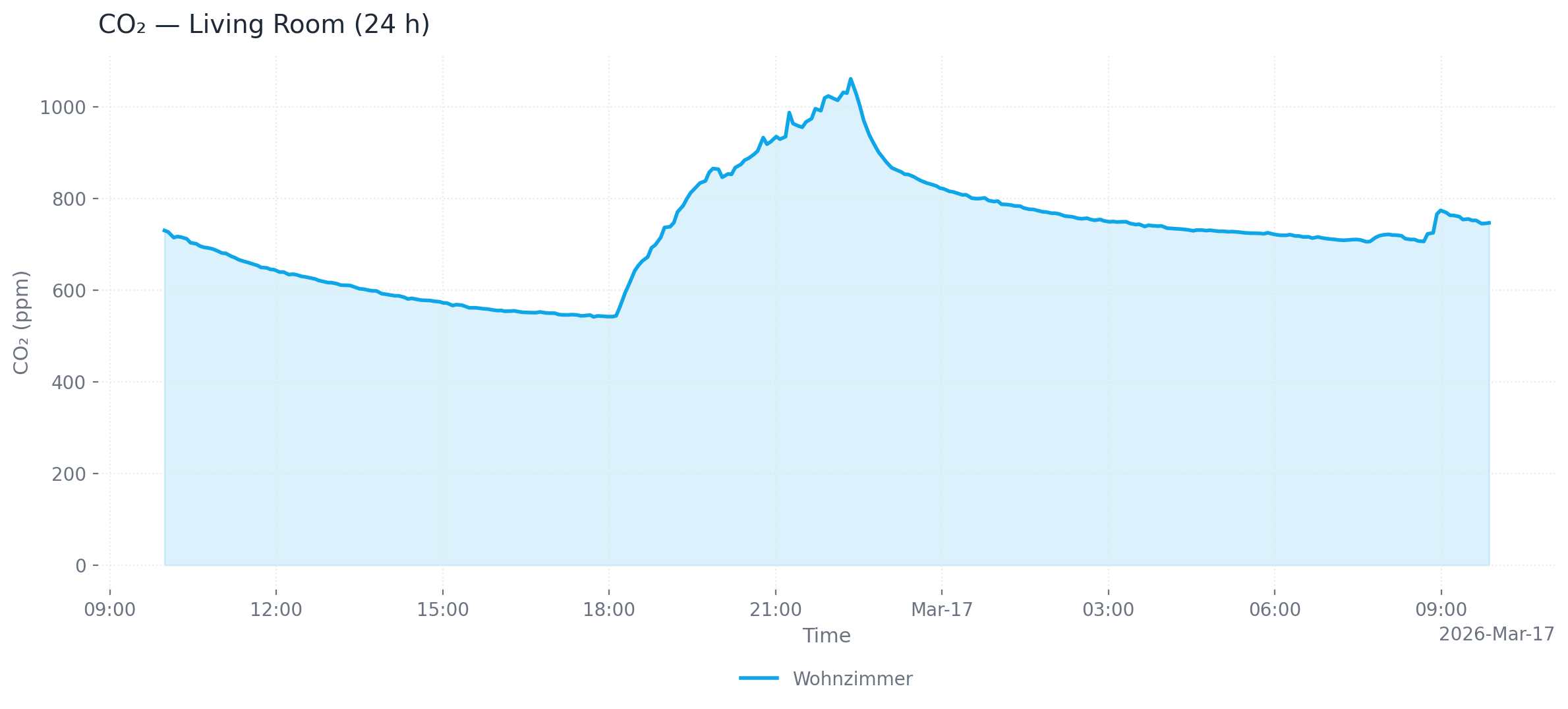
plot_air_quality_history
Render one historical chart per sensor across all matching devices
export_air_quality_history
Export one historical sensor as one csv/xlsx across matching devices
get_device_info
Get device metadata (name, model, firmware version)
get_config
Get full device configuration
get_logs
Get device log entries
identify_device
Make device blink its LEDs for visual identification
get_led_theme
Get current LED visualization theme
get_possible_led_themes
List all available LED visualization themes
get_night_mode
Get current night mode configuration
get_brightness_config
Get current LED brightness configuration
Environment variables
AIRQ_CONFIG_FILErequiredPath to the JSON file containing device configurationsPackages
mcp-airq
pypiv1.6.3transport: stdio
Details
- Language
- Python
- License
- Apache-2.0
- Released
- Mar 16, 2026
- Last commit
- Jun 19, 2026
- Registry name
- io.github.CorantGmbH/mcp-airq