Openroad Mcp
by luarsscommunityv0.5.3
12
9
The OpenROAD MCP Server is a Model Context Protocol server that facilitates interaction with OpenROAD and OpenROAD Flow Scripts (ORFS) through persistent sessions and command management.
From the registry: The OpenROAD MCP server - interactive EDA sessions via Model Context Protocol
Install & configure
Prerequisites
- requiredOpenROADOpenROAD must be installed and available in PATH.https://openroad.readthedocs.io/en/latest/main/GettingStarted.html
- requiredPython 3.13+ and uvPython 3.13+ and the uv package manager.
$ curl -LsSf https://astral.sh/uv/install.sh | sh
Install in your client
Paste into the AI you're chatting with — it will figure out the rest
Please install the `openroad-mcp` MCP server into my current AI client (that's you).

Required prerequisites (do these first if not already done):
- **OpenROAD** — OpenROAD must be installed and available in PATH. (https://openroad.readthedocs.io/en/latest/main/GettingStarted.html)
- **Python 3.13+ and uv** — Python 3.13+ and the uv package manager. Run: `curl -LsSf https://astral.sh/uv/install.sh | sh`

Canonical MCP server config (stdio transport):
- command: `uvx`
- args: ["--from","git+https://github.com/luarss/openroad-mcp","openroad-mcp"]

Note: EDA/chip design tool for RTL-to-GDS flows. Supports interactive OpenROAD sessions with persistent state.

Add this MCP server to my current client's config in the correct format for you. If you need secrets or credentials I haven't provided, ASK me — do not invent values or leave raw placeholders. After adding it, tell me how to verify the server is connected.
Note: EDA/chip design tool for RTL-to-GDS flows. Supports interactive OpenROAD sessions with persistent state.
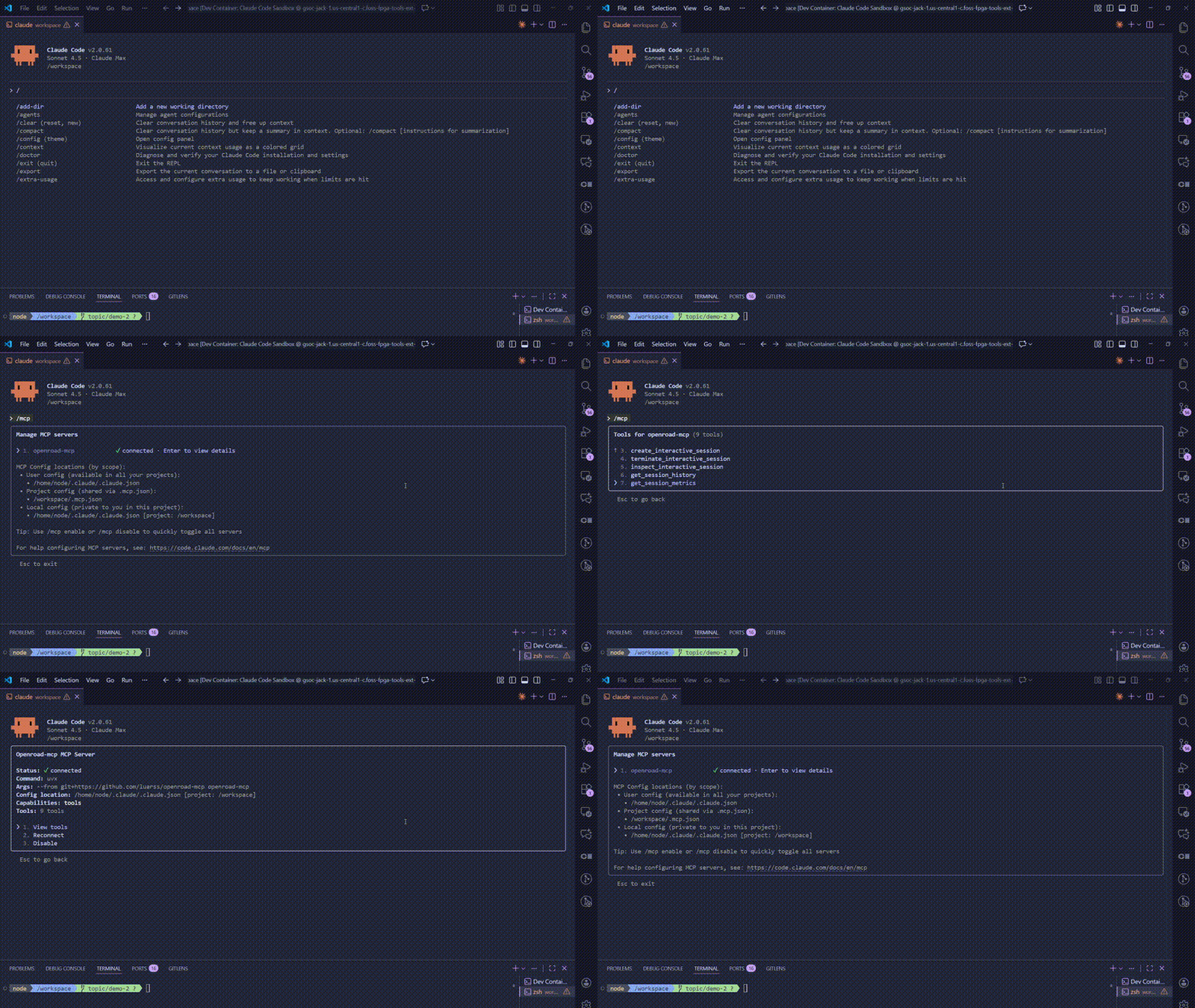
Tools (9)
interactive_openroad
Execute commands in an interactive OpenROAD session
create_interactive_session
Create a new OpenROAD session
list_interactive_sessions
List all active sessions
terminate_interactive_session
Terminate a session
inspect_interactive_session
Get detailed session information
get_session_history
View command history
get_session_metrics
Get performance metrics
list_report_images
List ORFS report directory images
read_report_image
Read a ORFS report image
Prerequisites
- • Python 3.13+
Demos
Packages
openroad-mcp
pypiv0.5.3transport: stdio
ghcr.io/luarss/openroad-mcp:0.5.3
ocitransport: stdio
Details
- Language
- Python
- License
- BSD-3-Clause
- Released
- Jun 5, 2026
- Last commit
- Aug 4, 2026
- Registry name
- io.github.luarss/openroad-mcp